

A good proxy service should give you choices without making setup complicated.
Sometimes you need IPs that rotate. Sometimes you want to stay on the same IP for a while. And sometimes only a fixed, dedicated IP will do.
With PuraRoute, you can choose the proxy type, location, session mode, and connection method that fit your setup. You can also buy proxy resources, create connection details, check usage, and manage your proxies from one account.
Whether you need one stable IP or access to a larger residential IP pool, PuraRoute gives you more ways to set up your connection without making proxy management harder than it needs to be.
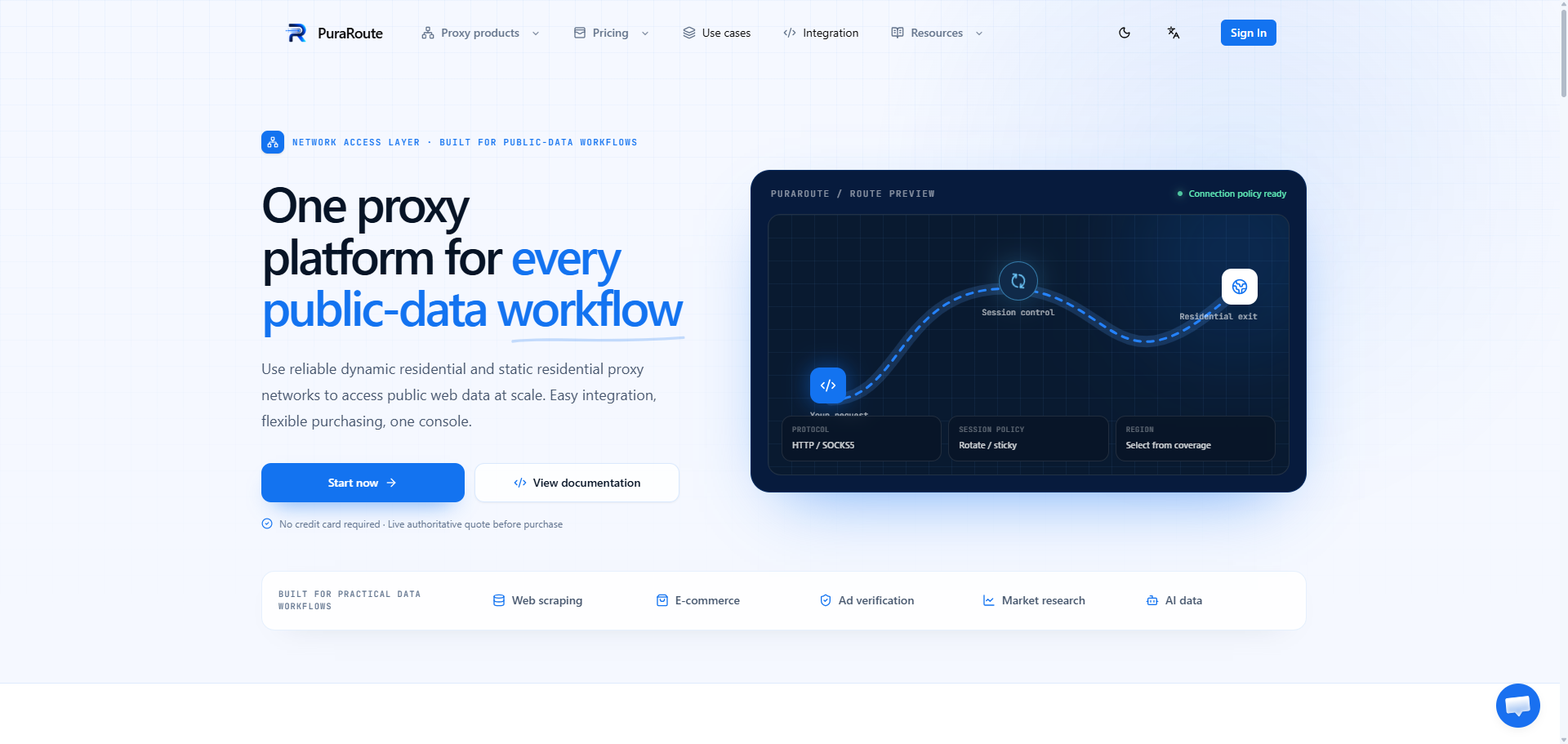
Choose the Proxy Type That Fits Your Setup
PuraRoute offers both dynamic residential proxies and static residential proxies.
The difference is easy to understand.
Dynamic residential proxies give you access to residential IPs that can rotate or stay active for a selected session.
Static residential proxies give you dedicated IPs that stay fixed during the purchased period.
So you do not have to use the same type of proxy for every task.
| Proxy Type | How the IP Works | Purchase Method |
|---|---|---|
| Dynamic Residential | Rotating or sticky IP | By traffic in GB |
| Static Residential | Fixed, dedicated IP | By IP quantity and duration |
Both options can be managed from PuraRoute, making it easier to switch between different proxy setups when your needs change.
Dynamic Residential Proxies With More Ways to Connect
PuraRoute dynamic residential proxies are a good choice when you want access to a larger pool of residential IPs.
You can choose a location, select how the IP should rotate, and generate the proxy connection directly from the PuraRoute console.
Two session modes are available:
Rotating Sessions
Choose Rotating when the same IP does not need to stay active between connections.
The proxy can use different residential exits over time, giving you a simple way to work with multiple IPs without buying each IP separately.
Sticky Sessions
Choose Sticky when you want to keep the same IP for a set period.
This is useful when several requests need to stay on the same connection instead of changing IP immediately.
A sticky session is still temporary. It is not the same as owning a fixed IP. The exit may change after the session expires, after a reconnect, or when the current exit is no longer available.
If you need the same IP for much longer, PuraRoute's static residential proxies are the better option.
Static Residential Proxies When You Need a Fixed IP
PuraRoute static residential proxies give you a fixed IP that is assigned only to you during the active resource period.
There is no need to depend on a temporary sticky session when your setup requires a stable connection.
Current static residential proxy options include:
- Dedicated IPs
- Fixed IP addresses
- Unlimited traffic
- HTTP and SOCKS5 support
- Multiple country and city options
- 7-day and 30-day renewal options
- Resource renewal and management
PuraRoute currently lists more than 500,000 static IPs and coverage across over 100 countries for its static residential products. Actual inventory and final pricing are checked in the console before purchase.
Static proxies are purchased by IP quantity and usage period, rather than by GB.
This gives you a different way to buy proxies when keeping the same IP matters more than rotating through a large IP pool.
Pick the Location You Need
A proxy is much more useful when you can choose where the IP comes from.
PuraRoute lets users select from currently available locations when creating proxy connections. Dynamic residential proxies support geographic settings, while static proxy locations depend on live inventory.
This means you can choose a connection that better matches the location you need instead of using whatever IP happens to be available.
If a specific region is not required, automatic routing can also keep setup simple.
Because proxy inventory can change, PuraRoute shows current availability in the console rather than relying only on a fixed location list.
Switch Between Rotating, Sticky, and Fixed IPs
One of the most useful parts of PuraRoute is having different IP options in the same service.
You do not always need a rotating proxy.
You also do not always need to pay for a dedicated static IP.
With PuraRoute, you can choose based on how long you want to keep the connection:
Need IPs to change regularly?
Use a rotating residential proxy.
Need the same IP for a short session?
Use Sticky mode.
Need one IP to stay fixed for a longer period?
Choose a static residential proxy.
This keeps the decision simple. Start with how you want the IP to behave, then choose the matching proxy type.
Connect With HTTP(S) or SOCKS5
PuraRoute supports standard proxy connection methods, so you can use the service with many browsers, applications, scripts, and tools that already support proxies.
Dynamic residential connections can be generated with HTTP(S) or SOCKS5. Static residential resources also support common proxy protocols based on the selected product and available resource.
There is no special connection format you need to learn.
Once the proxy is ready, PuraRoute provides the host, port, username, and password you need to connect.
For developers, PuraRoute also provides connection examples for common languages and tools, including:
- Python
- cURL
- Node.js
- Go
- Java
The console can generate connection examples based on the proxy settings you choose.
Keep Proxy Management in One Place
Using proxies is one thing. Keeping track of them is another.
PuraRoute puts purchasing, connection settings, usage information, and proxy resources in the same console.
Depending on the product you use, you can check and manage:
- Available dynamic residential traffic
- Traffic batches
- Daily proxy usage
- Subaccounts
- Traffic limits
- Orders and payment status
- Wallet balance
- Static proxy resources
- Proxy locations
- Expiration dates
- Renewal settings
This becomes especially useful when you have more than one proxy setup.
Instead of keeping credentials, traffic limits, static IPs, and renewal dates in different places, you can check them from the same PuraRoute account.
Create Separate Subaccounts When You Need Them
Dynamic residential proxy users can create subaccounts and give each one its own traffic limit.
For example, you may want separate proxy credentials for different tools, projects, or team members.
Instead of giving everyone the same account details, you can create separate subaccounts and decide how much traffic each one can use.
PuraRoute also shows daily usage by subaccount, making it easier to see where your proxy traffic is going.
It is a small feature, but one that becomes much more useful as proxy usage grows.
Buy Proxies Based on How You Use Them
PuraRoute does not use one pricing model for every proxy product.
Dynamic residential proxies are purchased by traffic in GB.
Static residential proxies are purchased by the number of IPs and the length of time you need them.
That means you can choose the buying model that makes sense for the type of proxy you are using.
Before completing an order, PuraRoute provides a live quote based on the current product, quantity, duration, region, inventory, and other selected options.
This is also why the final amount shown in the console should be used when checking current prices.
Use PuraRoute With the Tools You Already Have
You do not need to change your whole setup just to start using a new proxy provider.
If your browser, software, automation tool, or code already supports standard HTTP or SOCKS5 proxies, PuraRoute can usually be added using the connection details generated in the console.
The basic process is straightforward:
- Choose the proxy product you need.
- Purchase traffic or static IP resources.
- Select your location and connection settings.
- Generate or retrieve your proxy credentials.
- Add the proxy to your browser, software, or code.
- Test the connection before using it more widely.
For dynamic residential proxies, you can also choose between rotating and sticky sessions during setup.
One Proxy Service, Different Ways to Use It
There is no single reason people use proxies.
One person may need to check content from another location. Another may want rotating IPs for a large number of requests. A team may need dedicated IPs that stay the same for longer periods.
Common uses for residential proxies include:
- Web scraping
- Price and product monitoring
- Market research
- Ad verification
- Website testing
- SEO tracking
- E-commerce
- Travel data
- Account operations
- Other tasks that require different IP locations or connection types
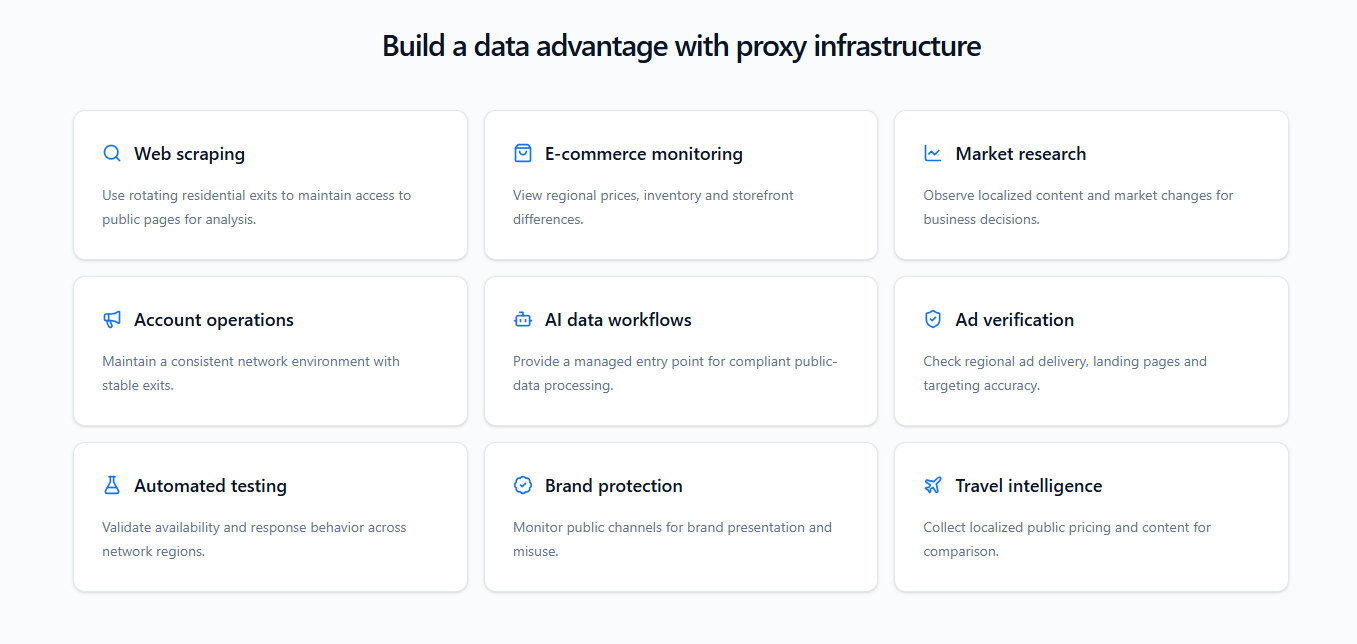
PuraRoute supports both changing and fixed IP setups, so the service is not limited to one type of task. Its current product pages cover uses ranging from web scraping and market research to account operations and long-running connections.
Why PuraRoute?
PuraRoute keeps the main proxy choices simple.
You can get rotating residential IPs when you need more IPs, use sticky sessions when you want to hold an IP temporarily, or choose dedicated static residential proxies when you need a fixed connection.
At the same time, you can control the location, choose a supported protocol, create separate proxy accounts, check traffic, and manage static resources from the same place.
With PuraRoute, you get:
- Dynamic residential proxies
- Dedicated static residential proxies
- Rotating and sticky session options
- Global location choices
- HTTP(S) and SOCKS5 support
- Subaccount and traffic management
- Live proxy usage information
- Static resource and renewal management
- Standard connections for common tools and programming languages
There are enough options to handle different proxy needs, without turning basic proxy setup into a complicated process.
Get Started With PuraRoute
Choosing a proxy should start with a few simple questions.
Do you want the IP to rotate or stay the same?
Which location do you need?
Do you want to pay by traffic or use a dedicated IP for a fixed period?
Once you know that, PuraRoute makes the rest straightforward.
Choose your proxy type, set your connection options, generate your credentials, and manage your proxy resources from one account.
Find the PuraRoute proxy setup that works for you and start connecting.
