

Getting YouTube to work when it’s blocked has turned into a constant back-and-forth , school, work, or even some public Wi-Fi networks will lock the site down, and the usual quick fixes don’t always get you to youtube unlocked. Most people try whatever’s trending in forums, but what works on one connection fails on another. The real headache is figuring out which method is just going to get you stuck in an endless loading screen, and which one actually gets the video running at full speed.
It’s easy to fall for shortcuts that promise to unblock YouTube fast, but a lot of them either stop working as soon as the rules or network settings change, or they break basic features like account logins, comments, or playlists. Some “youtube proxy” sites stream at a crawl or don’t support HD at all. Even browser extensions or DNS tweaks only get you so far before you hit a new wall , especially if you need to access YouTube for work, manage multiple accounts, or keep a steady connection.
The real difference comes down to how you handle network restrictions and which tools you use for the job. Unblocking YouTube isn’t just about getting past a firewall once , it’s about keeping access reliable, fast, and usable for your actual workflow, whether that’s watching videos, uploading content, or handling several accounts across regions. If you slip up, you risk partial access, repeated login prompts, or even getting locked out for suspicious behavior.
So what actually works for getting YouTube unlocked and keeping it that way? Here’s what separates the quick fixes from the long-term solutions.
Why Is YouTube Blocked in 2026, and What Does It Mean for Access?
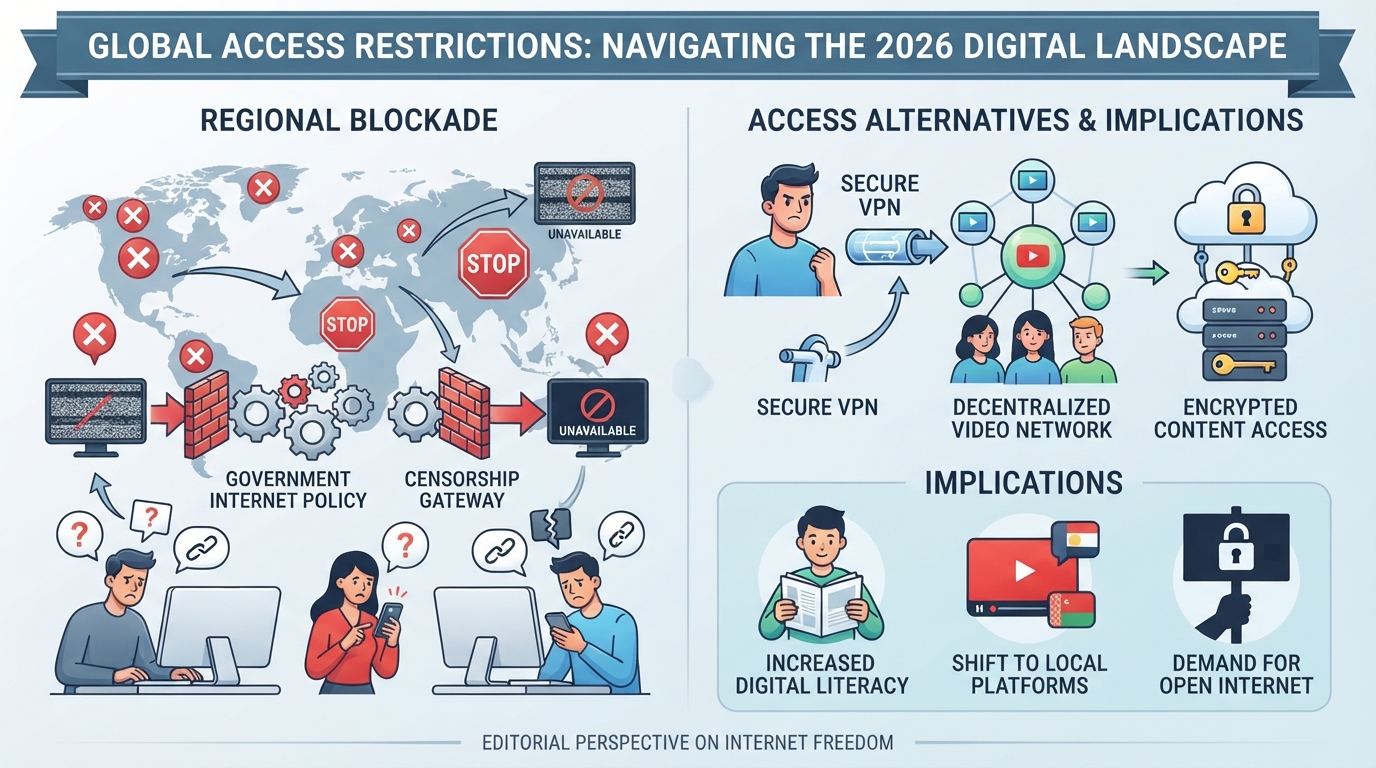
YouTube blocks aren’t one-size-fits-all. Whether you’re trying to watch a tutorial at school, upload content from a business account, or just catch a video on break, the reason you’re blocked, and exactly how you’re blocked, shapes what it’ll take to get YouTube unlocked and keep it that way.
What Are the Common Methods Used to Block YouTube?
Most blocks fall into a few buckets: DNS blocking (redirecting or failing to resolve youtube.com), IP filtering (dropping traffic to known YouTube IP ranges), application-layer controls (inspecting and blocking video streams or logins directly), and device-level restrictions set on managed computers or phones.
What Triggers YouTube Blocks in Schools, Workplaces, and Countries?
The driving force behind a YouTube block depends on where you are and what’s at stake. In schools, administrators use network policies to cut off distractions and enforce safe-search rules, often by combining DNS and firewall rules with device management. At workplaces, blocks are usually about productivity or bandwidth limits; companies may use more advanced application-layer firewalls or proxy filters to stop not just the site, but also the video streams, comments, and uploads. In some countries, it’s not about productivity, it’s the law. Governments may enforce strict legal and regulatory restrictions with nationwide filtering that blocks whole platforms or specific content categories. The catch is, these controls can misfire. A DNS block might break only the homepage, while uploads or embedded videos still load. Or an IP filter might overreach, taking out unrelated Google services. The real headache is that each type of block leaves a different set of holes and headaches for users trying to get YouTube unlocked.
How Do These Blocks Affect What You Can Do on YouTube?
- Some blocks kill access to all YouTube content, no videos, no logins, nothing.
- Others only block certain features: you might be able to watch but not upload, or view videos but not sign in.
- Regional restrictions can hide specific videos or channels, even if the main site loads.
Whether you’re facing a total blackout or just losing upload rights, knowing the type of block is the first step to finding the right workaround. The next section breaks down which methods actually work to unblock YouTube and what risks come with each one.
What Actually Works to Unlock YouTube, and What Are the Risks?
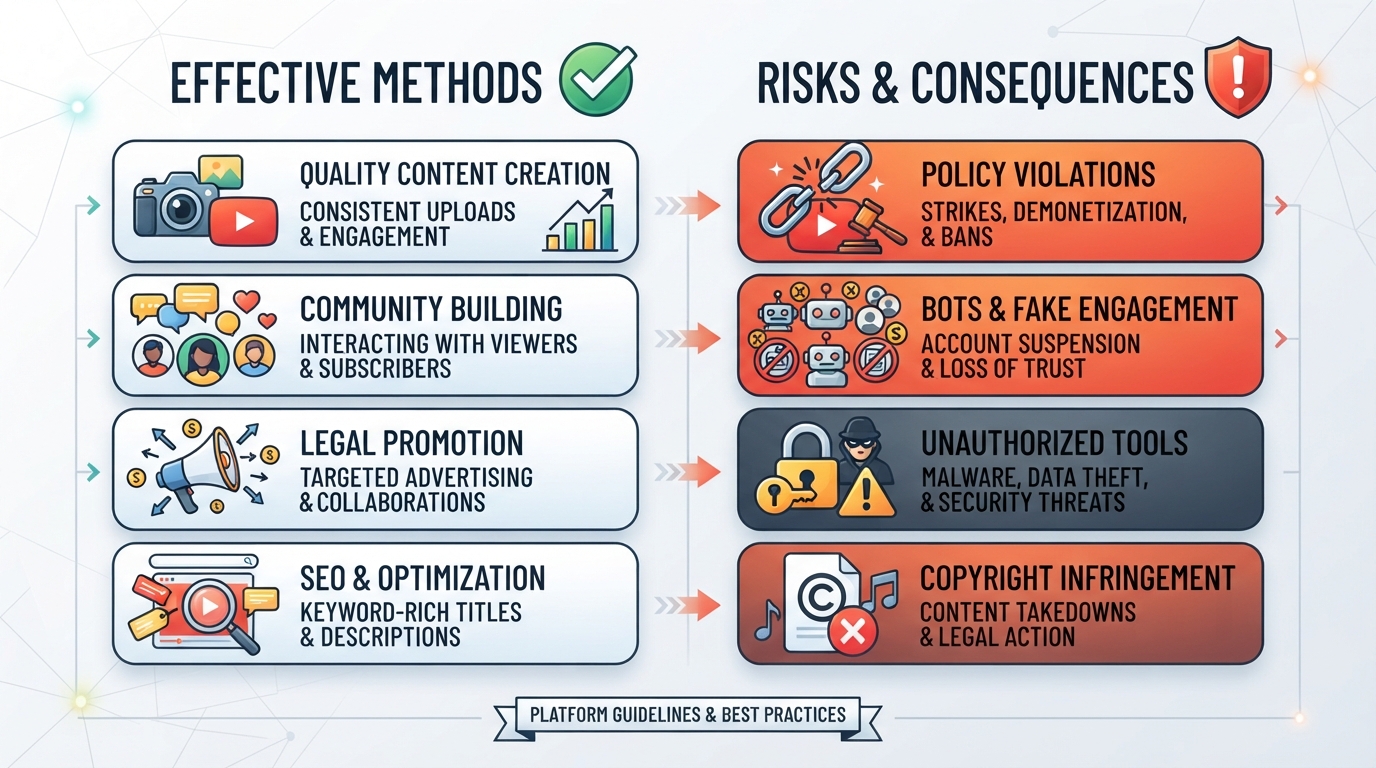
If you’re trying to get YouTube unlocked in 2026, not every trick will work or last. Some methods get you in for a minute, but break when you try to log in, upload, or switch accounts. Others might solve one kind of block but leave you exposed to new risks, like getting your credentials stolen or triggering account locks. Below is a straight look at what methods actually help you access YouTube when blocked, what they do well, and where you can get burned.
How Do Proxies Help Unlock YouTube?
A proxy server sits between you and YouTube, changing the IP address and sometimes the region YouTube sees. But not all proxies work the same way. Here's how the main options stack up:
| Proxy Type | What It Does | Best Use Case | Key Risk or Limit |
|---|---|---|---|
| Rotating Residential | Changes IP each session/request; real users | Bulk viewing, limited login, research | Session may drop; logins less stable |
| Static Residential | Fixed home IP for session duration | Multi-account, uploads, longer logins | IP tied to resource pool; availability varies |
| Static Native | Fixed ISP IP, close to “real” user device | Business account management, uploads | Inventory limited; cost higher |
Session stability is the make-or-break factor, using the wrong proxy type for logged-in YouTube tasks often leads to repeated logouts or bot checks. The residential vs. datacenter proxy comparison also explains why network origin and session behavior matter for different workflows.
Are Browser Extensions and Web Proxies Safe for YouTube?
Browser-based proxies and web extensions promise one-click access, but most just route traffic through third-party servers of unknown quality. That means your logins, cookies, and even passwords might be exposed. Free extensions are especially risky, many inject ads, harvest data, or break video loading. They're fine for quick, logged-out browsing, but not for accounts or uploads.
What Are the Limits of DNS and Network Tweaks?
Changing your DNS, like switching to Google DNS or an encrypted resolver, sometimes helps when a school or workplace uses simple DNS-based blocks. But smarter firewalls block by IP or filter HTTPS traffic, so DNS tricks just get you stalled at the next checkpoint. Messing with network settings can also break other apps and is usually a dead end for logged-in YouTube.
What Are the Legal and Policy Risks of Unlocking YouTube?
Bypassing YouTube blocks at school or work can break usage policies and get you disciplined or fired. In some countries, unblocking YouTube might even violate local laws. Before you try any method, check the rules, if access is legally restricted, trying to force it can land you in real trouble.
Picking the right method now sets up the rest of the process. Next, it’s time to look closer at how to choose the best proxy for unlocking YouTube based on your needs and risk tolerance.
How to Choose the Right Proxy for Unlocking YouTube
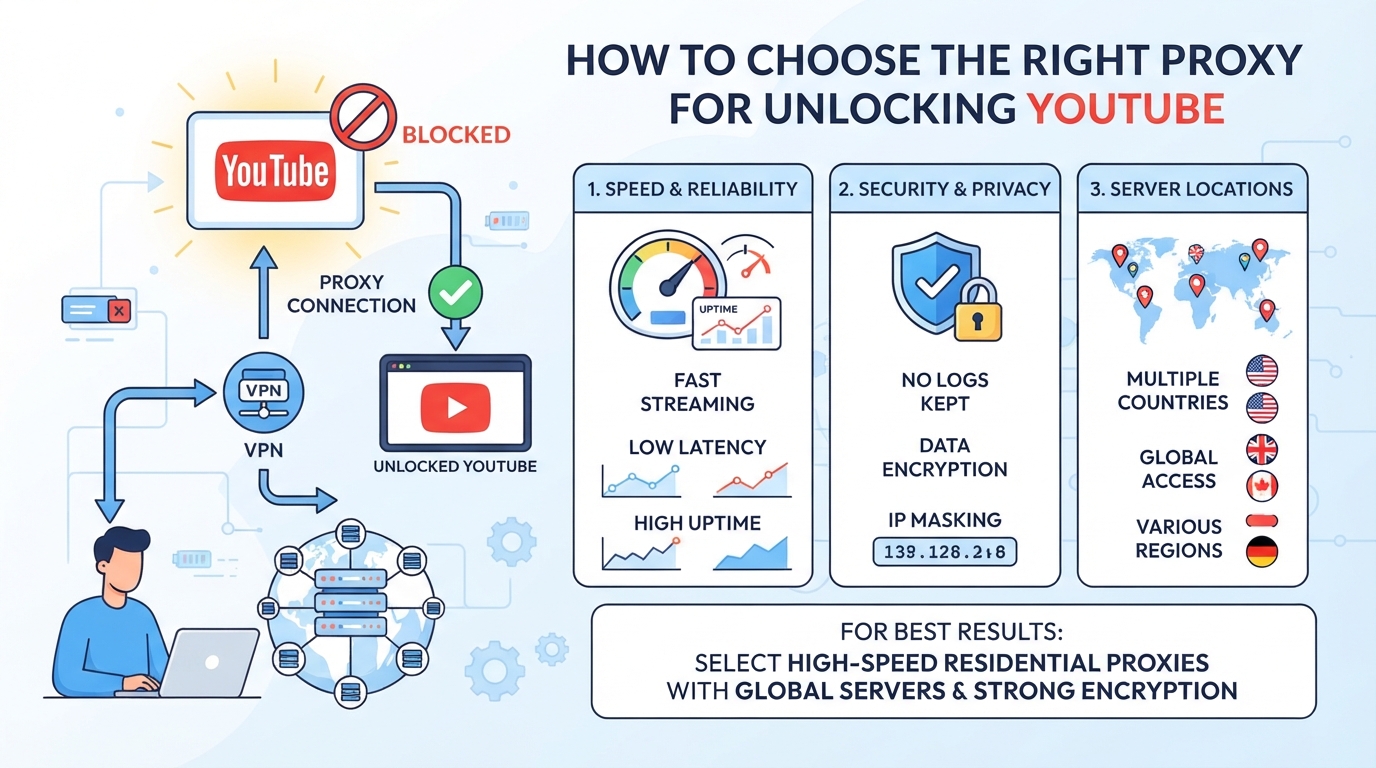
Picking the right proxy setup is the difference between getting YouTube unlocked for a single video and keeping smooth access for uploads, comments, or multi-account work. What matters is matching proxy type, location, and session length to your real-world access needs, not just getting around a block once.
When Is a Rotating Proxy Better Than a Static Proxy for YouTube?
Rotating proxies are generally better suited to independent requests that do not need one persistent IP; see the dynamic vs. static residential proxy guide for the underlying distinction. If you just need to watch a few videos or refresh the page to get a new IP, rotation works. But if your workflow means logging in, uploading, or managing YouTube accounts, you’ll want the same exit IP for the whole session, at least as long as your workflow lasts. Sticky sessions help here for short jobs, but if you need a stable IP over days or weeks (like for long-term channel management), only static proxies can deliver that. Using the wrong type gets you logged out mid-session or flagged for “suspicious activity.”
How Does Proxy Location Affect What You Can Watch on YouTube?
- Check that the proxy provider lets you pick specific countries or cities, not just “global random.”
- Make sure the proxy’s actual detected region matches your target, YouTube can block or change content by country.
- Review the live proxy inventory for your needed location; not all cities or regions are always available.
What Protocols and Settings Should You Check Before Connecting?
Most browsers and mobile apps work with HTTP(S) proxies, while automation tools may need SOCKS5. Before connecting, confirm your proxy supports the required protocol and doesn’t cap traffic or limit connections for your usage level.
- Choose HTTP(S) for browser streaming and uploads; switch to SOCKS5 if your tool requires it.
- Set session options: use sticky sessions for login workflows, but swap to rotating if you get repeat blocks.
- Check concurrency and traffic limits, if you hit a cap, streaming can freeze or logins may fail.
The single most common failure: using a rotating proxy for a YouTube login session and getting kicked mid-upload. For account work, always match session length to your workflow.
Getting these points wrong means half-working access or constant interruptions, so take the time to match proxy type and settings to how you actually use YouTube. Next, see how this plays out in business use with real proxy products.
How PuraRoute Proxies Support Reliable YouTube Access for Multi-Account and Business Users
Teams running multiple YouTube accounts or handling uploads across regions hit limits with basic network workarounds. Business users need tools that keep sessions stable, match local requirements, and separate workspaces, especially when account bans or inconsistent access can disrupt daily tasks. That’s where PuraRoute’s proxy options fit into real-world workflows.
How PuraRoute Geographic Targeting Helps YouTube Access and Content Management
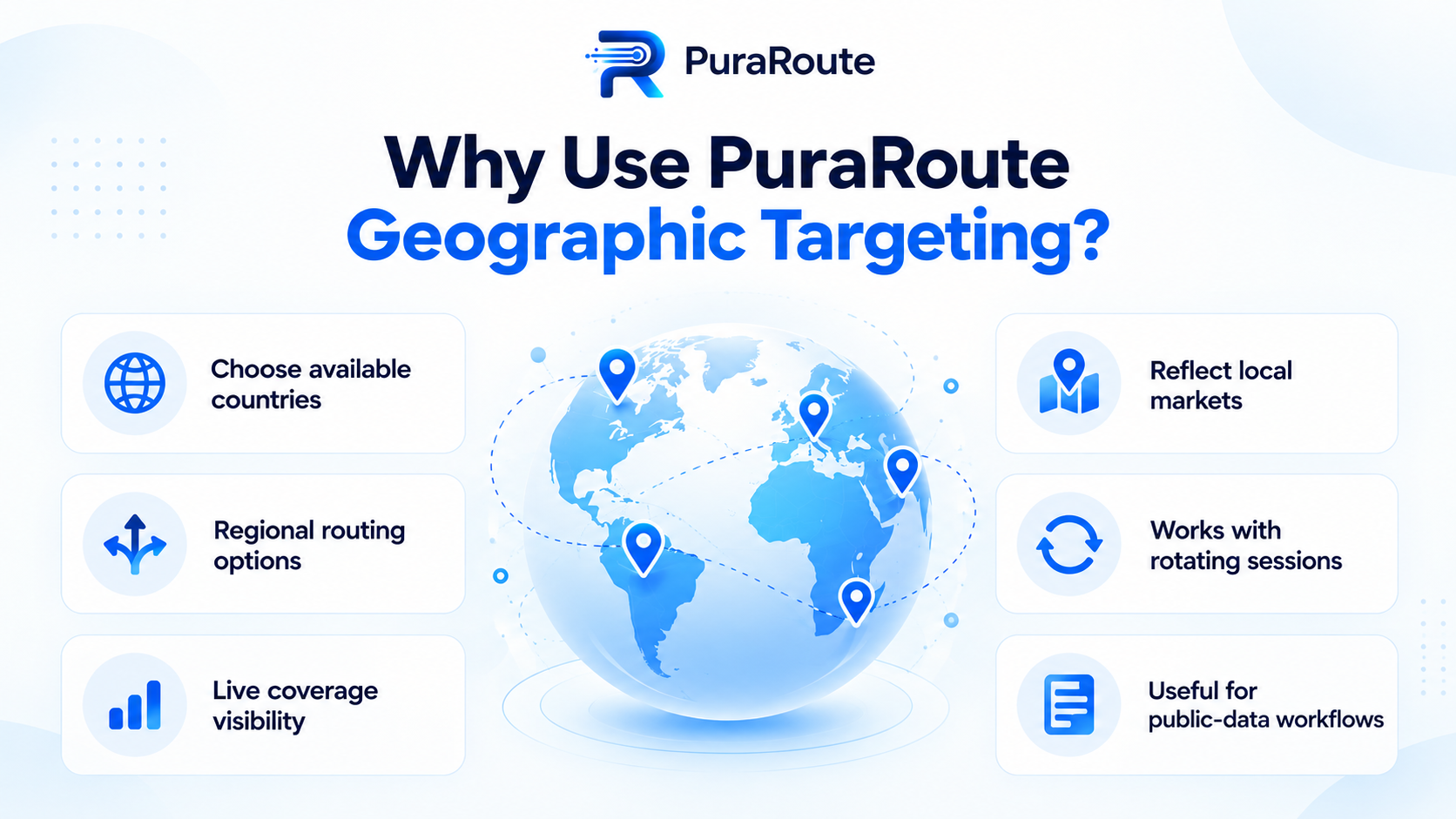
PuraRoute’s dynamic residential proxies let you pick available locations by country, state/province, and city, so you can align each account’s IP with its target market or region. For YouTube uploads or regional content checks, this means you’re less likely to trigger location-based blocks or mismatches. Just keep in mind: the region inventory can change, and static proxy locations don’t always match dynamic options.
How PuraRoute Proxy Services Support Multi-Account YouTube Workflows
Assigning static residential or native proxies lets teams keep a consistent IP for each YouTube account, reducing risk of access errors or account review. Rotating proxies cover research tasks. All connect using standard credentials, just match your workflow to the proxy type and protocol.
What to Know About Session Control, Traffic, and Compliance with PuraRoute
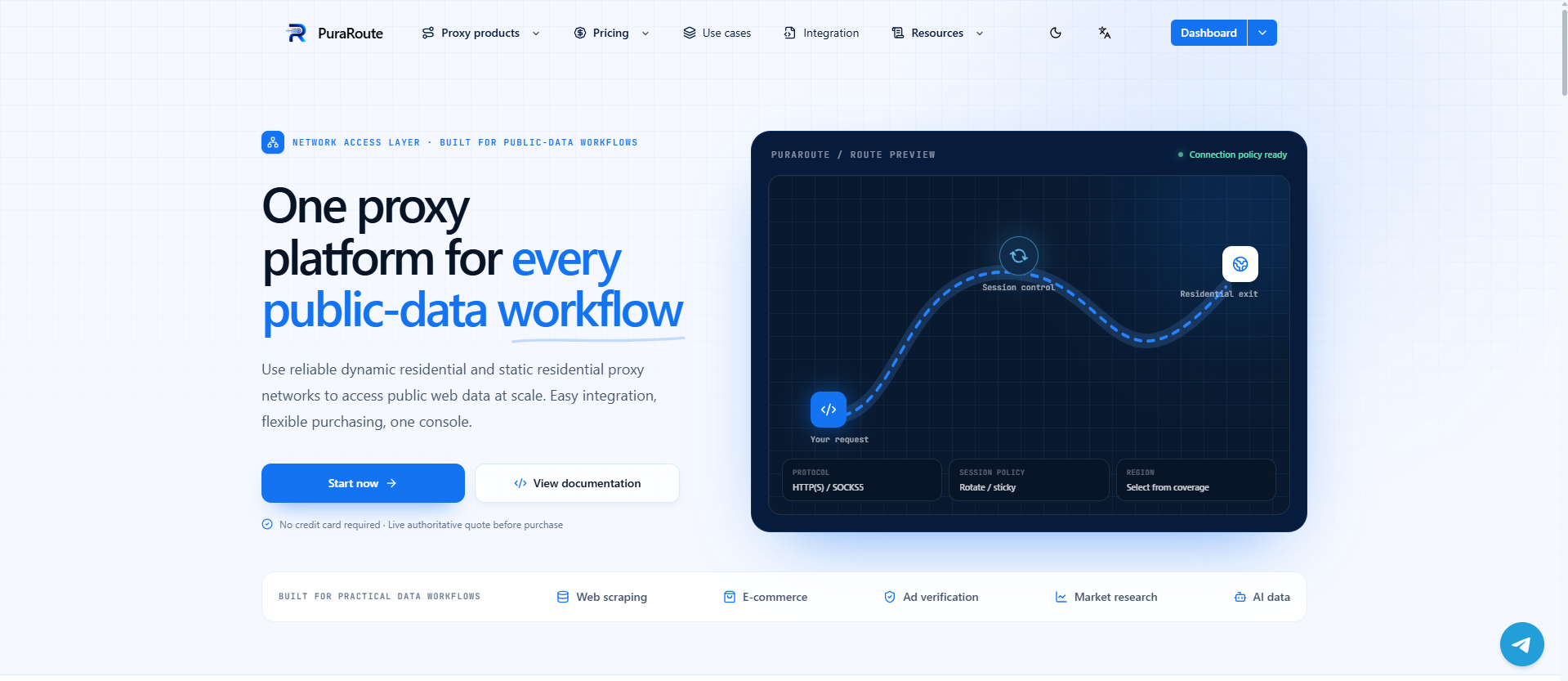
As explained in PuraRoute's proxy connection and session guide, sticky sessions give temporary IP consistency for short multi-step YouTube actions, but don’t expect a permanent IP unless you use static proxies. Traffic is unlimited for static resources. Always follow YouTube’s terms and local laws when using proxies.
Step-by-Step: How to Set Up a Proxy for YouTube Access
Getting YouTube unlocked isn’t just about picking a proxy, it’s about setting it up right and knowing what to check if access fails. Here’s a practical walk-through that covers what actually matters when you need to unblock YouTube and keep it working.
How to Choose and Purchase the Right Proxy Plan
- Decide on proxy type and region: Know if you need a rotating or static IP. For watching videos or uploading, a rotating residential proxy usually works. For managing accounts, a static IP fits better. Pick a country where YouTube isn’t restricted, US or UK are safe bets.
- Check inventory and price: Look for available proxies in your target country and confirm the plan matches your expected usage (traffic-based or fixed-IP). If the proxy site says “out of stock,” you’ll need to pick another region or try later.
- Buy or activate your plan: Complete payment and get your proxy credentials. Save the Host, Port, Username, and Password, you’ll need them for setup.
How to Configure Proxy Credentials in Your Browser or App
- Open your browser or app’s proxy settings: In Chrome, go to Settings > System > Open proxy settings. The proxy IP address setup guide explains how to check whether an application actually uses the configured proxy. For mobile, use a third-party app or the system network panel.
- Enter proxy details: Fill in Host and Port. If your proxy uses authentication, add Username and Password. Pick HTTP(S) or SOCKS5 as required, choose what your provider recommends.
- Apply and save: Restart your browser or app to load the new settings. If it prompts for a password every time, double-check you saved the credentials.
How to Test and Troubleshoot Your YouTube Connection
- Verify IP and region: Visit whatismyip.com after setup. Make sure your IP location matches the proxy region you picked. If not, you may have misconfigured the proxy.
- Try accessing YouTube: If the site loads, test playback and login. If you see errors or endless loading, you might be using a blocked IP or the wrong protocol.
- If you hit errors: Switch proxy regions or IPs, check for typos, and confirm your plan is active. If an account login loop appears, clear cookies and retry, session mismatches often cause this.
Done right, these steps keep your YouTube access stable. Next up: what to watch out for before you get flagged or blocked.
What to Watch Out For: Common Mistakes and Risks When Unlocking YouTube
Trying to get YouTube unlocked can backfire if you pick the wrong proxy or miss key settings. Security, reliability, and account safety all take a hit when you cut corners or ignore compliance rules.
What Happens If You Use a Low-Quality or Public Proxy?
Low-end or public proxies are a magnet for problems. Malware and data theft are real risks, credentials get stolen, and malware can hitch a ride on traffic. You’ll also face constant buffering, random disconnects, or total access loss when your IP gets flagged. On top of that, public proxies often log your activity or inject ads, making privacy issues far worse than just having YouTube blocked in the first place.
Why Matching Proxy Location and Protocol Matters
- Wrong region: YouTube shows the wrong language or blocks videos by country.
- Protocol mismatch: Your browser or app refuses to connect, or breaks mid-stream.
- Session drops: Logins fail or YouTube keeps asking you to verify.
What Are the Policy and Compliance Risks?
Unblocking YouTube may break school, work, or even local laws. Account locks and bans often hit users who ignore policy or set off anti-circumvention alarms.
- Check your organization’s or country’s rules before trying to unblock YouTube.
- Never share proxy credentials with others, this triggers security flags.
- If your use is legitimate, ask for formal permission to avoid accidental violations.
Next up: what to do when a proxy just won’t get the job done, and which alternatives actually work.
When a Proxy Won't Unlock YouTube: Limits and Alternatives
When Network or Device Controls Block All Proxy Traffic
Sometimes, no proxy will unlock YouTube, network admins use deep packet inspection or block proxy ports outright. Managed devices can ignore proxy settings, so even the best setup fails.
When Policy or Legal Restrictions Make Unlocking Inadvisable
In some schools, companies, or countries, bypassing YouTube blocks isn’t just against the rules, it’s illegal or puts your job at risk. If network policy means you could lose access or face discipline, stop before trying workarounds. A failed attempt can lock down your account or device.
What Legitimate Alternatives Exist for YouTube Content?
- Use YouTube’s official offline or download features where available
- Check if your organization has YouTube for Schools or Workspace access
- Look for authorized educational mirrors or content platforms
If you keep hitting a wall, forcing access usually backfires, focus on safe, approved ways to get the videos you need. For legitimate regional content testing, the residential proxy use cases guide discusses how to match a network connection to an authorized workflow.
Frequently Asked Questions About youtube unlocked
Can I use the same proxy for YouTube in both my browser and a mobile app?
You can often use the same HTTP(S) or SOCKS5 proxy for both your browser and mobile app, but it depends on the app’s settings. Some YouTube apps don’t let you set a proxy directly, so you may need to change device-wide network settings or use a third-party tool. Always check if your device and app allow manual proxy setup.
Does a sticky session proxy keep my YouTube IP the same forever?
No, a sticky session proxy only keeps your exit IP the same for a limited period during a session. It is useful for short-term tasks where you don’t want your IP to change right away, but it does not give you a permanent or always-fixed IP. Actual behavior depends on proxy settings and network conditions.
How do I know if a proxy's location matches the YouTube region I want?
First, check the proxy’s region settings when you set it up, most proxies let you pick a country or city. After connecting, visit a site like “what is my IP” to see the detected location. This helps make sure you’re accessing YouTube from the right region or testing for youtube unlocked.
What happens when my static proxy plan expires while I'm using YouTube?
Once your static proxy plan expires, your access will stop immediately, and the same IP might be given to someone else. If you want to keep watching YouTube without breaks, make sure to renew your static proxy before it expires. This prevents interruptions and keeps your setup stable.
Are there risks to using free or public proxies for YouTube?
Yes, free or public proxies can expose your personal data and browsing habits to unknown parties. They often have weak security, go offline without warning, or inject ads and malware. For anything important, like business, private accounts, or regular access to unblock youtube, use a managed proxy service you trust.
If your next step is to test account management or regional access options, it's worth mapping out which workflows actually need dedicated proxy resources and which just require temporary location switching. Matching the right proxy type and location settings to each use case can help avoid wasted resources and make troubleshooting easier down the line.
Try Puraroute Now
