
You download a local model, load it on your laptop, and find that replies crawl or memory runs out. Choosing the best local llm means sorting out a practical conflict: you want useful answers, but your hardware must handle the model and the work you give it.
A high benchmark score does not tell you how a model will handle your codebase or documents. Model size alone also leaves out memory use, response speed, and the effect of compressing model weights to fit your machine.
A useful shortlist starts with available memory and your main task. For a local LLM for coding, test real edits and check whether the output runs. For document questions, check whether answers follow the supplied text. You will learn how to weigh model size, quantization, and context length, then test candidates under the same conditions rather than trust a leaderboard alone.
Start with your hardware budget: the memory you can spare, the processor doing the work, and the response time you can accept.
Which Local LLM Is Best for the Tasks You Actually Do?
Choose the model that passes your real tasks within your memory and response-time limits. Start with separate shortlists for chat, coding, and document questions. A model that writes clear replies may still produce broken code or invent details missing from your files.
Match chat, coding, and document tasks to different selection criteria
Use the task to decide what counts as a pass. Fluent output alone does not establish correctness.
| Task | Required behavior | Acceptance test | Likely trade-off |
|---|---|---|---|
| General chat | Follow instructions, keep the requested tone, and admit uncertainty | Ask it to rewrite an email under a word limit while preserving dates and commitments. Check for changed facts. | Polished wording can hide missed instructions or invented details. |
| Coding | Produce working changes that fit the surrounding code | Give it a small bug and relevant files. Run the tests and inspect the patch for unrelated edits. | A plausible explanation can accompany code that fails or calls nonexistent functions. |
| Document-based work | Answer from supplied text and identify missing evidence | Ask a question the document answers, then one it does not. Check quotes and claimed support. | Handling longer input does not prove the model can find or use the right passage. |
Table basis: practical selection criteria, not measured model rankings.
Shortlist for the behavior you need, not the answer that sounds smartest.
Document work needs one extra distinction. In retrieval-augmented generation, or RAG, a retrieval system finds passages and sends them to the language model. The model then writes an answer using that material.
If retrieval misses the relevant paragraph, changing the model may leave the problem untouched. If the right paragraph reaches the model but the answer contradicts it, investigate how the model follows evidence. Keep those failures separate when choosing a candidate.
Build a shortlist without trusting an unverified leaderboard
Treat Qwen, Gemma, and DeepSeek as candidate families to investigate, not validated winners; confirm the exact checkpoint, publisher, model card, license, and runtime support before choosing a download. Then narrow the list to options your computer can run with enough memory left for the input and generated answer, not just the model itself.
What Size Model Can Your Computer Actually Run?
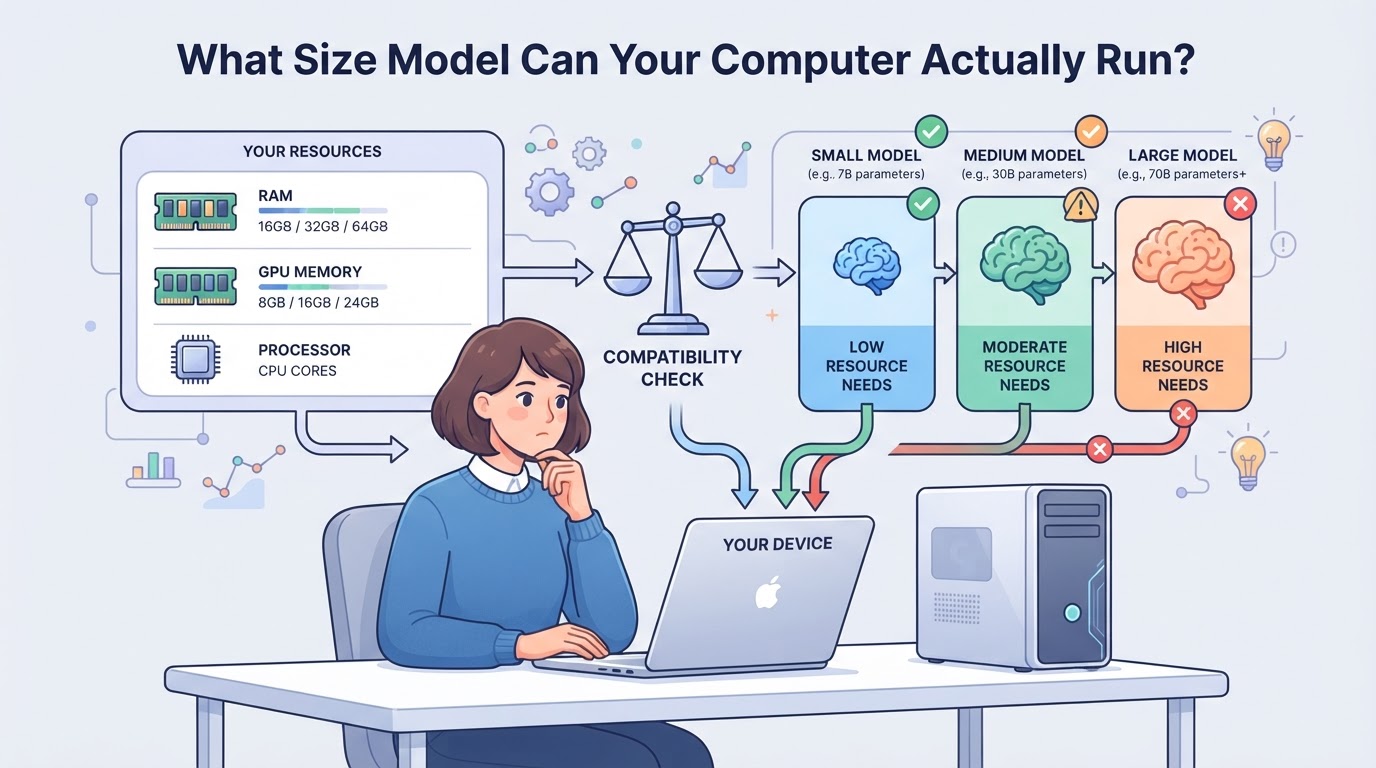
Start by checking how much memory you can spare while your usual apps stay open. A model must fit its weights, working memory, and conversation context, with room left for the operating system. Loading successfully only clears the initial hurdle.
Separate GPU memory, system RAM, and unified memory
Record available memory, not just the advertised total: the model file holds weights, but the runtime also needs buffers and context storage. Check where your runtime puts that work; separate memory pools do not automatically combine into one usable budget.
| Memory type | What to check |
|---|---|
| Dedicated GPU memory | Free VRAM on the GPU that will run the model; system RAM does not expand it directly. |
| System RAM | Free capacity for CPU inference or supported offloading, after other apps use their share. |
| Unified memory | Free shared capacity; the CPU, GPU, operating system, and apps draw from the same pool. |
Memory-layout comparison, not model-specific hardware requirements. Confirm allocation behavior in your chosen runtime.
Account for quantization and context before choosing a larger model
Quantization stores weights at lower precision, reducing their memory footprint, but it can change answer quality; the effect varies by model, format, and task. Leave room beyond those weights. Longer conversations and documents increase context memory, often through a KV cache, which stores attention data for earlier tokens. A model may load with a short prompt, then exhaust memory when you add a long document. Test the context length you actually need rather than selecting the largest supported setting. For mixture-of-experts models, “active parameters” describes the portion used during computation, not the full set of stored weights. Do not treat that smaller number as the model’s memory requirement; check how the runtime loads and places all its weights.
Test offloading instead of assuming that fitting means running well
- Load the model and watch RAM and GPU memory. If loading fails, check the error for memory limits or an unsupported format.
- Test supported offloading, which places some work or weights outside GPU memory. Measure time to the first response and generation speed; transfers and CPU work can slow replies.
- Run a realistic long prompt. If memory pressure, disk swapping, or stalls make it impractical, reduce context or model size and repeat.
Keep the settings that remain responsive through the full test. Those settings give you a fair starting point for comparing answer quality, rather than comparing models under different memory constraints.
How Do You Compare Local Models Without Misleading Benchmarks?

With a hardware-feasible shortlist, run each candidate through the same prompts and score observable results. Compare correctness, response time, and memory use under controlled settings. A leaderboard can suggest candidates, but your test set should decide which ones stay.
Create a small task set with observable pass criteria
Save the prompts, input files, and expected results before testing. Include routine work, a difficult example, and a question the supplied material cannot answer. Keep correctness and instruction following separate from writing fluency: a polished answer can still contain broken code or unsupported claims.
| Task | Observable pass criteria |
|---|---|
| Code edit with tests | Passes the tests, preserves required behavior, and follows the requested output format |
| Factual question with a known answer | Matches the answer key without adding false claims |
| Document questions, including an unanswerable one | Points to supporting passages when available; states when the document lacks an answer |
Test basis: your saved tests, answer keys, and supplied documents.
Record failures by task rather than hiding them inside one average score.
Keep runtime conditions consistent across candidates
Record each checkpoint, quantization, runtime version, context limit, and generation settings; keep shared settings consistent and note model-specific differences. Measure loading separately from time to first output and generation time, then repeat runs on your machine while recording peak memory use.
Choose the smallest candidate that clears your quality threshold
Choose the smallest candidate that passes essential tasks and meets your response-time limit. Repeated failures on required work outweigh a higher aggregate benchmark score.
- [ ] Set pass criteria before reviewing model outputs.
- [ ] Record correctness and instruction-following scores separately.
- [ ] Note response delays, peak memory, and any measured energy use.
- [ ] Rerun failed prompts to check whether failures recur.
- [ ] Keep the exact prompt and configuration alongside each result.
A model that answers quickly but needs constant corrections can cost more working time. Keep that correction effort in your scorecard.
With the test plan ready, choose a runtime that lets you reproduce these settings.
How Do You Choose a Runtime and Start Your First Local Session?
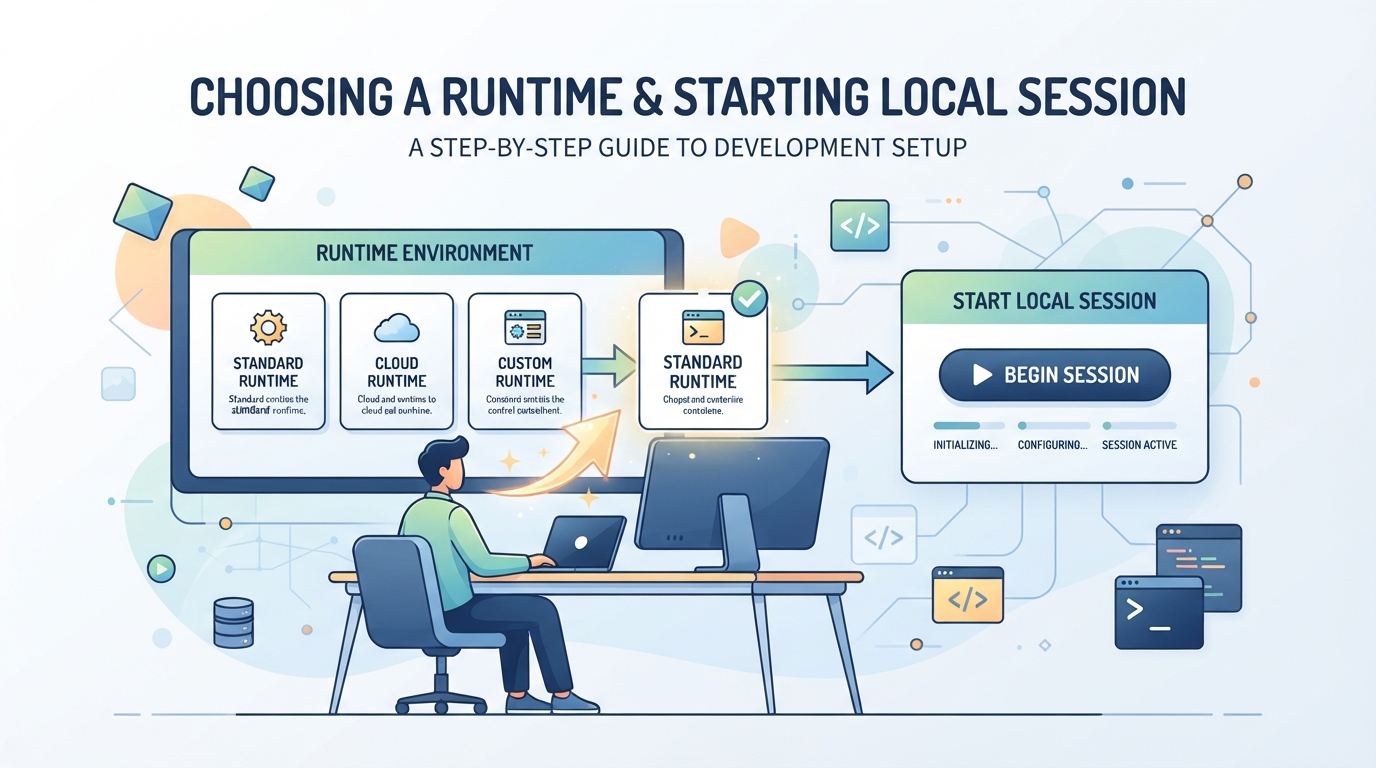
Once you have a shortlist, check runtime compatibility before downloading. The checkpoint contains the model’s learned weights; the runtime loads those weights and generates responses. You need a supported pairing, not just a model that fits in memory.
Choose a desktop interface or application-facing runtime
- Choose how you want to interact: direct chat or an application connection. LM Studio and Ollama are runtime-tool candidates, not model checkpoints.
- Check the candidate’s current documentation for your operating system, hardware, supported model formats, and connection options. If the documentation does not confirm support, resolve that gap before downloading model files.
Load a compatible checkpoint and run a minimal test
- Download a compatible checkpoint from its publisher or a repository the publisher identifies. Check required storage and any supplied checksum, a value used to verify file integrity. A mismatch calls for another download.
- Load the model with a modest context setting, which limits how much text it handles at once. Send one short prompt. If loading fails, save the exact error and check format support before changing settings.
- Record memory use and response behavior. Keep this baseline before adding an IDE, coding agent, or document pipeline.
Add integrations only after basic inference works
- Confirm the client’s expected endpoint, meaning the server address it calls, and its request format. Match both to the runtime’s documented interface; an address alone does not establish compatibility.
- Send a small request through one client. If direct chat works but the client fails, inspect the requested model identifier, connection details, and returned error before replacing the checkpoint.
- Keep remote access out of this initial test. Establish a working local connection before changing which devices can reach it.
A successful local response confirms basic inference. It does not settle privacy or licensing checks.
What Privacy and Licensing Checks Still Matter When an LLM Runs Locally?
Once your model runs, audit the surrounding application. Local inference alone does not keep prompts, files, or logs offline. Cloud features can still send data out, and the exact model license may limit your planned business use.
Check where prompts, logs, and connected tools send data
Inspect cloud fallback, telemetry controls, plugins, and external tools; test with non-sensitive prompts while watching outgoing connections, since the application may contact services even while the model computes locally. Check where chats and source files live, restrict access to those folders, and confirm that your local model service accepts connections only from intended users or devices; disconnecting the internet can expose online dependencies, but it does not prove that stored data stays private.
Read the exact checkpoint's license before business use
Downloadable weights do not establish unrestricted use. Read the license attached to the exact checkpoint, including any terms it inherits from a base model.
- Check commercial-use permissions and restrictions against your intended task.
- Check redistribution terms before sharing weights or shipping them with an application.
- Budget electricity, hardware, and maintenance; local inference still has operating costs.
If you add web data to a local retrieval pipeline, review the collection process and the data's permitted use separately.
Where Does PuraRoute Fit If Your Local LLM Uses Web Sources?
Running a model against files already on your computer does not require a proxy. PuraRoute becomes relevant only if a separate web collector needs regional public pages for your retrieval pipeline, not when you are choosing model weights or fitting them into memory.
Add regional collection only when your questions need it
For example, a local assistant answering questions about retail prices may need source pages from more than one market. A proxy-compatible collector can use PuraRoute residential connections with an available country or city selection, then save the permitted page content for your retrieval system. Keep the source URL, market, and collection time with each document so you can check what an answer is based on. If your files already contain the needed evidence, leave this collection step out; changing the network route will not make the local model more capable.
When Should You Keep Your Current Model Instead of Downloading Another?
Stop switching models when your current setup reliably passes essential tasks within your memory and response-time limits.
Keep a stable baseline and change one component at a time
Save the checkpoint and settings; rerun your evaluation set after each change to catch regressions. Reassess when requirements change or a candidate offers verified capabilities you need.
Fix missing evidence before assuming you need a larger model
Trace failures before replacing the model.
- [ ] Check that relevant passages or repository files reached the model.
- [ ] Clarify ambiguous instructions; retry with the same evidence.
- [ ] If reasoning still fails with clear instructions and sufficient evidence, test another model.
Run one controlled trial. Add external data collection only when missing evidence warrants it.
Frequently Asked Questions About best local llm
Can I run a local LLM without an internet connection?
Yes, if you have downloaded the model files, runtime, and required dependencies. Test your setup with the network disconnected before relying on it offline. Even the best local llm setup can still need internet access for web search, hosted tools, or external APIs. Those features are separate from running the model itself.
Can a local LLM work with images as well as text?
Yes, but the exact model checkpoint and runtime must support image input. A model family name alone does not confirm that support. Check the checkpoint documentation, then test an image through your chosen interface. A text-only model cannot process images just because the app lets you attach files.
Does a longer advertised context window guarantee better answers on large documents?
No. A larger context window allows more input, but it does not prove the model will find and use the right details. Test questions whose answers appear in different parts of your documents. Compare answers with the source passages, and check whether the model misses facts or adds unsupported claims.
Should I fine-tune a local model to make it learn new facts?
For changing facts, try retrieval first. It supplies reference material at answer time, so you can update documents without retraining the model. Fine-tuning can adapt behavior, style, or task patterns, but it requires separate training tools and evaluation. Choosing the best local llm does not remove the need to check factual accuracy.
Can multiple people use the same self-hosted model?
Yes, when the serving software, access controls, hardware, and model license support that use. A fast single-user test does not show how the server handles several requests at once. Run a small shared-use test, measure response delays and memory use, and confirm who can access the service before adding users.
Test your shortlisted models on the same real tasks and hardware, then compare answer quality, response time, and memory use before committing. If your local RAG workflow also needs geographically diverse public web data, consider proxy routing for collection—not as a way to run or improve the model itself.
