

Finding a reliable proxy gets tricky fast, especially when you start comparing options like the blockaway proxy against newer platforms or want to know if BlockAway web proxy still holds up for real-world tasks. It's not just about getting access; it's about whether the IP rotation, session stability, or location targeting matches what you need for scraping, testing, or everyday browsing. You might see BlockAway.net recommended for privacy or ease of use, but the details often get lost in vague reviews or lists that don't explain what works and what breaks.
The main thing most users miss is how quickly proxy services change. What worked last year may be slow, blocked, or missing features now. Some web proxies drop HTTPS support or fail on high-volume requests. Others promise rotating IPs but rarely deliver fresh addresses or let you target the right region. If you're thinking about BlockAway alternatives, the real question isn't just price, it's how the connection behaves when you push it through real browser sessions, automation scripts, or layered workflows.
The guide below cuts through the noise. You'll see which features actually help, where BlockAway proxy fits, and what else to consider if your workflow needs more flexibility or stability. Here’s what matters when you move past the basics.
What Is BlockAway Proxy and How Does It Work in 2026?
BlockAway proxy is a browser-based web proxy service that lets people reach websites that would otherwise be blocked or restricted in their region. Unlike VPNs or desktop proxy tools, BlockAway is accessed directly through its website , you just paste a URL and the service loads the page on your behalf. This makes it quick for casual use, but it has clear tradeoffs around speed, privacy, and compatibility.
Official BlockAway Domains and Access Points
The verified service homepage is BlockAway.net. Do not treat a similar domain or a CDN resource URL as an official user entry point without verification.
How BlockAway Routes Web Traffic
BlockAway provides a visitor-facing web proxy: a user enters a destination and the service relays page content. This is not the same as a website owner deploying a reverse proxy in front of their own server. Coverage depends on how the web interface handles resources, scripts, and navigation; it does not establish that every request from the browser uses the relay.
Supported Browsers and Devices
- Works in standard browsers: Chrome, Firefox, Edge, Safari
- Mobile browser access is possible, but page speed and rendering may lag behind desktop
- No app or extension needed , the service is fully web-based
Most users stick to desktop browsing for reliability, but mobile access can work for quick checks. If you need stable sessions or full site features, browser compatibility is only part of the story , proxy behavior matters more.
The web interface relays the content opened through it. It does not automatically configure other browser tabs, installed applications, or device traffic. Test the specific destination and interaction rather than treating the whole browser as proxied.
Next up: how BlockAway’s features and limits affect real-world use.
What Features and Limitations Should You Expect from BlockAway Proxy?
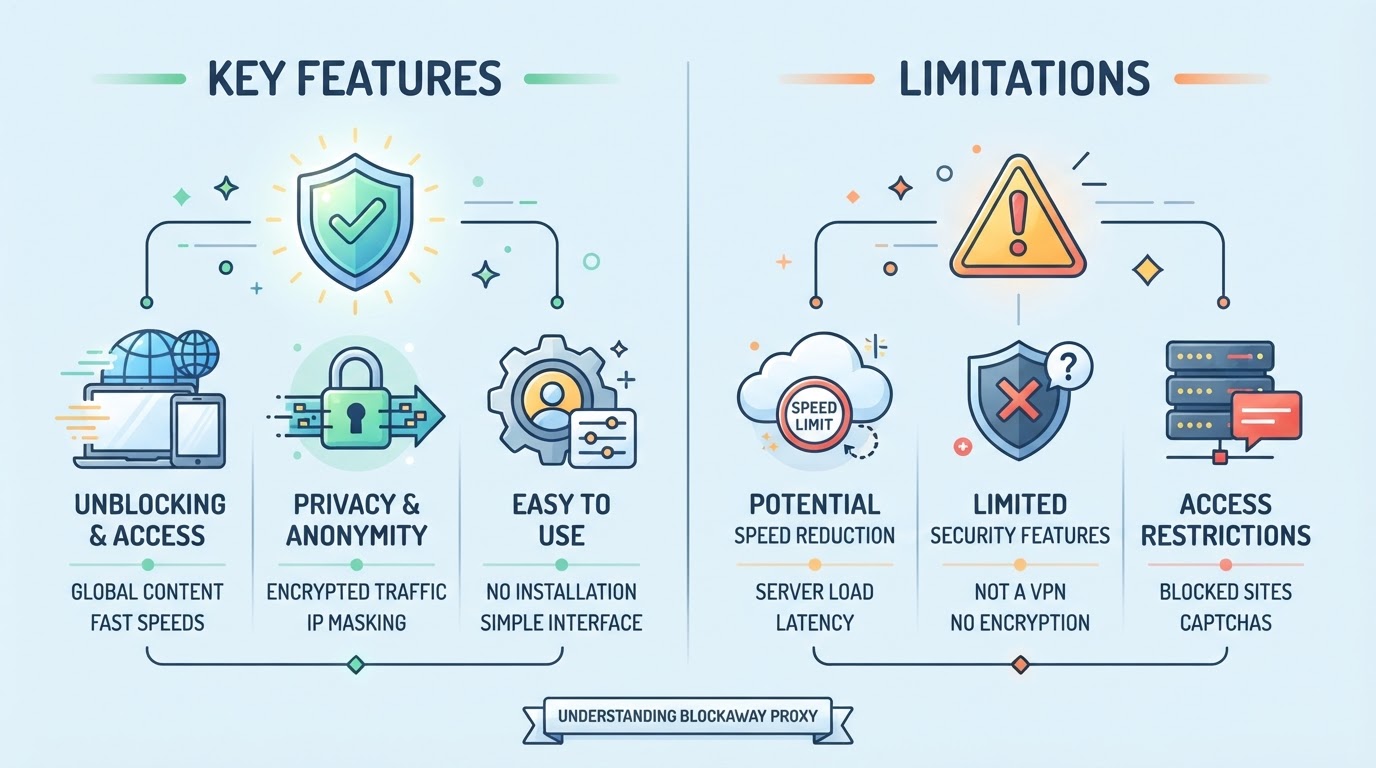
BlockAway's homepage offers Europe and USA server choices. Those broad options should not be confused with a selectable city, an assigned static IP, or reusable credentials for an external application.
HTTPS and Data Handling
Check the connection to the web proxy and the destination. Because a web proxy fetches and relays page content, its operator is a trust boundary even where the browser connects over HTTPS. TLS alone does not establish that the operator or target content is trustworthy.
Performance and Compatibility
Test the intended page and interaction. This review has not measured a bandwidth cap, success rate, or guaranteed session duration, so it should not claim that streaming nearly always fails or that a specific task will remain stable.
Regional Server Choices
The published Europe and USA options are regional choices, not evidence of a full country or city inventory. Check the current interface for the choices actually offered.
Integration Scope
The reviewed public interface is a web proxy. It does not itself document a host-and-port credential bundle, a SOCKS5 endpoint, or a developer API for external clients. Do not infer those capabilities from browser access.
If your workflow needs flexible protocol support, session control, or developer integration, BlockAway will not fit. The next section tackles safety and legality, which matters even for basic use.
Is BlockAway Proxy Safe and Legal to Use? What Are the Risks?
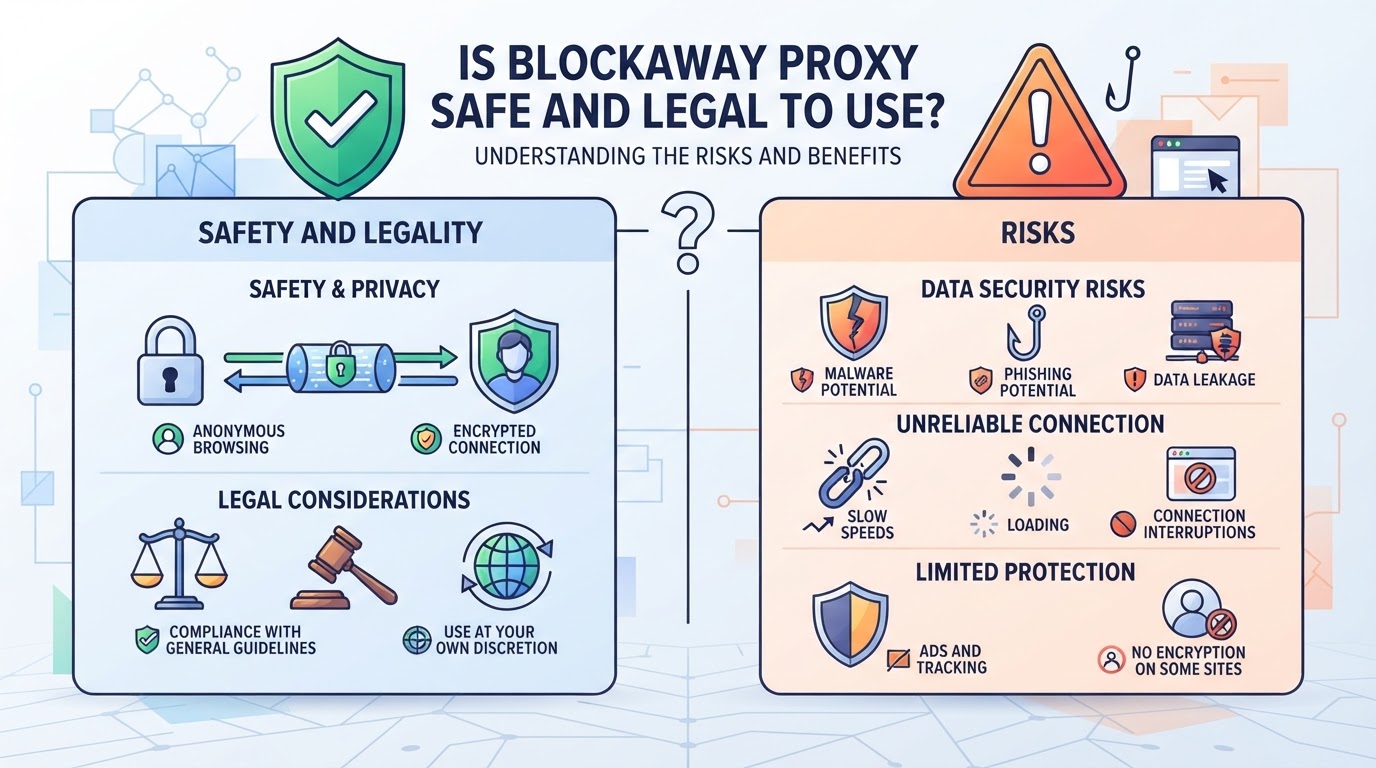
Safety and permitted use depend on the operator, relayed content, connection configuration, and applicable policies. A successful page load is not a security assessment.
Policy and Permission
Review the network and service requirements for the task. A technical connection does not establish that the task is authorized; legal questions depend on the jurisdiction and facts, not the product label.
Data Handling and Trust
Read the current service privacy information rather than asserting a logging practice that has not been verified. A web relay can process the content it fetches. Keep sensitive credentials out of untrusted relays, and distinguish this visibility from an end-to-end TLS tunnel.
Security Risks and Best Practices
Free proxies can become a target for malware or phishing. If you log into your bank or email through one, attackers could intercept your session or steal credentials. The safest move is to keep BlockAway out of your login workflows and avoid using it for transactions. Only trust the official domain; fake proxies often mimic real ones to catch unsuspecting users.
Proxy vs VPN: What’s the Difference?
- A web proxy relays content through its interface, not every browser request.
- A VPN tunnel covers the traffic selected by its routing configuration.
- Neither arrangement by itself proves complete privacy, service permission, or content integrity.
If your workflow needs stronger protection or compliance, that’s a sign to start comparing alternatives. The next section covers when to make that switch.
When Should You Consider Alternatives to BlockAway Proxy? (Including PuraRoute)
If a task needs reusable endpoint credentials, documented session controls, or a fixed assigned IP, compare a configured proxy service with the web interface. PuraRoute provides those resource-management options for compatible clients. Select them on documented requirements rather than an assumed performance or safety advantage.
Static Residential Proxies for Long-Term Fixed IP Use
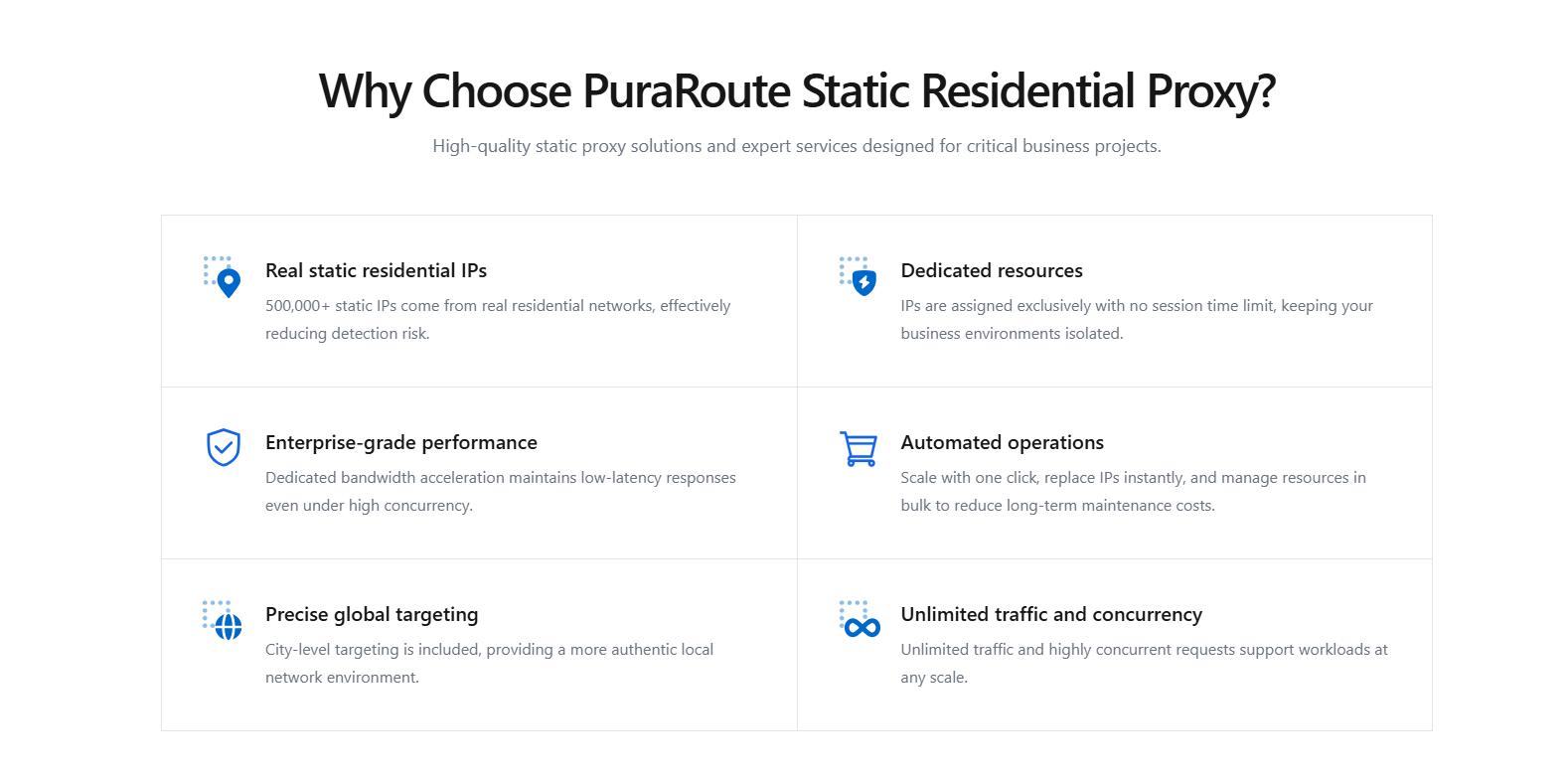
When your project relies on a stable exit IP, think browser profiles that must stay consistent, or allowlisting for account operations, PuraRoute Static Residential Proxies provide dedicated residential IPs for the active term. You buy these by IP count and period, not by data used, and can target cities if inventory allows. The tradeoff is you need to confirm live inventory and pricing before each purchase; IPs are only yours while the resource is active. If you’re used to BlockAway’s “one-click, one-session” setup, this is a shift: you take direct control, but also accept the limits of static IP pools.
Rotating Residential Proxies for High-Volume and Geographic Flexibility
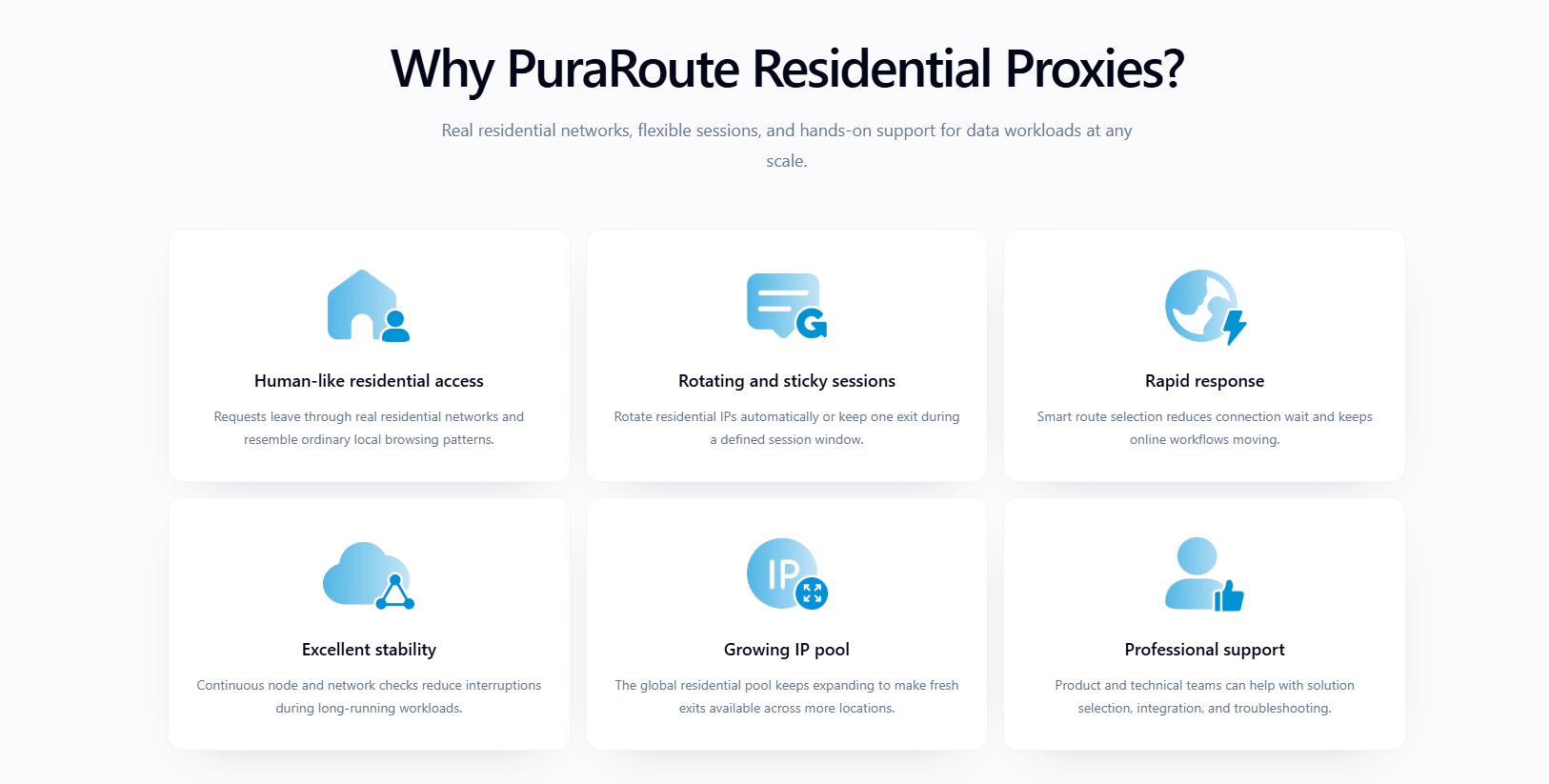
If you need to access public web data from different cities or countries, or run high-concurrency tasks, PuraRoute Rotating Residential Proxies unlock over 100M residential IPs across 195+ regions. You can switch between rotating IPs for every request or use sticky sessions for temporary consistency. Unlike BlockAway, you decide when to rotate and can set session windows, but sticky mode doesn’t guarantee the same IP holds under all conditions.
Static Native Proxies for Stable Native ISP Routes
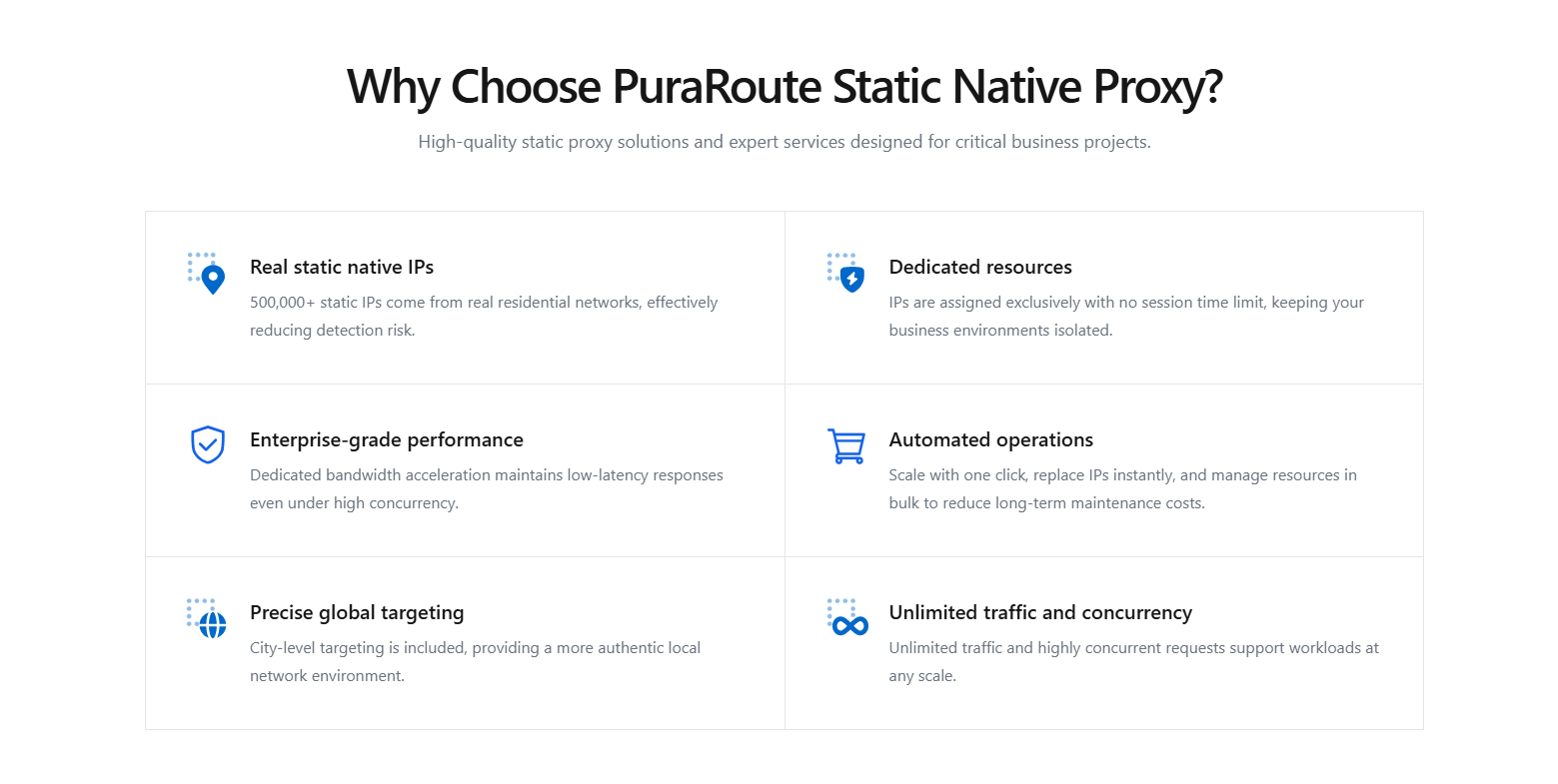
PuraRoute Static Native resources use the ISP_NATIVE category and provide a fixed assigned IP while active. Check live inventory and the purchase or renewal terms offered for that resource. Viewing stock does not reserve it, and the product category does not guarantee a performance advantage.
How to Choose Between Rotating, Sticky, and Static Proxy Modes
The decision comes down to how your task handles IP changes. Rotating fits scraping and short tasks, sticky sessions suit multi-step flows needing brief IP consistency, and static proxies are for long-term or allowlist-required jobs. Always check live inventory and protocol support before buying, missing this step is the fastest way to waste budget or break your process.
Next, see how to test your proxy connection and spot issues before launch.
How to Test BlockAway Proxy and Verify It’s Working
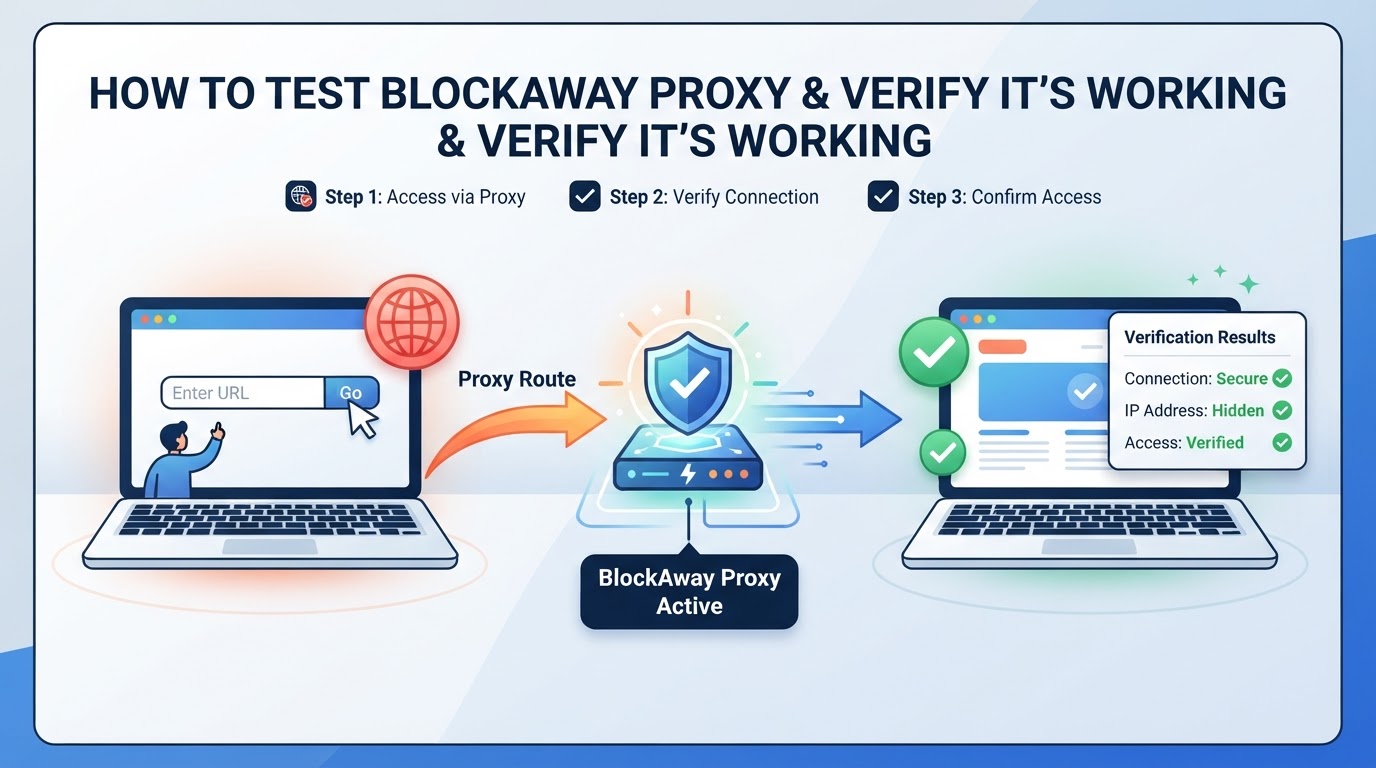
If you want a clear answer on whether BlockAway proxy is working, skip the marketing and run this step-by-step checklist. You’ll see right away if the connection is masking your IP, handling SSL, and staying stable enough for real use.
Step 1: Access the Official BlockAway Domain
- Open the verified BlockAway.net homepage rather than a lookalike or assumed alternate domain.
- Check the exact address and do not ignore a TLS certificate warning.
- Remember that a valid certificate does not establish that relayed content is safe.
Step 2: Enter a Target Website and Start Browsing
- Type a blocked or restricted site into the BlockAway input field.
- Hit Enter and check if the page loads. If you get a blank screen or error, the proxy failed to connect.
Step 3: Check Your IP Address and Location
- Through BlockAway, visit sites like ipinfo.io or whatismyip.com.
- Confirm your IP is different from your real one. If the IP matches your actual address, masking failed.
- Compare the result with the selected regional option, if any. A geolocation label is an additional signal, not proof of every request's route.
Step 4: Test the Intended Interaction
- Test navigation and any permitted media or sign-in workflow separately.
- Record errors, response time, and disconnects under the actual conditions.
- Do not infer streaming success or failure from a homepage test alone.
Step 5: Review Security and Privacy Settings
- Don’t enter passwords or sensitive data.
- Read BlockAway’s privacy policy for handling and logging details.
Most issues show up in session drops and missing SSL, if either fails, the proxy isn’t safe for anything beyond basic browsing.
BlockAway and VPNs: Compare Routing Scope, Not Guaranteed Protection
These tools operate differently. Choose a comparison based on the traffic that needs routing, not a claim that one label protects everything.
Web-Interface Relaying
BlockAway relays content opened through its interface. Another tab or application does not automatically use it.
| Question | Web Proxy Interface | VPN Tunnel |
|---|---|---|
| Which traffic is covered? | Requests actually relayed by the interface | Traffic selected by tunnel routes |
| Does this verify destination content? | No | No |
| Does this change account permission? | No | No |
Tunnel Coverage Depends on Configuration
A tunnel may include split routes or application exceptions. Encryption on one connection does not establish full-device anonymity or remove trust in the operator.
Check the Actual Requirement
Confirm the application's route, privacy boundary, and network policy. This comparison explains the mechanisms; it is not a recommendation to use a VPN.
Policy and Compliance Considerations
Always check local laws and ISP rules before using any proxy or VPN. Some regions restrict these services. Review official documentation to avoid violations.
Next, you’ll see which BlockAway alternatives are worth considering, free and premium options for 2026.
How to Evaluate Alternatives to a Web Proxy Interface
An alternative is useful only if it addresses a documented requirement. Avoid vendor rankings based on unmeasured speed or assumed features.
Check Browser-Based Alternatives
| Requirement | What to Verify |
|---|---|
| A permitted page check | Current interface and destination compatibility |
| A location choice | Options currently offered, not a generic marketing label |
| Sensitive data handling | Operator, relaying method, and privacy information |
| A repeatable session | Documented behavior and a test of the actual interaction |
Check Configured Endpoint Services
For an application that needs host, port, and authentication, verify its supported proxy scheme, available inventory, billing model, and actual resource lifecycle. Do not assume every paid provider offers the same city options, API operations, or session controls.
Pilot the Requirement
Test one authorized workflow, record the response and resource usage, and compare those measurements. A free or paid label alone does not establish compatibility, speed, or security.
Frequently Asked Questions About blockaway proxy
Can BlockAway proxy be used on mobile devices?
Yes, BlockAway proxy works in most mobile browsers, including Chrome and Safari on smartphones and tablets. You just need to open the BlockAway website and enter your target URL. However, some sites may not load well, and the layout can be broken. Speed and compatibility can also change depending on your device or the site you visit.
Does BlockAway proxy support region or city selection?
The reviewed homepage offers Europe and USA server choices. These are broad regional options, not a documented city-level inventory or a guarantee of a specific exit IP. Check the current interface for the available choices.
Is it safe to use BlockAway for sensitive tasks like banking or logins?
Do not send sensitive information through an untrusted page relay. Review the operator and data handling, and do not ignore certificate warnings. Neither payment nor a different connection-tool label establishes security.
What happens if BlockAway proxy stops working or is blocked?
If BlockAway.net is down, blocked, or just not loading your site, you can try other web proxy sites or switch to premium proxy providers. Sometimes the official domain changes, so check their homepage or social media for updates. Using different tools can help you get around simple blocks, but results may vary.
How does BlockAway proxy differ from VPN services?
A web proxy relays content through its interface. A VPN carries traffic selected by tunnel routes, which can include exclusions. The coverage and trust boundaries differ; neither label guarantees anonymity, authorization, or safe destination content.
If you need a proxy that fits your workflow, the next step is to clarify whether you actually need dynamic IP rotation, a short-term sticky session, or a fixed IP resource for longer use. Once you know which connection behavior matches your task, you can choose a platform and start testing with your preferred location, protocol, and session settings.
