

An error while using Claude is not automatically a Claude IP ban. A browser access message, an API rate-limit response, a service incident, and an account restriction can look similar to a user but require different actions.
Begin with the product being used, the exact message or API error type, and the time of the request. Record any request identifier without sharing API keys. This guide separates those observations from speculation about a network ban, then explains the limited role a configured proxy can play in an authorized client.
What Triggers a Claude IP Ban and How to Recognize It

Do not infer an IP ban from a generic failure. For API requests, use the returned error type and status; for the web application, follow its displayed account or access notice rather than assuming the API classification is identical.
What the API Response Can Establish
The official API error reference distinguishes authentication, permission, rate-limit, and service errors. For example, a 401 concerns authentication, a 403 concerns permission, and a 429 indicates a rate-limit error. Those labels alone do not establish an IP ban.
Separate Account Notices from Connection Failures
An explicit suspension or account notice should be handled through its stated support route. A timeout or access-denied page needs its own investigation. Switching to a permitted alternative network can reveal a path-dependent difference, but not the internal reason for it.
Information Worth Recording
- The product and client version, exact error text, status, and timestamp.
- Any request identifier returned by the service.
- Whether the same request fails on the same configured route.
Keep credentials and personal data out of shared diagnostic records.
How to Diagnose and Confirm an IP Ban on Claude
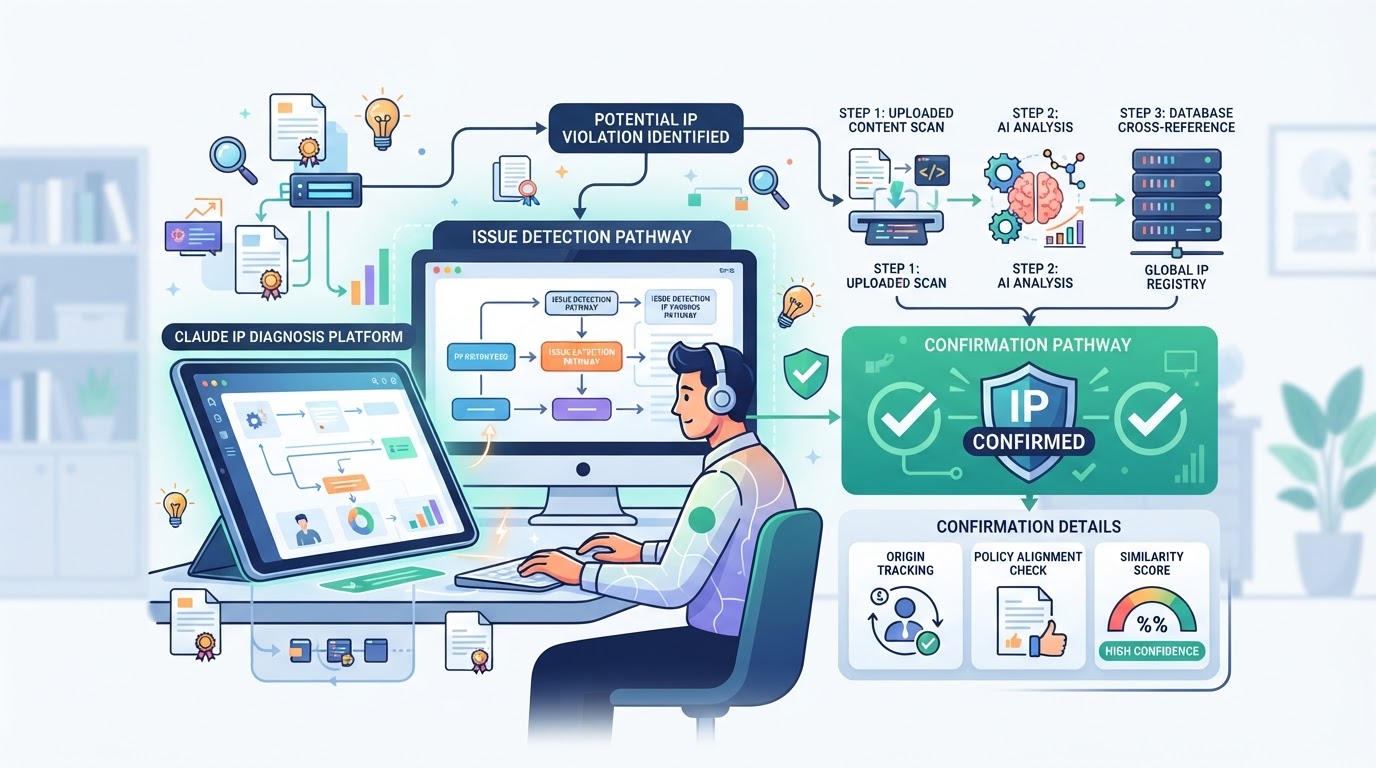
Use a controlled comparison rather than rapidly changing accounts or endpoints. Keep the destination and client consistent when comparing permitted network paths.
Step-by-Step Diagnosis
- Identify whether the error comes from the API, browser app, proxy endpoint, or local client.
- Record its exact text and any status or request identifier.
- Check the endpoint's authentication and reachability if one is configured.
- Check Claude's status page for an incident.
Interpret the Evidence, Not Just the Wording
A generic "access denied" page is not a published explanation of the underlying decision. An immediate 429 is still not proof of an IP ban. A public IP reputation lookup cannot reveal a service's private account or access decision.
Rule Out Client and Service Problems
Inspect browser extensions, a supported client version, resource availability, and any explicit account notice. If the error remains unexplained, provide the recorded evidence to support instead of creating replacement accounts.
What a Network Change Does and Does Not Prove
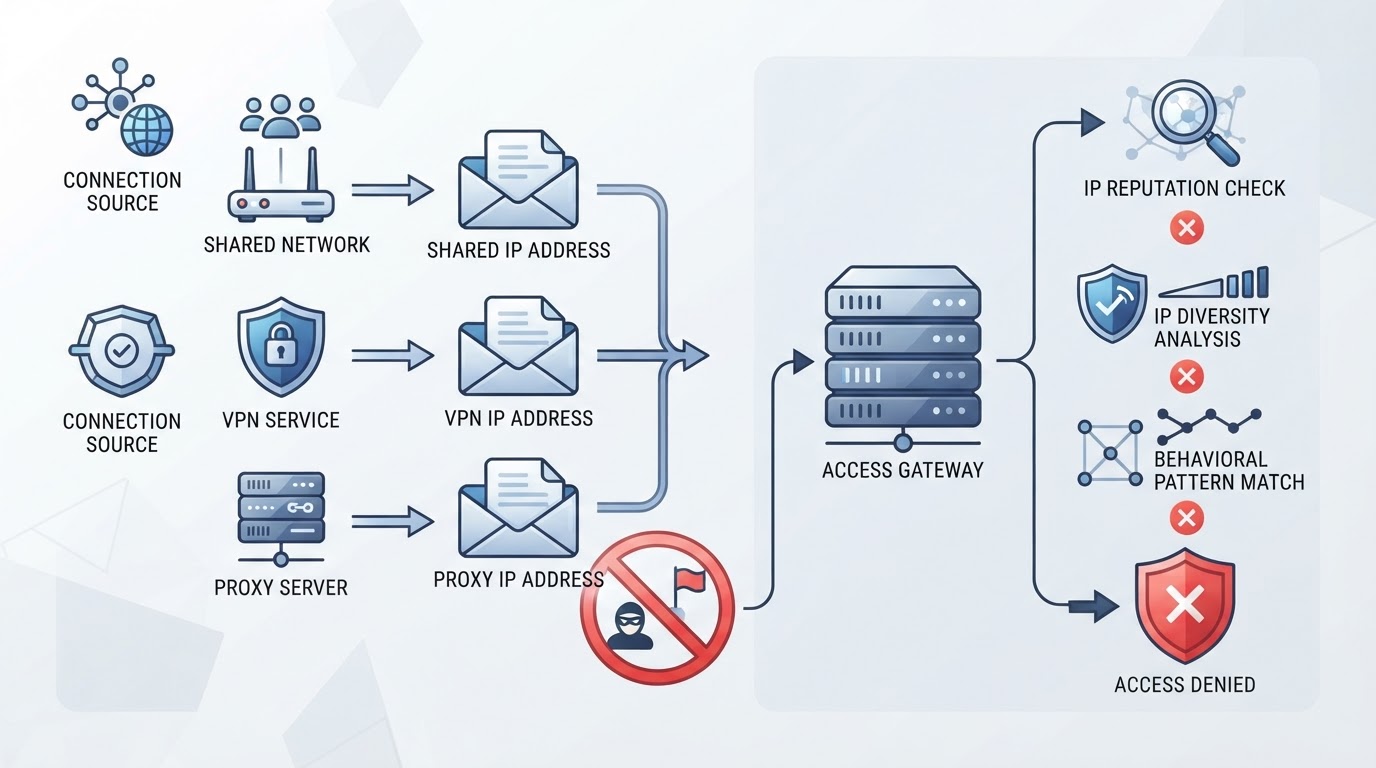
An Exit IP Is Only One Connection Attribute
A proxy changes the route of traffic a compatible client sends through it. A VPN changes the routes covered by its tunnel configuration. Neither changes the account's authorization, applicable service availability, or API entitlements.
Shared Networks and Alternative Paths
Different network paths can differ in routing, firewall policy, DNS behavior, or shared addressing. A changed response helps isolate a path issue; it does not prove a provider category is automatically banned or that a residential address is automatically trusted.
Why Changing Networks Is Not an Account Remedy
Follow explicit service or account restrictions and use the official support process. Do not treat a connection tool as a way to override an account action, regional eligibility, or request allowance.
Where PuraRoute Fits in Authorized Client Routing
For an authorized client that needs a managed proxy endpoint, PuraRoute provides connection credentials, session options, and resource status. These capabilities concern the network resource. They do not change Claude account eligibility, service availability, or API limits.
When a Static Residential Proxy Is the Better Fit for Long-Term Claude Workflows
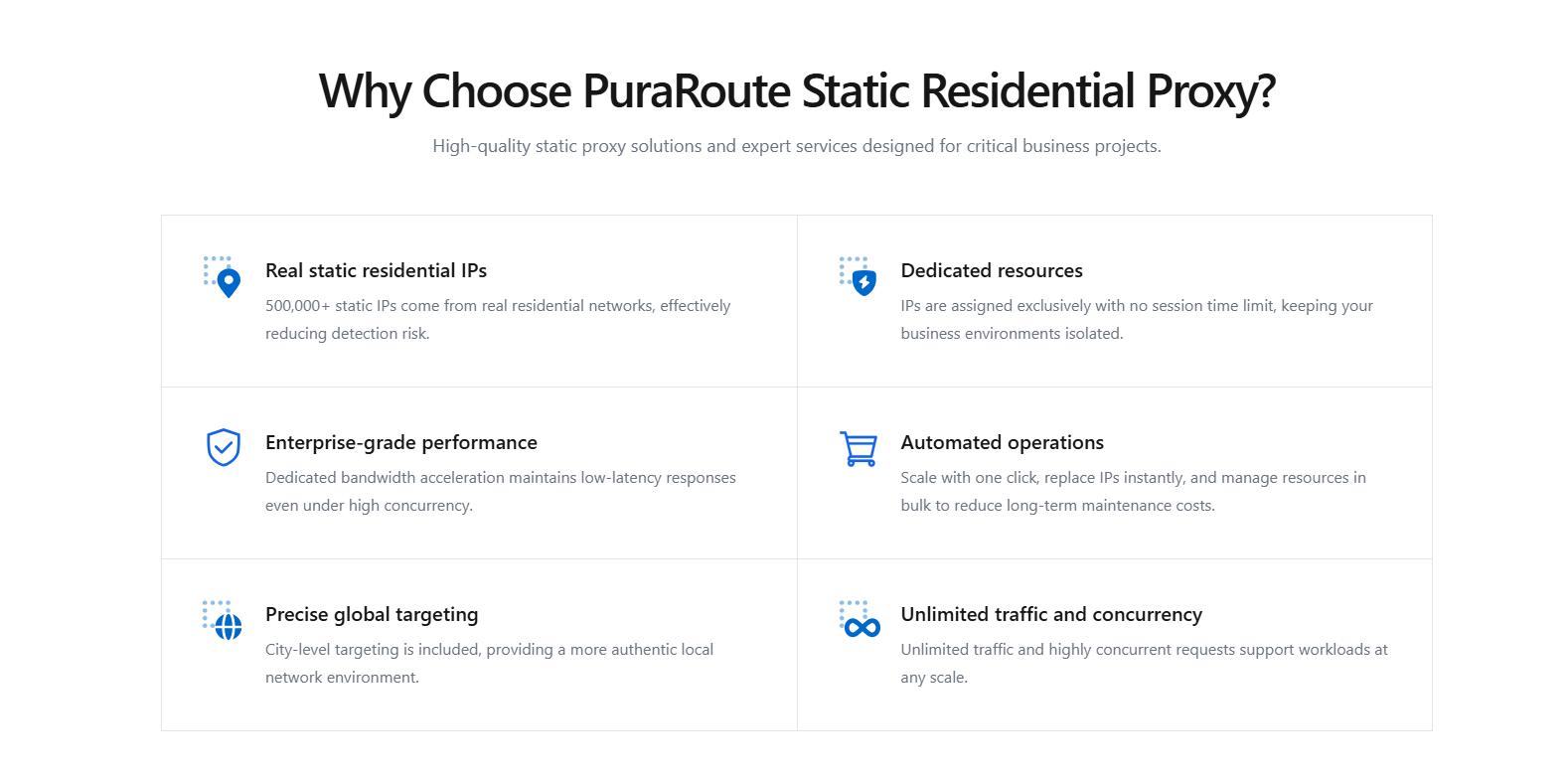
Static residential resources provide a fixed assigned IP during the active term. Check current inventory, client compatibility, and renewal conditions when the authorized workflow requires that continuity. Do not infer a Claude allowlist or account benefit from the resource type.
Using Rotating Residential Proxies for Dynamic Claude Access
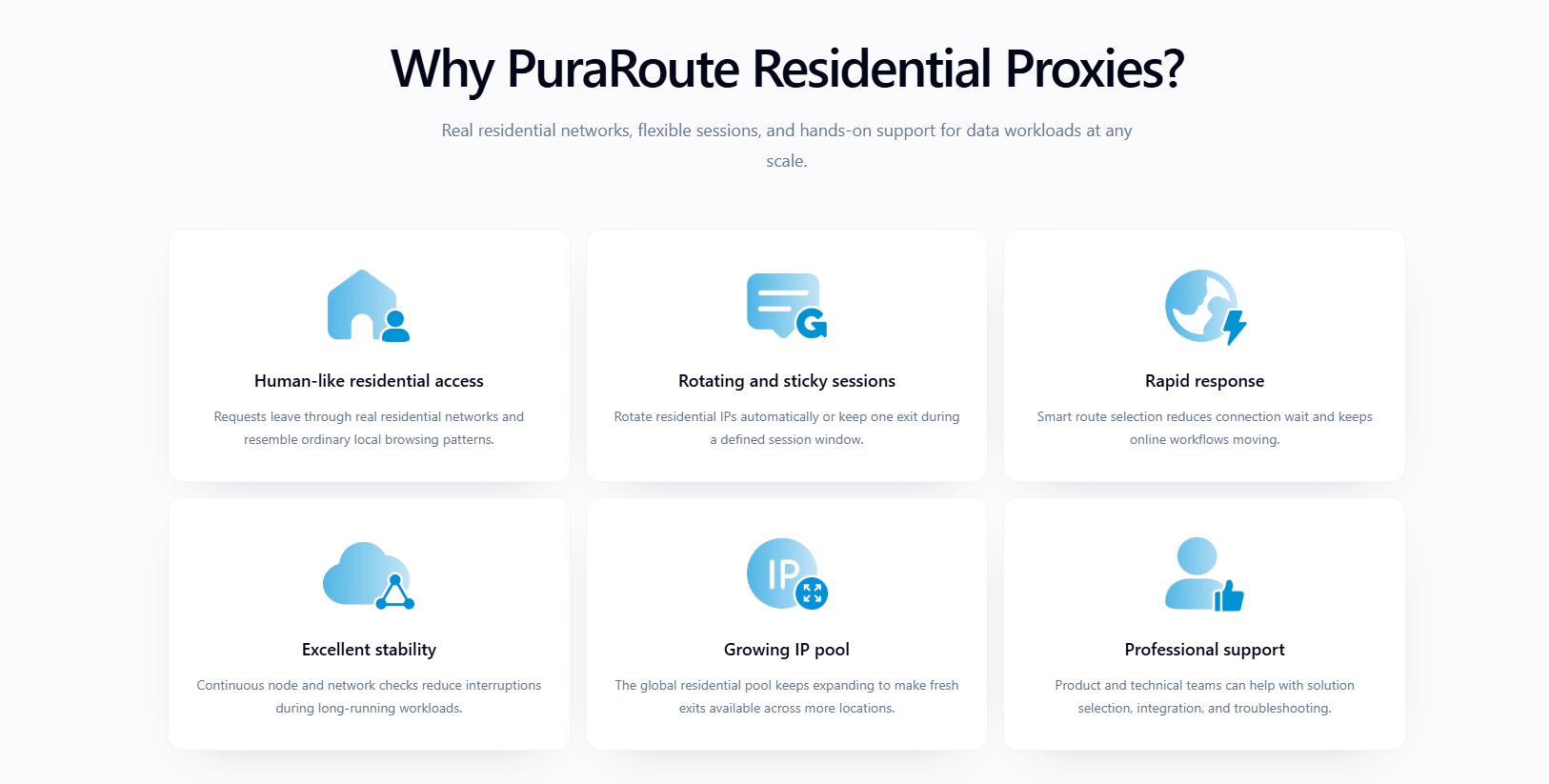
Rotating residential resources offer available location choices and configured exit changes. Sticky sessions seek temporary consistency subject to current settings and network conditions; they are not a permanent IP reservation. Use these options only for an authorized routing requirement. Concurrency options do not expand Claude request allowances or guarantee bandwidth.
How Static Native Proxies Support Stable, Native ISP Access
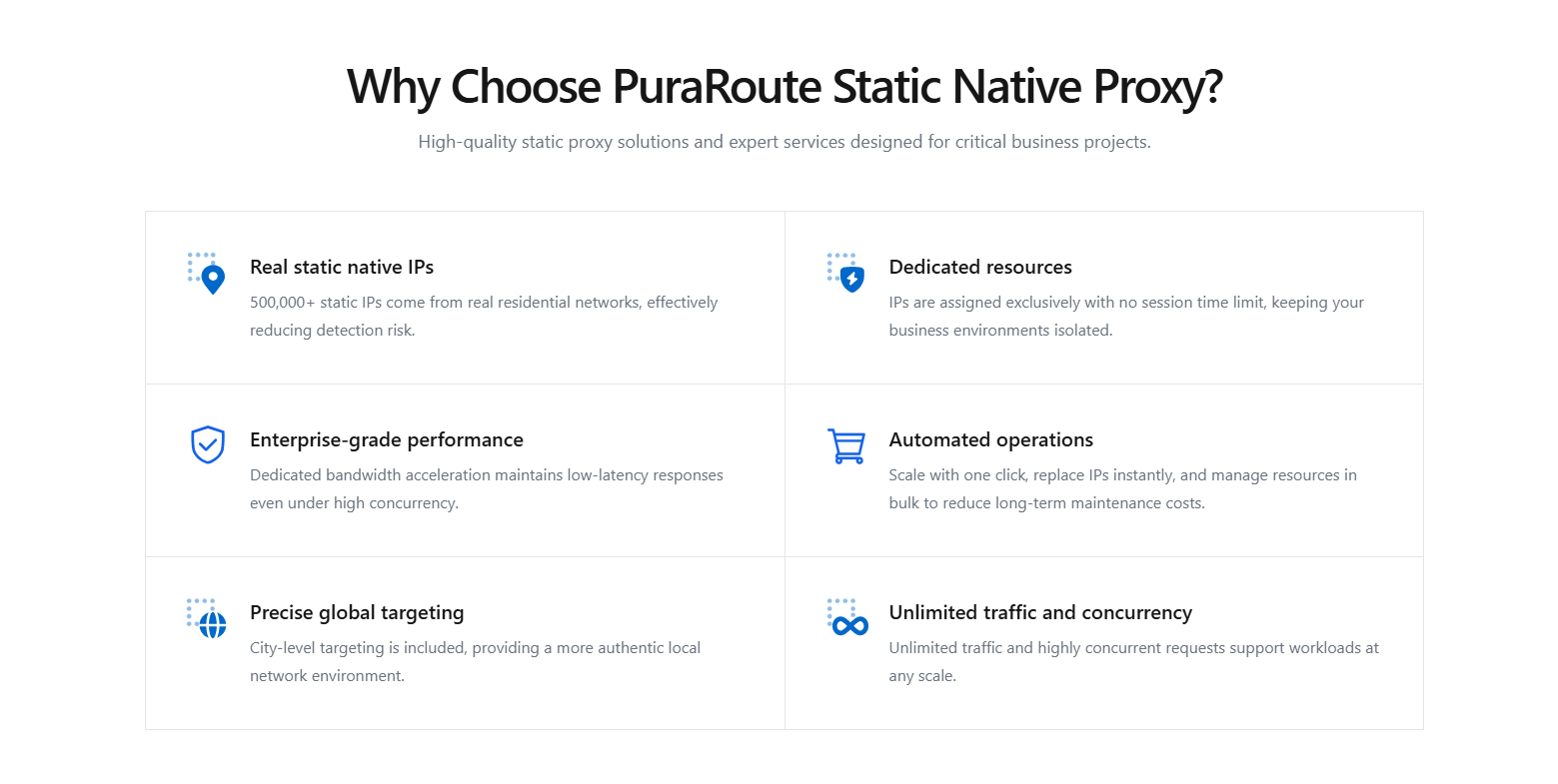
Static native resources use the ISP_NATIVE product category and a fixed assigned IP while active. Check current region stock and the purchase or renewal options actually offered for the resource. Viewing inventory does not reserve it, and the label does not guarantee acceptance by Claude.
Best Practices for Proxy Session Management with Claude
Match the endpoint scheme and authentication to the client, record resource expiry, and test connectivity after a configuration change. These steps help distinguish endpoint failures from service or account errors; they do not prevent an account action.
How to Configure an Authorized Proxy-Capable Client
Configure routing in the client that actually sends the request, not in an assumed universal "Claude proxy" menu. Browsers, SDKs, and command-line tools can use different settings.
Check the Client's Supported Configuration
- Review the installed client's documented endpoint scheme and authentication support.
- Verify the proxy resource is active and the credential fields are correct.
- Keep normal TLS certificate verification enabled.
Test Endpoint and Service Responses Separately
- Test endpoint reachability without exposing credentials in logs.
- Send an authorized service request from that same client.
- Distinguish a proxy authentication response, local timeout, and returned service error.
Avoid Unsupported Assumptions
HTTP(S) or SOCKS5 support is a client capability, not a blanket property of Claude. A browser IP-check page does not prove a separate SDK uses the same route. A timeout can occur before any service response and should not be labeled a ban.
What to Do After a Rate-Limit or Account Error
Choose a response based on the error you recorded rather than assuming every failure needs a new IP.
Rate-Limit and Transient Service Responses
For a rate-limit response, respect any retry guidance and review request pacing and applicable account limits. For transient failures, use bounded backoff rather than a rapid retry loop. Changing an IP is not a replacement for those controls.
Account Notices and Support
Use the official account recovery or appeal path when an explicit notice directs you there. Provide the timestamp, exact error, client, and request identifier when available. Do not send API keys, passwords, or unredacted sensitive content.
Browser State and Local Configuration
If a controlled browser test suggests a local cache or extension problem, follow the relevant troubleshooting steps. Clearing browser storage does not cancel a server-side account action. Change one variable at a time so the result remains interpretable.
Maintain a Diagnosable, Stable Workflow
Operational stability comes from separating the request budget, client configuration, endpoint lifecycle, and service response. No IP pattern guarantees that an account cannot be restricted.
Respect Request and Account Limits
Track the limits that apply to the integration and use bounded retries. Review the provider's current guidance if the returned error indicates capacity or request allowance, rather than attributing it to hidden network scoring.
Monitor Concrete Errors
- Keep counts of timeouts, proxy authentication failures, and returned service errors separately.
- Save safe request identifiers and timestamps for support.
- Check service incidents and explicit account notices when failures persist.
Review Endpoint Lifecycle Independently
Renew an eligible static resource before expiry if continued use is required. Renewal preserves resource availability subject to its terms; it is not a remedy for a Claude account restriction. Slow responses alone do not establish that an IP is about to be banned.
Frequently Asked Questions About claude ip ban
Can I use the same proxy credentials for Claude in both a browser and a script?
Yes, you can use the same proxy credentials if your provider gives standard HTTP(S) or SOCKS5 details. Most browsers and scripts let you set up proxies manually. Just make sure your tool matches the protocol and accepts username-password authentication. If not, your connection might fail or show errors.
Does a sticky session guarantee the same IP for my entire Claude session?
No. Sticky behavior seeks temporary exit-IP consistency under current settings and network conditions. A static resource can provide a fixed assigned IP while active, but neither guarantees a complete Claude session or overrides service restrictions.
What happens if my static proxy resource expires while using Claude?
Traffic through an expired resource can fail. Check renewal eligibility or configure another authorized resource as needed. This endpoint-lifecycle failure does not establish that Claude banned the account or IP.
Are both HTTP(S) and SOCKS5 protocols supported for Claude access?
Most proxy providers offer both HTTP(S) and SOCKS5, but you need to check what your client supports. Some Claude tools only accept one protocol. Always match the proxy protocol to your software; using the wrong one can lead to blocked requests or failed logins.
Should I check city-level inventory before buying a static proxy for Claude?
Check current inventory if an authorized workflow specifically needs a location. Stock availability does not determine Claude service eligibility, and buying a particular city resource does not remove an account or service restriction.
If you're weighing proxy options to handle regional data collection or want more stable IP behavior for automation, now's the time to confirm session needs and inventory before committing. It makes sense to check live proxy resources and review your workflow steps so you avoid picking an approach that doesn't match your actual usage.
Try Puraroute Now
