

Getting hit with an Instagram ip ban throws a wrench into daily operations, whether you’re managing multiple accounts or just trying to keep your business visible. One day your posts and logins work fine, the next, everything stalls. You see errors like “Action Blocked,” can’t log in, or watch engagement drop for no clear reason. Sometimes, even switching devices doesn’t help because the underlying IP is flagged, not just your account.
But before you rush to change networks or hunt for a new device, there’s a bigger risk: getting locked out again if the root cause isn’t fixed. Instagram’s IP block can trigger from unusual login patterns, rapid automation, or using the same IP for too many accounts. Trying random workarounds, like toggling your router or clearing browser cache, rarely solves the problem for long. Worse, repeating the mistake can lead to account restrictions, repeated bans, or even losing access to business assets.
What actually works is understanding how Instagram tags IPs, what triggers a ban, and which fixes get you back online reliably. That means knowing when to reset your IP, how to reduce avoidable access interruptions, and how to keep account workflows stable, without getting flagged all over again. The difference isn’t just avoiding the ban; it’s keeping your accounts running without constant interruptions.
If you’re weighing options for a fix or just want to avoid the next ban, here’s what really matters.
How to Tell If Instagram Has Banned Your IP Address
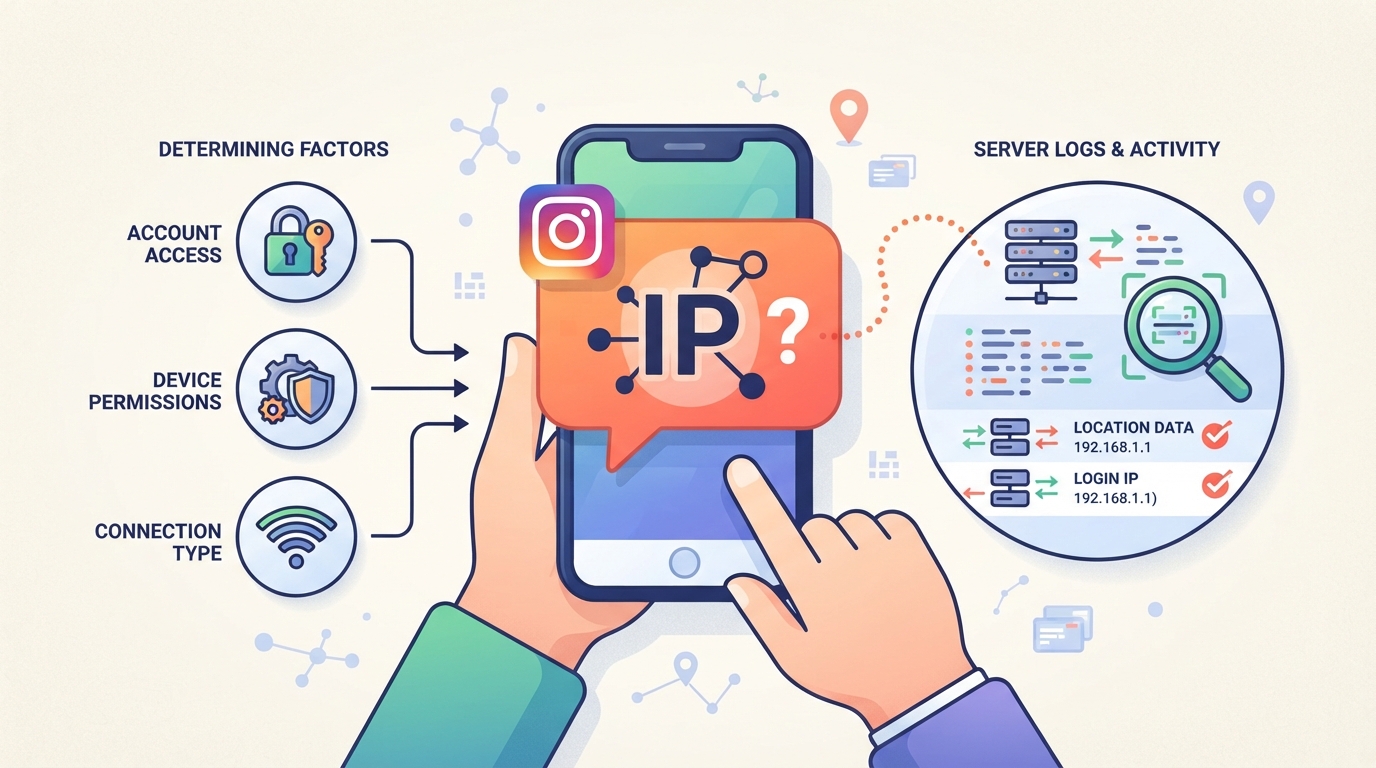
What are the symptoms of an Instagram IP ban?
You’ll usually get locked out across all accounts on the same network, even if you swap devices or logins. Error messages like “Action Blocked”, “Try Again Later”, or failed logins that work fine elsewhere often point to a network-level block, not just a single account ban.
How to confirm if your IP is the problem
The fastest way to confirm an IP ban is to switch your device to mobile data or a different Wi-Fi network. If Instagram loads normally on the new connection but stays blocked on the original network, even after clearing browser cache or using a different device, that’s a strong sign your IP address is flagged. Another test: log into a known “clean” account on your network. If it’s also blocked or gets the same error, the issue isn’t just with one account. Be careful with automation or browser fingerprint tools, sometimes they change more than just your IP, which can hide the real problem. If you only see “action blocks” (like not being able to follow, comment, or post), but can still log in, your account is restricted, not your whole IP. But if every login and every account on your Wi-Fi gets blocked, you’re dealing with an IP ban.
What not to do after a suspected ban
- Don’t keep logging in and out, this can stack more flags on your account and network.
- Don’t create new accounts on the same blocked IP; they’ll likely get flagged instantly.
- Don’t assume all bans are permanent, some last hours, others days, but repeating mistakes can extend them.
Next up: the real triggers behind Instagram IP bans and how long you can expect them to last.
What Triggers an Instagram IP Ban and How Long Does It Last?
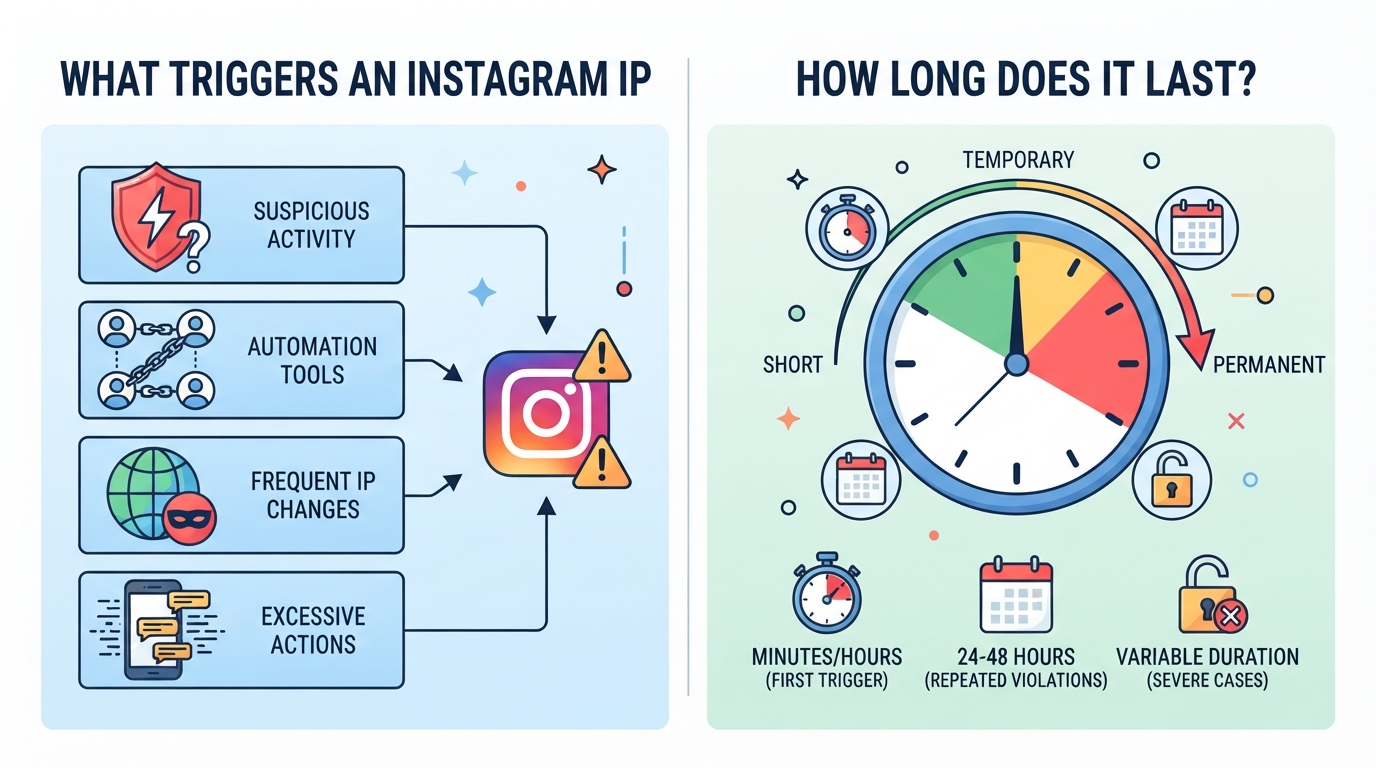
Instagram doesn’t ban IPs at random, there’s a short list of actions that nearly always draw a red flag. If you want to avoid getting blocked again, knowing what triggers a ban is more useful than guessing at fixes.
Which actions most often result in an IP ban?
Here’s how the main triggers stack up:
| Action | Typical Flagging Speed | Risk of Repeat Ban |
|---|---|---|
| Mass account logins/automation from 1 IP | Fast (minutes–hours) | Very high |
| Spamming, scraping, or violating policies | Rapid if detected | High |
| Managing too many accounts from same network | Variable (hours–days) | Moderate to high |
If your IP shows up in more than one of these patterns, say, running bots and logging into dozens of accounts, you’re almost certain to get flagged and possibly re-banned after unblocking.
How does Instagram detect and enforce IP bans?
Instagram cross-checks for automation, mass logins, and unusual traffic using a mix of device fingerprints, cookies, and IP reputation. Even if your IP is new, if cookies or device info tie you to a previous ban, you’ll get blocked again. Their system rarely acts on IP alone.
Is an Instagram IP ban permanent or temporary?
Most IP bans are temporary and can last from a few hours to several days. But if you repeat the same violation or try to dodge a ban with obvious tricks, you risk getting “soft banned” again or locked out for longer. Duration is based on both severity and repeat offenses, repeat abusers can get progressively longer bans.
Staying unblocked isn’t just about changing your IP. It’s about breaking the pattern that got you flagged in the first place. Next, see how to separate accounts and avoid repeating the cycle.
How to Safely Separate Instagram Accounts and Avoid Future IP Bans
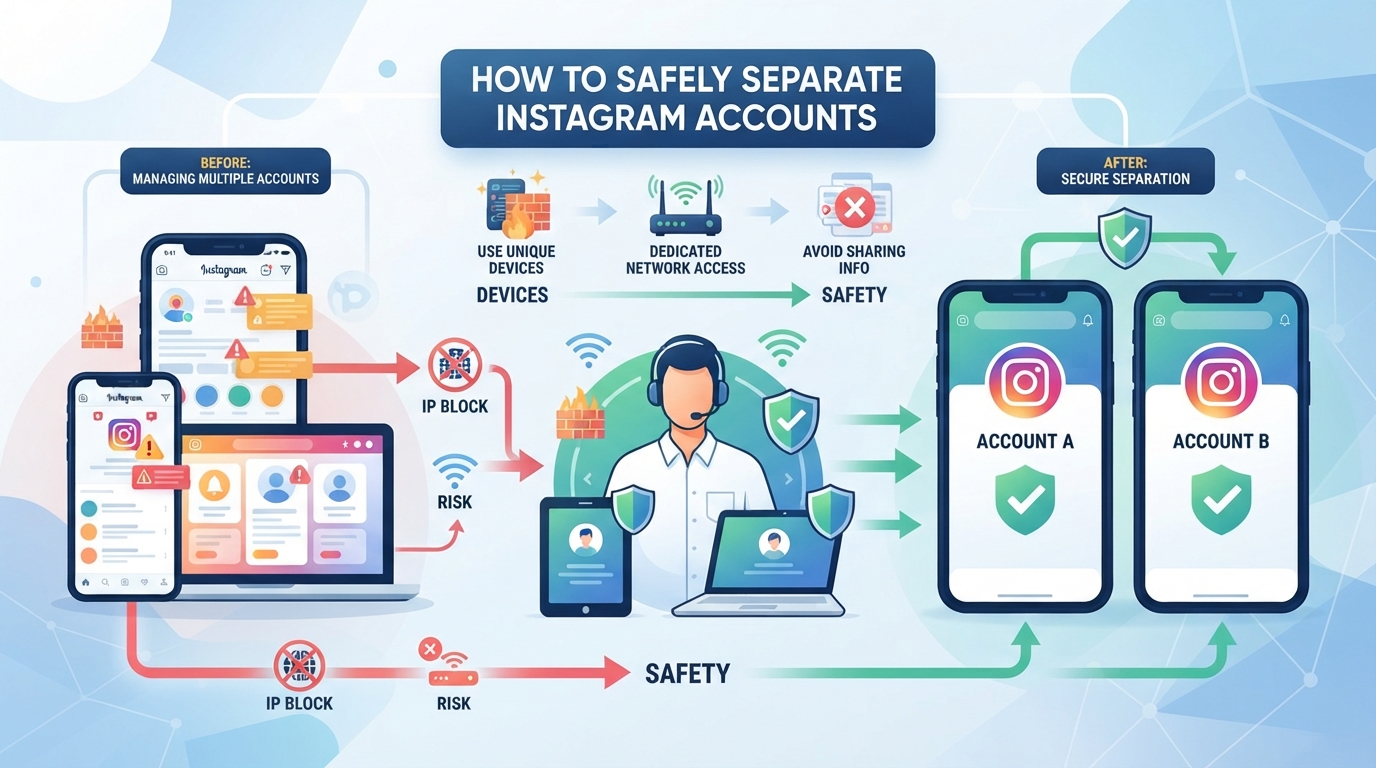
If you’re tired of account bans triggered by using the same IP, the fix isn’t guesswork, it’s separating each Instagram workflow with its own stable proxy environment. This means assigning a dedicated IP to every account, so Instagram can’t link your profiles by network fingerprints or repeated cross-account activity. PuraRoute offers practical tools for this: fixed static residential proxies for routine account management, static native proxies for business-critical operations, and support for standard browser and automation tools. Here’s how it works in practice, and what to watch out for.
How dedicated static residential proxies keep Instagram accounts separated
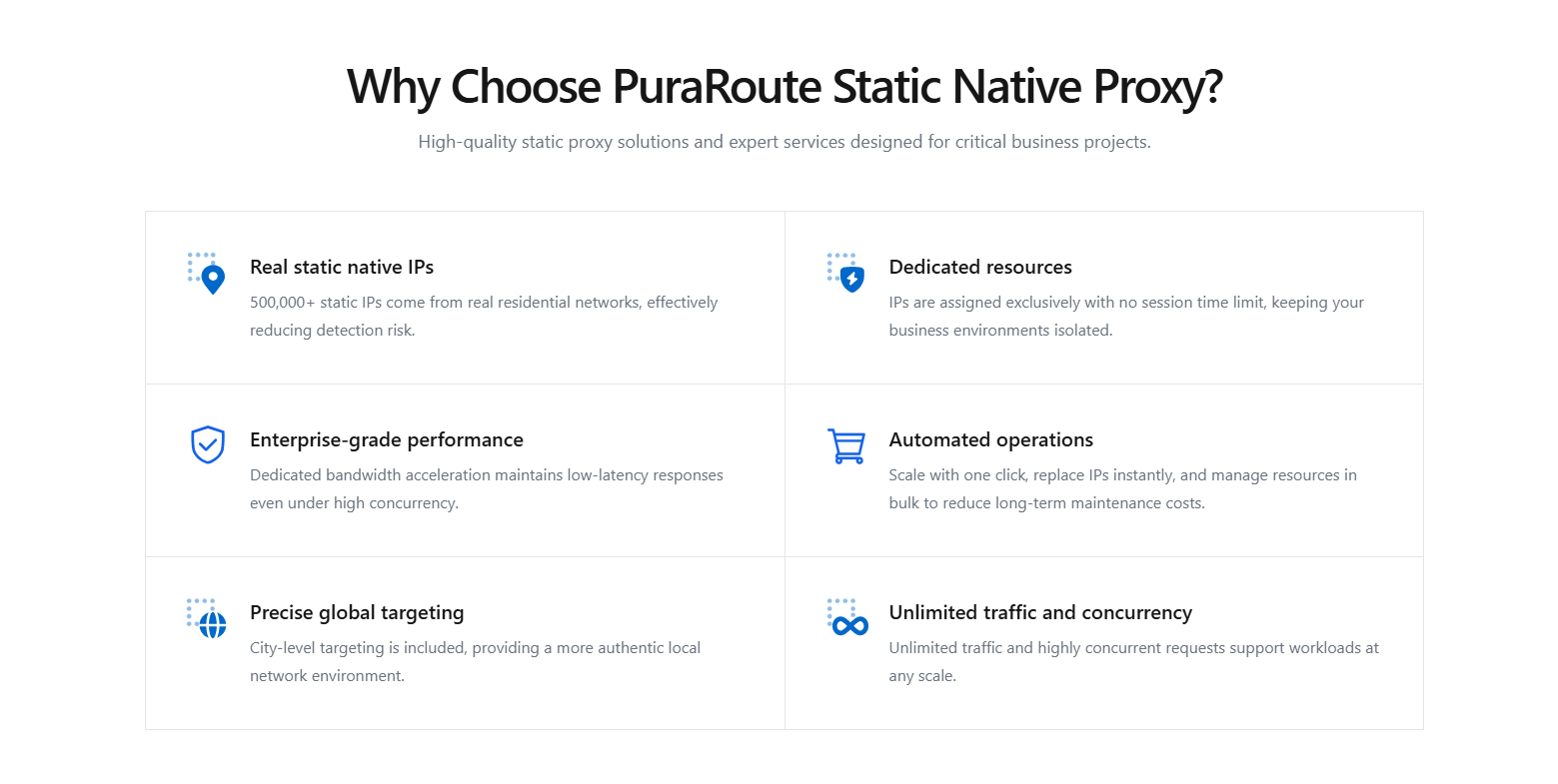
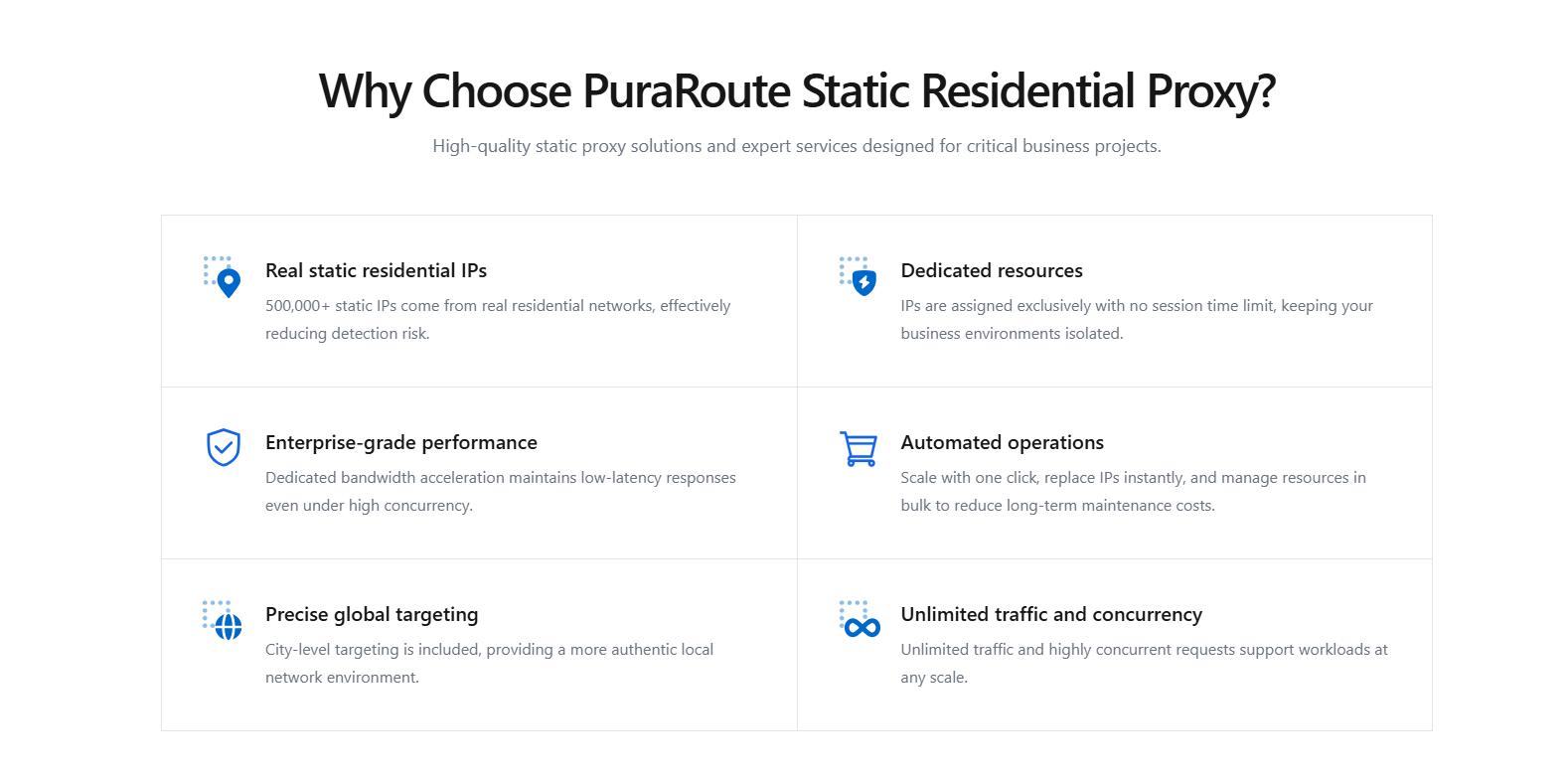
By giving each Instagram account its own static residential proxy, you create a clean network boundary for every profile. PuraRoute Static Residential Proxies let you assign a dedicated, fixed residential IP to a browser profile or account for as long as your plan covers it. This avoids the common pitfall of overlapping IPs, which is what trips Instagram’s detection most often. The real win is unlimited traffic and persistent sessions, so even high-volume activity won’t force an IP change mid-workflow. But don’t assume the IP is permanent; once the term expires, you’ll need to renew or select a new resource.
When a static native proxy is the right fit for long-running or business accounts
If you’re running high-value or business Instagram accounts, bounce-prone IPs are a liability. PuraRoute Static Native Proxies are fixed native ISP routes meant for longer-running workflows. You pick the region, set the duration (7, 30, or 90 days), and check live inventory before purchase. Every allocated static native IP is tied to your resource term; you manage expiration and renewal through the console or Open API. This setup means you’re not sharing an IP, and you control how long it stays active. But inventory changes fast, if you wait too long between check and purchase, your preferred location might disappear. Always confirm live status before locking in a proxy.
How to connect proxies to Instagram tools and browsers
PuraRoute proxies support HTTP(S) and SOCKS5, so you can plug them into browsers, antidetect tools, or automation workflows with standard credentials. Assign each proxy to a browser profile, check usage and expiration in the console, and monitor sessions as you work. If you mismatch protocol or credentials, expect failed logins or dropped sessions, so always verify these before starting.
Keeping accounts separated this way reduces the risk of cross-account bans and sets you up for cleaner recovery if an IP gets flagged. Next up: how to act right after an IP ban hits.
What to Do Immediately After an Instagram IP Ban
Getting blocked by Instagram for your IP is more than a headache, it can stall business, cost campaigns, or lock you out of key accounts. The real issue isn’t just getting access back, but avoiding moves that make the situation worse or get more accounts flagged. Here’s how to respond without digging a deeper hole.
Should you restart your router or change networks?
If your connection uses a dynamic IP (like most home broadband), a router restart may assign you a new address. This can work once, but if Instagram flagged your account too, you’ll stay blocked. Repeated network switches or proxy jumps often trigger more suspicion, don’t chain random resets or hop between mobile hotspots.
Does clearing cookies or using incognito mode help?
Instagram tracks more than just your IP. Browser cookies, local storage, and even device fingerprints give away returning users, especially after a block. Clearing cookies or switching to incognito can help only if your account isn’t restricted and you’re sure the ban is tied to your network, not your login. For example, if you try to log in from a clean browser and still hit the error, the block is network-based. But if you see different errors or fail to load the login page entirely, your account or device may be flagged too. Don’t just clear history blindly; if you use automation tools or multiple browser profiles, make sure all instances are closed before resetting. Rushing this step might result in session mismatch errors or force multi-factor re-verification, slowing down recovery.
When to contact Instagram support or wait it out
- Use the “Report a Problem” feature if you believe the block is a mistake (but expect slow replies, days, not hours).
- For temporary IP bans, waiting 24-48 hours without login attempts is safer than pushing retries.
- If business accounts are involved, try reaching out via Facebook Business support channels for faster escalation.
Knowing when to act and when to pause stops you from getting caught in a ban loop. Next, it’s time to rethink how your team manages multiple accounts and network identities to avoid repeat issues.
How to Avoid Instagram IP Bans When Managing Multiple Accounts
Getting banned once is rough, but getting flagged again because you didn’t fix the core setup is worse. If you’re running multiple Instagram accounts for clients or brands, keeping them truly separate is what actually keeps you in business. Here’s how to do it right and avoid triggering another Instagram IP ban.
Why separating accounts by IP matters
If you run different accounts through the same IP, Instagram can easily link them, even if the brands or clients have nothing to do with each other. Once one gets flagged, the rest are exposed. Using different network exits for each account is the baseline; skipping this step is what usually leads to cross-account bans and sudden network blocks.
How to set safe automation and activity limits
- Spread out logins and actions, avoid mass posting or following sprees in a short window.
- Limit automation tools to one account per browser profile or session.
- Always review Instagram’s latest rate limits before scaling up actions.
Why free or public proxies increase ban risk
Free or public proxies don’t just look suspicious, they’re often on blocklists or show up in Instagram’s detection systems right away. If your “new” IP is already flagged, it barely buys you time before another ban hits.
- Avoid any proxy that’s advertised as free, public, or shared by unknown users.
- Use real residential or native IP addresses, Instagram checks for these behind the scenes.
- Regularly rotate out any proxy that starts failing logins, as this often signals it’s been blacklisted.
The single biggest mistake: assuming a fresh IP or automation tweak alone will fix repeated bans. The real fix is keeping accounts isolated, using clean network exits, and staying under activity radar, skipping any of those steps usually lands you back on Instagram’s blocklist.
If a rotating proxy or sticky session still isn’t keeping your workflow stable, it’s time to look at longer-term solutions.
When a Rotating Proxy or Sticky Session Is Not Enough for Instagram
Rotating proxies and sticky sessions are common shortcuts for getting around Instagram IP blocks, but they aren’t built for long-term account access. If you need reliability, especially for browser profiles tied to business or client work, using the wrong proxy type can bring more trouble than it solves.
How rotating proxies work for research and scraping
Rotating proxies cycle your public IP with every request or at fixed intervals. This works for scraping public content or testing how things look from different locations. But for Instagram logins, frequent IP changes throw red flags, especially if you’re trying to keep an account session alive. Here’s how the main options stack up:
| Proxy Type | Use Case | Session Stability | Risk for Instagram Accounts |
|---|---|---|---|
| Rotating | Scraping, research | Low | High (frequent IP changes) |
| Sticky Session | Short process, single session | Medium | Moderate (session may break) |
| Static (Fixed IP) | Account login, automation | High | Low (if managed well) |
If your main goal is data collection, rotation works. But if you need predictable account access, rotating proxies create more bans than they prevent.
What a sticky session can and cannot do
Sticky sessions let you use the same IP for a while, but there’s a catch. The session can drop, sometimes sooner than you think, due to network changes or provider rules. If Instagram sees your IP change mid-session, it can still flag or log you out. For real account continuity, that’s a dealbreaker.
When only a fixed static IP is reliable
If you’re running long browser sessions, automation, or handling client accounts, only a static (fixed) IP gives the required continuity. You stay on one IP for the duration of your work, so Instagram sees a stable connection, reducing the chance of sudden locks or bans.
When you’re ready to choose a proxy, don’t just chase the cheapest or most flexible option. Check for actual IP stability, how session resets work, and whether the provider offers true static IPs, not just sticky sessions with time limits. That’s what separates a temporary fix from a real solution.
What to Check Before Buying a Proxy for Instagram
Buying the wrong proxy won’t just waste money, it can land you right back on Instagram’s blocklist. If you’re tired of short-term fixes or getting hit with new bans, focus on these checks before you pay.
How to verify country and city inventory
Most bans are linked to suspicious or mismatched account locations. If you want to avoid tripping Instagram’s region checks, only buy proxies with live, confirmed inventory for your target country or city. Never assume “100+ countries” means every city is actually in stock, inventory changes by the hour. Check the provider’s inventory right before purchase and confirm that the exact location you need passes their live check. Otherwise, you risk paying for an IP that’s already gone or can’t be assigned.
Which protocols your tools require
- Confirm your Instagram management tool supports HTTP(S) or SOCKS5, don’t guess.
- Check which proxy type matches your automation and browser setup.
- Make sure you get credentials for the right protocol; using the wrong one will block logins or break sessions.
How plan duration, traffic, and renewal affect reliability
Short-term plans and traffic limits cause mid-campaign failures. Unlimited-traffic static proxies are less likely to interrupt ongoing sessions or trigger new bans.
- Pick a plan where the IP stays fixed for your whole workflow, not just a day.
- Confirm there’s an option to renew before the IP expires, so you don’t lose continuity.
- Avoid traffic-capped plans for account management; sudden disconnects often trigger new Instagram IP blocks.
Frequently Asked Questions About Instagram ip ban
Can I use the same proxy for multiple Instagram accounts?
Sharing one proxy across unrelated Instagram accounts can actually make all accounts riskier. If Instagram sees different users or brands coming from a single IP, it’s easier for them to link activities and trigger bans. The safer way is to use a dedicated static proxy for each account, so each has its own separate network identity.
Will a sticky session keep my Instagram IP fixed forever?
Sticky sessions only keep the same IP for the current session, not forever. The IP can change after the session ends, depending on the platform’s network settings. If you need your Instagram account to always use the same IP, only a static proxy will provide that fixed address for the full purchase period.
What happens if my static proxy expires while I’m still using it?
If your static proxy expires, you lose access immediately, even if you’re in the middle of a task. Any Instagram operations running through that IP will stop working. To avoid problems, always track your proxy’s expiration date and renew it before it ends, especially for long-running account work.
Are HTTP(S) and SOCKS5 both supported for Instagram tools?
Yes, both HTTP(S) and SOCKS5 are supported by most residential and static proxies. However, it’s important to check if your Instagram automation or management tool accepts both protocols. Some tools only support one, so double-check compatibility before setting up your connection.
Should I confirm city-level inventory before buying a static IP for Instagram?
Absolutely. Static proxy inventory is live and changes often. Always check for your needed country or city before buying, especially if you want to match a specific region for your Instagram account. This helps avoid disappointment and ensures you get the location you need for your account setup.
If your team is facing repeated blocks or unreliable account access, it's worth rechecking both your IP setup and how consistently each account is managed. The next step is to match the right proxy type to your actual workflow, making sure your connection behavior fits what each platform expects.
Try Puraroute Now
