
To scrape Target product data, collect details such as the product name, price and item number, then save them in a table. For price or availability work, decide whether you need online information or results for a particular store. Those are different questions, even for the same product.
I built the Python example around Unwrangle, a third-party service that collects the product page and returns structured data. You provide a Target product URL, your own API key and a store number. The script saves selected fields to CSV and keeps the full response for checking.
It also supports a product list and saved responses. Failed requests stay visible, and a missing price stays blank. I kept those cases separate so a collection problem does not turn into a false price-drop alert or a misleading stock report.
Start with a few products you recognize. Check the item, store and price fields before using the file for competitor research, catalog work or a larger watchlist. The examples show what the selected service returns and where further store-specific checks are needed.
What Target Product Data Do You Need?
Start with identity and the fields that answer the question
Keep the product URL and TCIN, the numeric identifier commonly found after A- in a Target product URL. A title alone can combine similar packs, editions or colors that should remain separate records.
For a basic catalog or comparison sheet, choose name, brand, current price, currency and product URL. Add rating information, images or specifications when the project uses them. Do not collect a large set of fields merely because a source returns them.
| Project | Fields and context to prioritize | Mistake to avoid |
|---|---|---|
| A competitor price sheet | TCIN, product, price, currency and observation context | Matching similar titles as identical products |
| Product catalog research | Brand, description, attributes and variants | Assuming one variant describes the whole family |
| Availability checking | Item, store, fulfillment and time | Treating online shipping as local pickup |
| Review analysis | The intended review source and coverage | Treating a few recent reviews as every review |
I would take that field list to each provider and ask which values it returns. A general claim that it "scrapes Target" does not tell me whether it covers the report I need.
Separate product details from finding products
A product-detail request starts with a known URL. It does not discover every listing in a category. If your project starts with a keyword, you need a search or category stage to collect candidate URLs before retrieving details.
If a scraper appears to miss products, I would inspect the candidate list before changing the detail parser. Even a correct detail reader cannot process an item that the discovery stage never found.
For a small price watchlist, a manually chosen URL list may be sufficient. It is also easier to inspect while learning the source. Add broader discovery when the project actually needs it.

Which Target Product Scraping Method Should You Choose?
A managed endpoint gives you a shorter path to a table
I read Unwrangle's Target product documentation to check the detail endpoint, URL input and store parameter. I used that path for the example instead of inventing a selector or copying a key from somebody else's browser request.
A managed service fetches the page and extracts product fields for you. You pay for that work, so inspect a sample and check which fields it supplies before choosing it for regular collection.
I chose named fields for the product-and-store table, kept nested fulfillment data as JSON text and saved the complete response separately. I find a consistent set of columns easier to compare, while the original response leaves optional detail available for later analysis.
Self-operated collection needs a real source check
If you collect Target pages yourself, compare the visible product with the actual response. Some fields may come from page data or rendering rather than a stable CSS selector. A browser showing a price does not prove that a plain HTTP response contains the same field.
Inspect one representative response before building around JSON-LD or another embedded representation. If the expected product data is absent, choose an appropriate permitted capture or documented source. A parser can only read product fields that are present in the page it receives.
Avoid pasting old internal endpoints, cookies or keys from a tutorial into a recurring job. Even if they once returned useful data, that does not establish current support or coverage for your task. The access method and the parser both need a basis you can maintain.
How Do You Scrape Target Product Data With Python?
Prepare the input and the account key
Install Requests with python -m pip install requests. Set UNWRANGLE_API_KEY to your own token. The program accepts one Target product URL, a text file of URLs, or a saved response for offline export. Live Target requests also require --store; this avoids silently using the provider's default store.
The endpoint uses the documented target_detail platform. This is a third-party data service with its own usage charges. The program does not need an additional proxy subscription in front of that API.
Save a collector that keeps context and failed jobs
Save this as target_product.py. It writes selected product fields alongside the requested store, retrieval time and status. Nested values remain JSON text. A missing field stays blank; a provider error becomes a failed row rather than a false stockout.
"""Collect product rows with source context; --json makes no network request."""
import argparse, csv, hashlib, json, os
from datetime import datetime, timezone
from pathlib import Path
from urllib.parse import urlparse
import requests

SITE = "target"
PRODUCT_FIELDS = ['tcin', 'name', 'price', 'price_reduced', 'currency', 'price_type', 'location_id', 'fulfillment', 'dpci', 'upc', 'url']
META_FIELDS = ["status", "source_kind", "requested_url", "requested_store",
               "retrieved_at", "exported_at", "error"]

def now():
    return datetime.now(timezone.utc).isoformat()

def cell(value):
    return json.dumps(value, ensure_ascii=False) if isinstance(value, (dict, list)) else value

def product_row(bundle):
    meta = bundle.get("_collection", {})
    payload = bundle.get("response", bundle)
    row = {k: meta.get(k) for k in META_FIELDS}
    row.update(source_kind=meta.get("source_kind", "undated_saved_response"),
               requested_url=meta.get("requested_url", payload.get("url")),
               exported_at=now(), status="ok", error="")
    detail = payload.get("detail")
    if payload.get("success") is not True or not isinstance(detail, dict) or not detail:
        row.update(status="failed", error="No successful product detail object")
    else:
        row.update({k: cell(detail.get(k)) for k in PRODUCT_FIELDS})
    return row

def collect(url, store, folder):
    host = (urlparse(url).hostname or "").lower()
    domain = SITE + ".com"
    if urlparse(url).scheme != "https" or not (host == domain or host.endswith("." + domain)):
        raise ValueError("Use an HTTPS product URL on " + domain)
    key = os.getenv("UNWRANGLE_API_KEY")
    if not key:
        raise ValueError("Set UNWRANGLE_API_KEY before a live request")
    params = {"platform": SITE + "_detail", "url": url, "api_key": key}
    if SITE == "target":
        if not store:
            raise ValueError("Target live requests require --store")
        params["store_no"] = store
    try:
        response = requests.get("https://data.unwrangle.com/api/getter/", params=params, timeout=90)
    except requests.RequestException as error:
        raise ValueError(type(error).__name__) from None
    if not response.ok:
        raise ValueError("API HTTP " + str(response.status_code))
    try:
        payload = response.json()
    except ValueError:
        raise ValueError("Non-JSON API response") from None
    bundle = {"_collection": {"source_kind": "live_api_response", "requested_url": url,
               "requested_store": store if SITE == "target" else None, "retrieved_at": now()},
               "response": payload}
    safe = json.dumps(bundle, ensure_ascii=False, indent=2).replace(key, "[redacted]")
    folder.mkdir(parents=True, exist_ok=True)
    name = hashlib.sha256((url + str(store)).encode()).hexdigest()[:16] + ".json"
    (folder / name).write_text(safe, encoding="utf-8")
    return json.loads(safe)

def main():
    parser = argparse.ArgumentParser()
    source = parser.add_mutually_exclusive_group(required=True)
    source.add_argument("--url")
    source.add_argument("--urls", type=Path, help="UTF-8 file, one URL per line")
    source.add_argument("--json", type=Path, help="A saved response or wrapped collection")
    parser.add_argument("--store")
    parser.add_argument("--output", type=Path, default=Path(SITE + ".csv"))
    args = parser.parse_args()
    if args.json:
        bundles = [json.loads(args.json.read_text(encoding="utf-8"))]
        rows = [product_row(b) for b in bundles]
    else:
        urls = args.urls.read_text(encoding="utf-8-sig").splitlines() if args.urls else [args.url]
        urls = list(dict.fromkeys(u.strip() for u in urls if u.strip()))
        if not urls:
            parser.error("The input URL list is empty")
        if not os.getenv("UNWRANGLE_API_KEY") or (SITE == "target" and not args.store):
            parser.error("Set UNWRANGLE_API_KEY; Target also requires --store")
        rows = []
        for url in urls:
            try:
                rows.append(product_row(collect(url, args.store, args.output.with_suffix(".raw"))))
            except ValueError as error:
                rows.append({"status": "failed", "requested_url": url,
                    "requested_store": args.store if SITE == "target" else None,
                    "exported_at": now(), "error": str(error)})
    with args.output.open("w", encoding="utf-8-sig", newline="") as handle:
        writer = csv.DictWriter(handle, fieldnames=META_FIELDS + PRODUCT_FIELDS)
        writer.writeheader()
        writer.writerows(rows)
    failed = sum(row["status"] != "ok" for row in rows)
    print(str(len(rows)) + " rows; " + str(failed) + " failed; " + str(args.output))
    if failed:
        raise SystemExit(1)

if __name__ == "__main__":
    main()
Run one product using the provider's documented sample URL, substituting your intended store:
python target_product.py --url "https://www.target.com/p/keurig-k-mini-single-serve-k-cup-pod-coffee-maker/-/A-53788870" --store 3991 --output target-run1.csv
The live path creates a CSV and a target-run1.raw directory of saved responses. Each response retains collection metadata. Use a new output name for another collection period so earlier files remain available. Retrieval time means when the API response arrived, not an independently verified time when Target last changed the price.
Export a saved response and inspect the row
Use an actual JSON filename from that directory:
python target_product.py --json target-run1.raw/your-saved-file.json --output target-reexport.csv
JSON mode makes no network call. It keeps the saved retrieval time; for an unwrapped response with no collection metadata, the time remains blank. Exporting an old response today does not turn it into today's price observation.
I also ran the exporter against the provider's public documentation example. It produced TCIN 53788870, location_id 3991, price 89.99 and currency USD. I used those historical values to check the output; I did not collect a live Target price or test store stock.

Why Can Target Prices and Availability Differ?
Match the requested store to returned context
I checked Unwrangle's description of store_no, which affects pricing and availability. The sample also contained location_id. I kept the requested store and that returned field in separate columns so I could compare them.
| Export field | What it represents | How to use it |
|---|---|---|
requested_store |
The store supplied to a live request | Compare with returned context; it is not itself stock evidence |
location_id |
A location field in the returned detail | Inspect before labeling a row with a store |
tcin |
The Target product identity | Keep it as text and distinguish variants |
price, price_reduced, price_type |
Separate returned price fields | Keep their meaning instead of selecting the smallest number |
fulfillment |
Returned nested fulfillment information | Read the actual keys before interpreting availability |
retrieved_at, status |
Collection context and outcome | Exclude failed or undated observations from fresh alerts |
A store parameter is an input, not proof that every field is store-specific. Compare a small representative set before building a multi-store report. If the requested stores differ but the response lacks relevant local evidence, repeated rows do not establish local coverage.
A fulfillment object is not automatically pickup inventory
When I checked the export, the documentation sample's fulfillment object contained purchase-limit and gift-wrap information, but no per-store pickup quantity. I would read the actual fields before using a column called fulfillment to answer "can I pick this up at this store?"
I would check that field coverage before scheduling thousands of requests. For local pickup or clearance, require the particular fields and store context your project needs. The program deliberately does not invent an in_stock value from a missing field or infer one from a purchase limit.
If a price is absent, keep it blank and inspect the saved response. If it is present there but missing from your selected fields, adjust the mapping. If it is absent from the source too, investigate which data the service returns or the offer. A parser issue and a real stock condition need different fixes.
PuraRoute for Regular Target Product Checks
If you collect Target product data with your own scraper and need paid proxies, PuraRoute is an option to try. It offers dynamic residential proxies, static residential proxies and static native proxies. These services can fit different collection needs, from repeated product checks to longer-running work that uses one assigned IP.
Choose proxies around your Target product list
Dynamic residential proxies can suit regular checks across a product list, with available location choices for market-specific research. A static service gives an assigned IP to tools that need one for longer. Start with the Target prices, product details or availability fields you want to collect. Test a few familiar products and check the store information where needed before growing the list.
Keep collection costs easy to follow
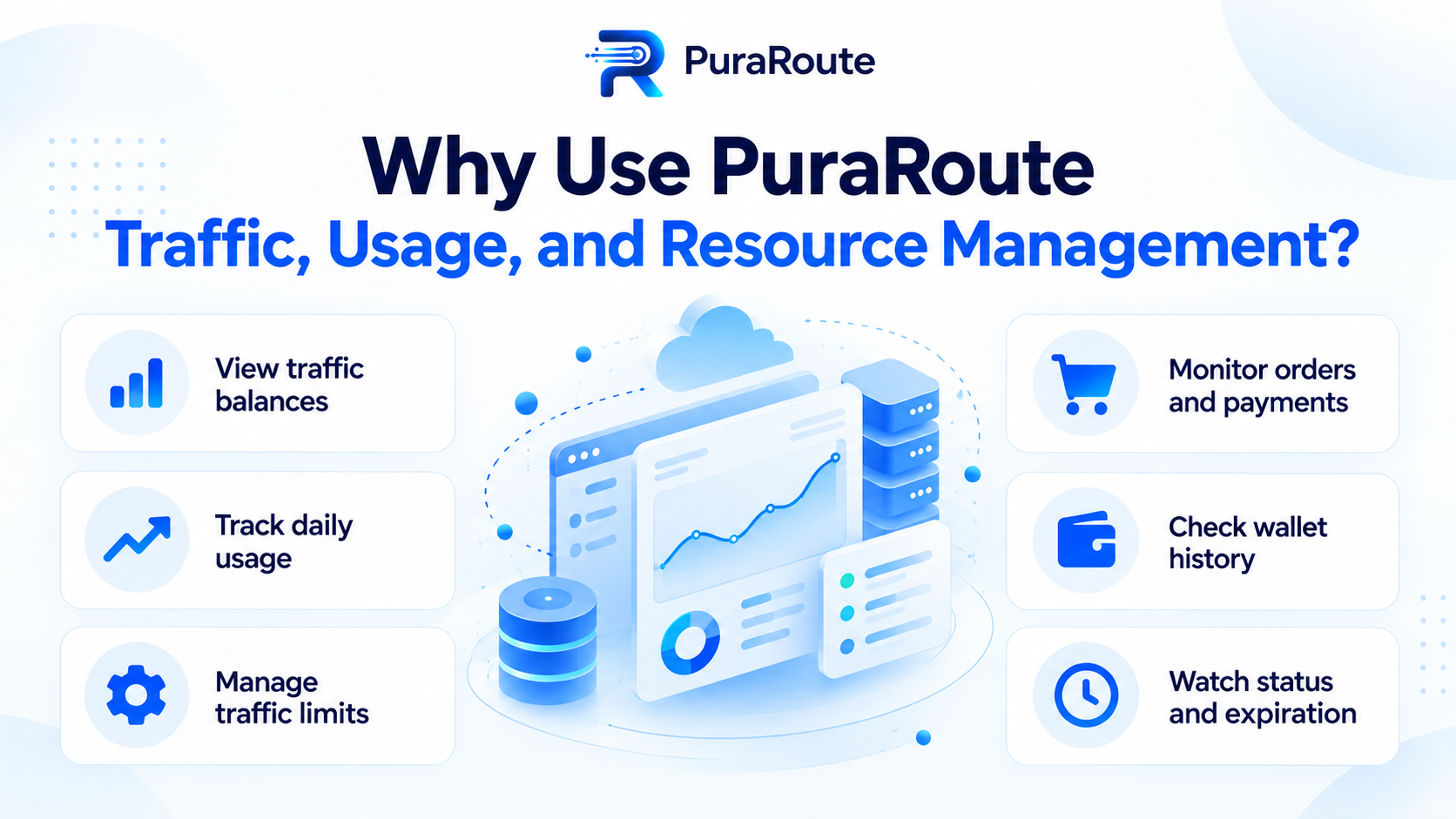
PuraRoute provides traffic-usage information, so you can see how much your collection uses and adjust the plan as the watchlist grows. Compare that spend with the number of useful product rows you receive. You may find that a smaller list checked at sensible intervals answers the business question. Use the results to decide when more frequent checks or a larger plan are worth paying for.
How Can You Expand From One Product to a Watchlist?
Use a URL list before adding discovery
For an existing watchlist, create target-urls.txt with one complete HTTPS product URL per line. The program removes exact duplicate lines and processes the remaining URLs sequentially:
python target_product.py --urls target-urls.txt --store 3991 --output target-watchlist-run1.csv
There is one result row per intended URL, including failed jobs. Inspect the status column before using any price. The live path requires your own account allowance; sequential execution is a simple starting point, not a statement of the provider's current request limits.
For a second store, run the same list with its store number and a different output filename. Compare the requested and returned context before joining the tables. Do not replace the store label afterward and call that a second observation.
Diagnose discovery separately from detail retrieval
If you do not have a watchlist yet, a documented path such as Target product search can supply candidates. Preserve the originating query, page and filters when building that list. A detail request cannot retrieve a product that discovery never supplied.
If a search-based export contains fewer products than the browser view, I would start with that distinction. First compare the query, store context, filters and collected page range. Only after a candidate URL is present should you investigate the detail response for that item.
For a price history, match TCIN, requested/returned store context and the intended price field. Schedule at a frequency suited to the business question and source terms. Retain incomplete and failed jobs as such, rather than carrying yesterday's price forward as a new result.
How Do You Use Target Data for Pricing and Product Research?
Compare the same item, pack and store
Start a competitor-price sheet with a small set of products you can match confidently. A title that mentions the same brand is not enough. Check the item number, pack size and any important variant before comparing amounts.
| Business question | What the comparison needs |
|---|---|
| Is a product cheaper? | Matching item and quantity, with the intended price fields |
| Did a store price change? | The same item and verified store information at two times |
| What is missing from an assortment? | A clear search or category scope, not one incomplete result page |
| Should an alert be sent? | A fresh successful check that meets the chosen price or availability rule |
For example, comparing a single unit with a two-pack can make an ordinary quantity difference look like a large price gap. If the business needs unit prices, keep the quantity and calculate the comparison deliberately. Do not assume the first returned price already means price per unit.
Build alerts from fields you have checked
For a price alert, choose the exact field and rule you want to use. A lower current price, a reference price and a conditional promotion are different things. Read the sample output so the alert follows the amount the business actually cares about.
Keep the requested store, returned location information and collection time with the row. If the source does not provide the local availability field you need, leave that result unresolved rather than inventing a stock state. A blank price is also incomplete information, not a zero-price offer.
I would keep the original response while learning the source, so I could fix a wrong field or add variant details later. Once a small list gives useful rows, add more products or stores at a pace that still lets you inspect unexpected changes.
Frequently Asked Questions About Scraping Target Product Data
Does this example download every review?
It exports selected product fields and saves the complete detail response. Any included review sample should not be described as the complete review history. If that dataset is required, assess the provider's separate review product and its pagination, available fields and terms before treating the detail response as sufficient.
Can I export the file without installing pandas?
Yes. The example uses Python's built-in CSV and JSON modules, with Requests as its external dependency. A dataframe library can be useful for later analysis, but is unnecessary for turning one returned product object into a spreadsheet. Selected nested values remain JSON text, and the full source response stays available for later analysis.
Will an old saved response show today's price?
No. Reading a local JSON file transforms the existing response without collecting fresh information. Use a new permitted retrieval when you need a new observation. Keep the original collection context separate from the time a spreadsheet was exported, particularly when code changes cause an old file to be processed again.
Is the TCIN always the same as every SKU field?
Keep the source's field names and meanings instead of merging identifiers automatically. The URL's TCIN identifies the Target item, while returned objects can expose other identifiers for products or variants. Verify the mapping needed by your project before using a single field as the key for everything.
Can a spreadsheet flatten every nested object cleanly?
The example exports selected fields, keeping nested values as JSON text and the full response in a separate file. For one row per variant, inspect the source array and build a linked variant table. Do not assume the current product price applies to every option in that family.
