

Switching your IP to access or test YouTube isn’t as simple as picking any random proxy. The real headache is figuring out which type of youtube proxy actually matches your workflow, whether you need to appear in a different country, want the same IP for a full session, or require a fixed IP resource for ongoing use. That’s where most people get tripped up: not all proxies behave the same, and guessing wrong can break your automation, skew your location results, or even get you locked out.
The risk is higher than it looks. If you use a basic proxy for YouTube, you might find your connection drops mid-task. Or your “US” exit point actually routes somewhere else, messing up region testing. Even something as simple as YouTube IP rotation can fail if you don’t pick the right session setting or understand how the provider builds its pool.
What most guides skip is the why and when behind proxy choices. You need to know what happens if you stick with a rotating IP, when a sticky session makes sense for multiple requests, and why a static or fixed IP is a totally different beast. The difference shows up fast, especially if you’re running scripts, checking regional content, or managing multiple accounts. Picking the wrong type doesn’t just waste time; it can tank your results or force you to start over.
Here’s what actually matters when choosing a proxy for YouTube tasks.
When Does a YouTube Proxy Make a Real Difference?
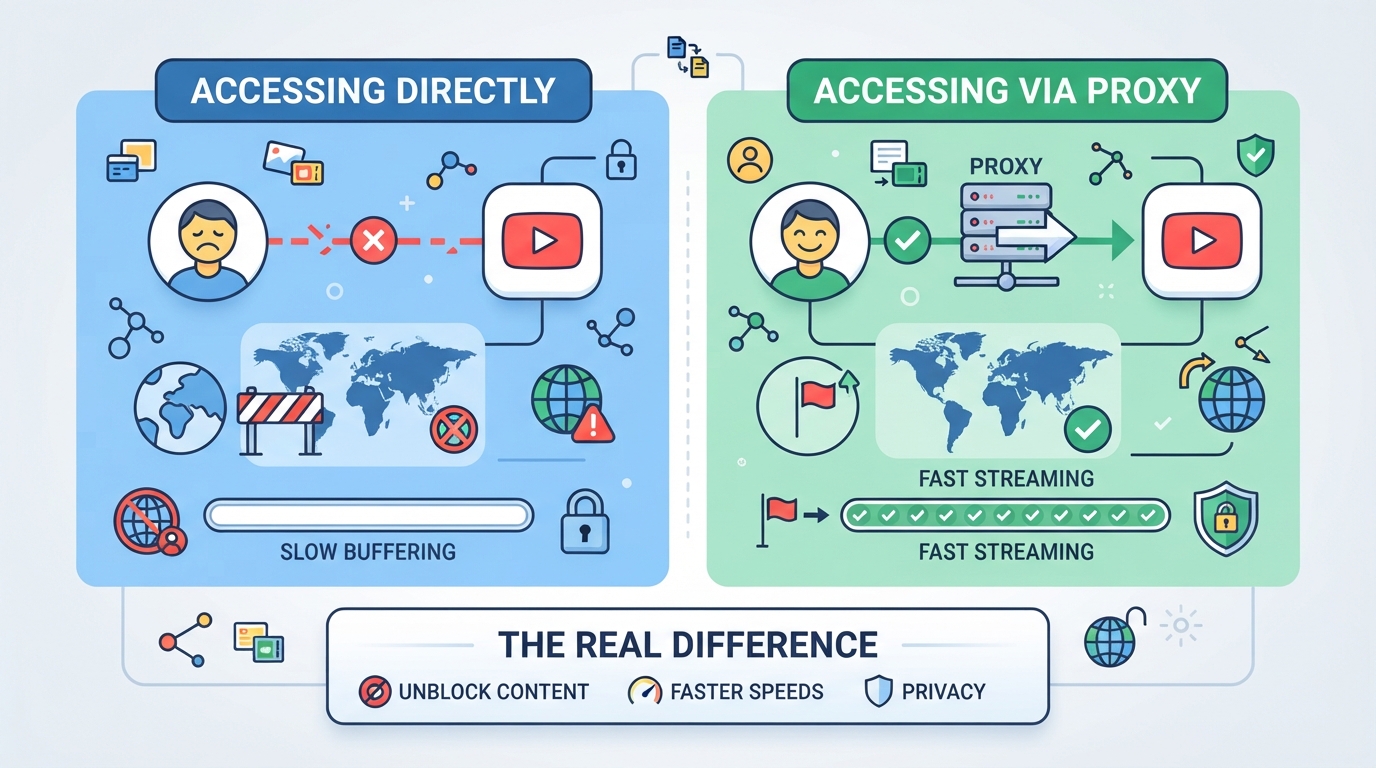
Not every YouTube task needs a proxy, but when you start hitting region walls, managing multiple accounts, or running automation, the right proxy type can change the game. The main thing is matching your workflow to the IP behavior, rotating, sticky, or static, so you don’t break sessions or get flagged mid-run.
What problems can a YouTube proxy solve?
A proxy lets you reach content blocked by region, keep multiple accounts from crossing wires, and automate scraping or monitoring without getting shut down. If you’re testing YouTube’s layout or search results in other countries, a proxy gives you the right exit point.
When is a rotating IP enough for YouTube?
For quick browsing, single-step scraping, or basic automation, rotating IPs usually get the job done. You might be pulling trending videos, checking channel stats, or grabbing search results, nothing that ties the session to an account. Here, frequent IP changes can dodge rate limits and keep your requests from piling up under one address. But if your script needs to log in or make several requests in sequence, rotating too often can break your session, YouTube will see each request as a new visitor, and login or cookies won’t carry over. If you only need to grab public data, rotating is faster and keeps you under YouTube’s radar, but don’t count on it for anything session-based or multi-step.
When do you need a sticky session or static IP?
- Multi-step logins, Anything that needs to keep the same IP across a login and follow-up request
- Bulk uploads, If you’re automating uploads, the workflow often expects a single IP throughout
- Account management, Multiple actions on the same account should stick to one address for the whole session
If your task needs to keep cookies, handle authentication, or finish more than one step without interruption, a sticky session or static IP cuts the risk of session drops and account lockouts. That’s where rotating falls short, and a fixed IP or session hold makes the difference.
Next up: how to check location and session limits before you pick your proxy setup.
What Location and Session Limits Should You Check First?
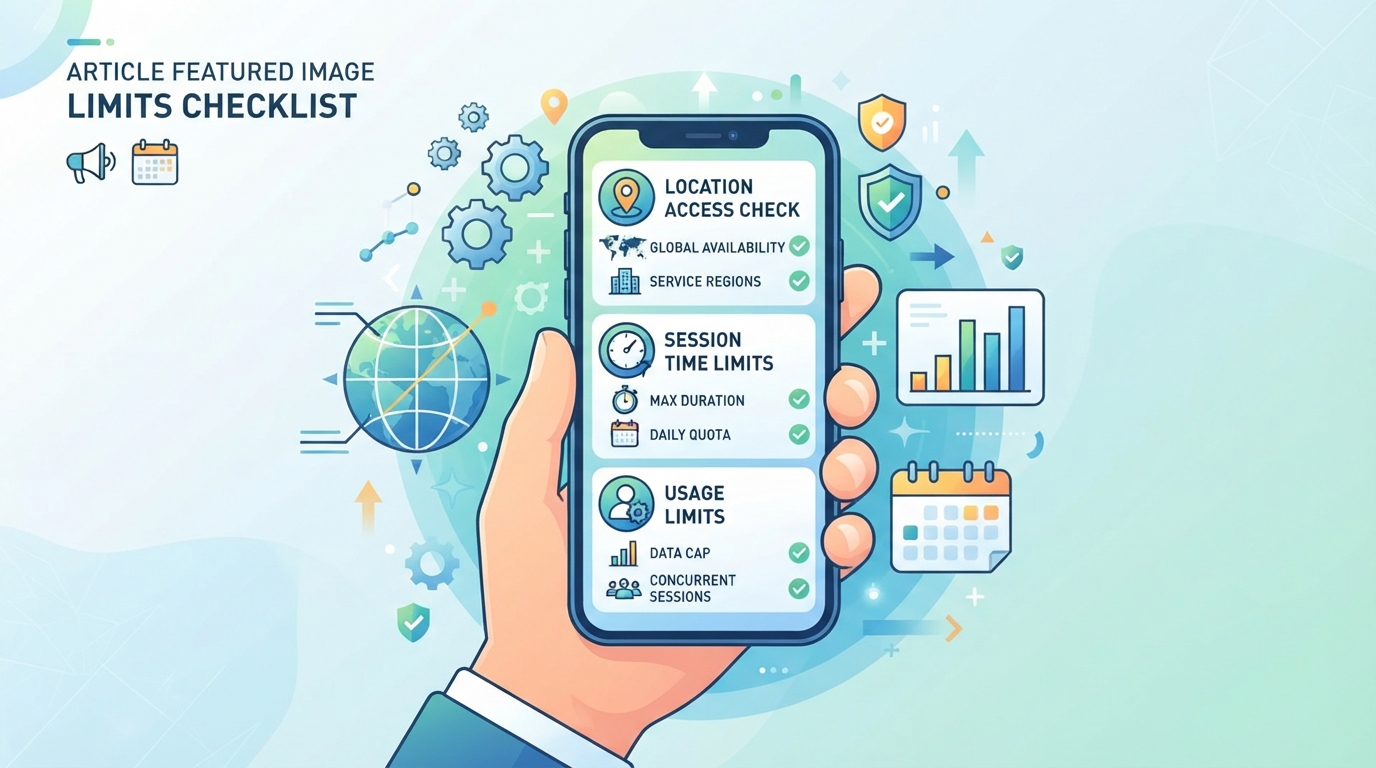
Even if your use case is clear, skipping the right location or session check can wreck a YouTube workflow. Before you pick a provider or start a new run, walk through these key points, otherwise, you could waste hours troubleshooting a mismatch that was obvious from the start.
How does country and city targeting affect YouTube access?
Not every proxy provider covers the same countries or cities, and the list can change day to day. YouTube reads your exit IP’s location from public databases, but those sources don’t always agree, so “New York” might show up as “New Jersey” depending on the tool. Also, some IPs marketed as “US” may route through nearby regions, causing the wrong local content or even blocking your request. The critical step is to check real-time region availability and test the actual exit IP before trusting any location claim.
What session behaviors matter for YouTube workflows?
- Always confirm if rotating IPs will break your multi-step or login tasks, rotating proxies can change exit IPs between requests.
- Use sticky sessions for short multi-request flows, but never assume they act as true fixed IPs.
- For account actions or anything needing long-term consistency, only static proxies provide session stability beyond the temporary sticky session window.
What protocol and traffic limits should you confirm?
Some proxies only support HTTP(S), which can limit full video playback or break automation tools. Traffic-based plans may throttle speed or cut off access unexpectedly, while unlimited plans avoid that trap but often cost more. Running multiple streams or high-res video can quickly hit concurrency or bandwidth caps.
- Check whether both HTTP(S) and SOCKS5 protocols are supported for your workflow.
- Confirm if your plan is billed per GB or offers unlimited traffic, especially for video-heavy use.
- Look for explicit limits on concurrent connections or bandwidth, not just “unlimited” claims.
That’s the groundwork, next, you’ll need to match proxy type and specific location to your actual YouTube task.
How to Match Proxy Type and Location to Your YouTube Task
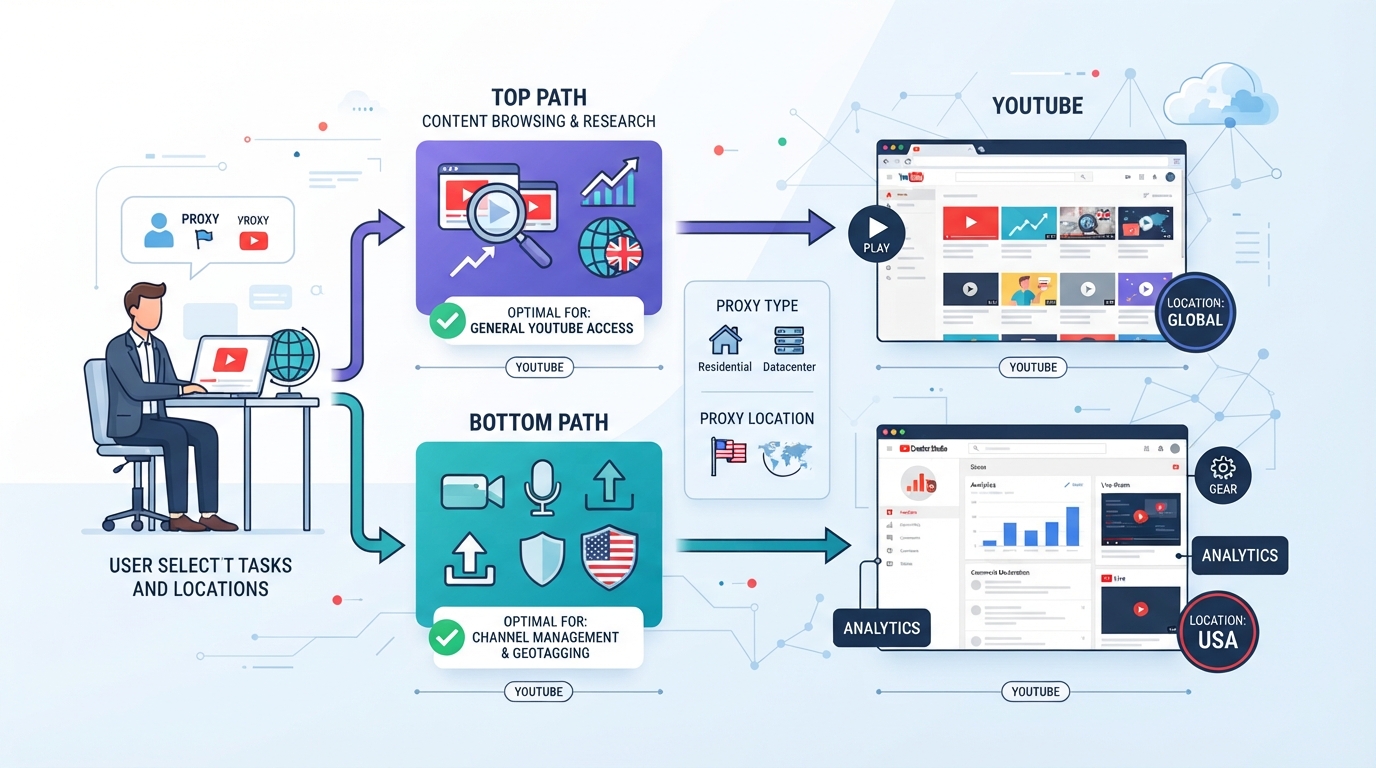
Getting YouTube region checks or automation right takes more than just picking any proxy. What matters is whether you can actually target the country or city you need, and whether the IP behavior matches your workflow, constant change, short-term stability, or long-term fixed identity. Not every provider lets you control all three. For business users, the difference between a rotating session and a static IP can make or break a multi-step YouTube process.
How does PuraRoute's geographic targeting help with YouTube region selection?
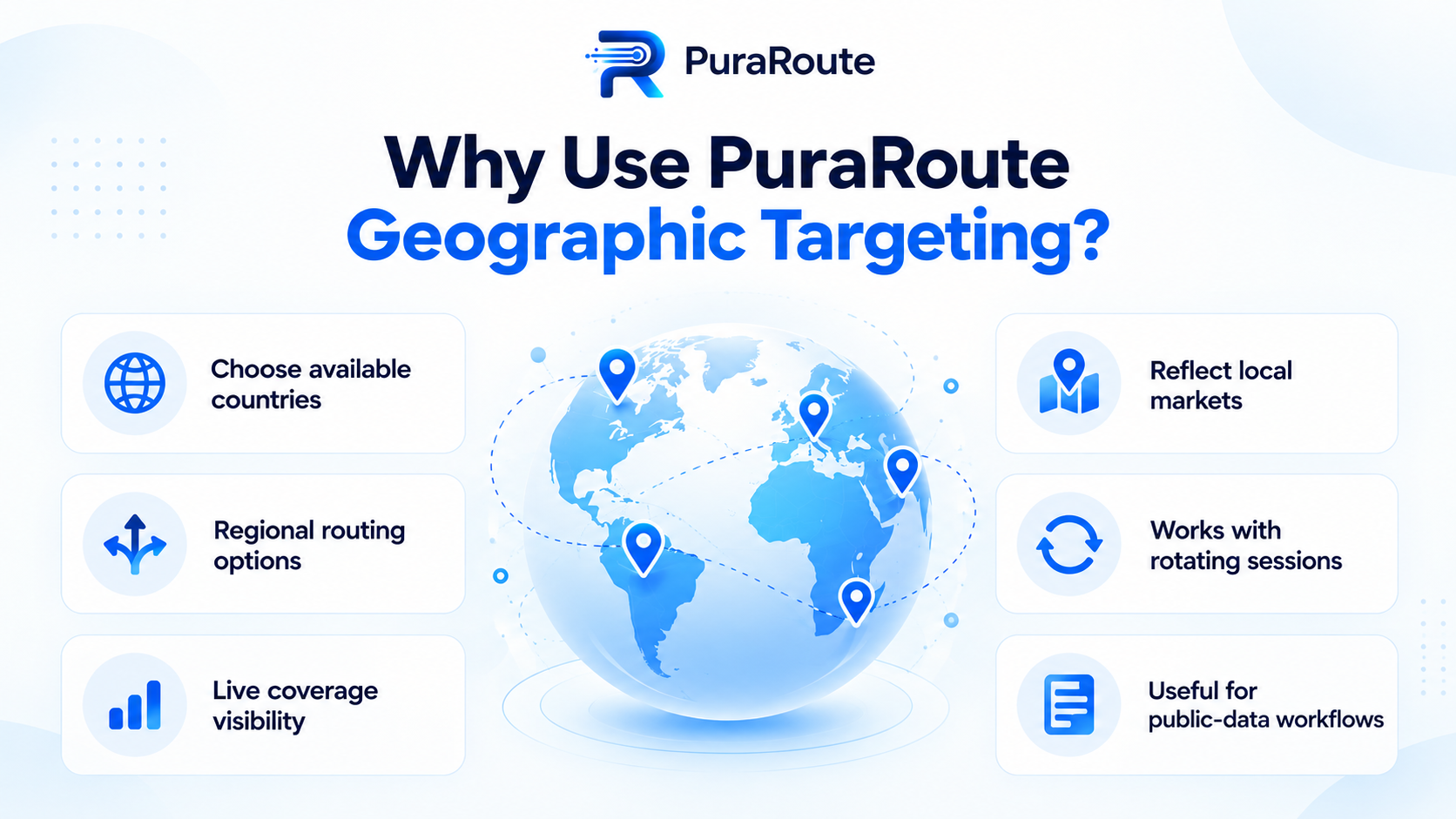
PuraRoute lets you choose dynamic residential proxy locations down to country, state, or even city, if inventory allows. This means you can test how YouTube content, availability, or ads show up to users in specific places, not just a generic “US” or “UK” IP. The platform requires you to pick a country before narrowing to state or city, and not every city is always available. Also, geolocation databases sometimes disagree, so it’s smart to double-check the detected region for your exit IP before trusting a single result.
How do PuraRoute's session options fit different YouTube tasks?
PuraRoute covers the spectrum: rotating residential proxies for tasks that need frequent IP changes, think scraping or rapid region-switching; sticky residential sessions for workflows that need the same IP across multiple requests in a short window, such as multi-step logins or consecutive actions; and static residential or static native proxies for when you want one fixed IP for days or weeks, like managing an account or running a long-term bot. The sticky session only tries to keep the same IP for the current session; it’s not a substitute for a true static IP, and the actual duration depends on network factors and current session settings. If your YouTube workflow needs the same IP over days, only static proxies match that requirement. Trying to stretch a sticky session beyond its intended use risks session drop or unexpected IP change mid-task.
What should you test before running a long YouTube workflow?
Always verify your proxy’s exit location matches your YouTube region needs, especially if you’re aiming for city or state-level targeting. Check that session persistence behaves as expected: does the IP stay the same across all steps, or does it rotate unexpectedly? Finally, make sure your scripts or tools support the proxy protocol and credential format you’ve chosen, or you’ll waste time troubleshooting connection errors.
Getting these steps right means you’re ready to move on to setup and live testing, where small details like protocol choice or credential format can trip up even experienced teams.
How to Set Up and Test a YouTube Proxy Connection
Getting a proxy working with YouTube comes down to three things: the right connection details, where you enter them, and how you verify the setup is actually working for your target region and session window.
What connection details do you need?
You’ll need a host, port, username, and password. Pick either HTTP(S) or SOCKS5 based on your tool, browsers and most scripts support both. Make sure your proxy credentials match the country, city, and session type your workflow needs.
How to enter proxy details in a browser or script
In most browsers, go to network settings and enter the proxy host and port; some require username and password after the first request. For automation, pass these values directly in your script or tool, think Selenium, Python’s requests library, or any headless browser. Don’t just copy-paste credentials; double-check which protocol your tool expects. A mismatch here is a quick way to break your connection or leak your real IP. For manual setups, test with a single tab before running bulk tasks, some browsers cache credentials or require a full restart if you swap proxies mid-session.
How to verify your YouTube region and session
- Use an IP lookup tool to confirm your exit location matches your intended country or city.
- Open YouTube and check homepage recommendations, trending, or region-specific content tabs, these often reflect your detected location.
- For sticky or multi-step workflows, reload or repeat your task; if your IP changes mid-process, session control isn’t holding as expected.
If you spot content mismatches, failed logins, or see the wrong region, don’t assume the proxy is broken, sometimes it’s a browser cache or session persistence issue. This is where you’ll catch setup errors before running anything at scale.
What to Watch Out for When Using a YouTube Proxy
What are the risks of using a proxy for YouTube?
YouTube can flag IP changes as suspicious, account lockouts, forced phone verification, or temporary blocks happen fast. If a proxy pool is overused, you risk running into banned IPs or constant CAPTCHA loops. Session drops during uploads or edits can cause lost work.
How can session or location mismatches affect your workflow?
When your IP jumps mid-process, YouTube may treat your session as a new user. That means you could get logged out halfway through a bulk upload, see the interface switch to another language, or have comments fail to post. With automation or scraping, even a single region mismatch can trash your results, like pulling the wrong set of trending videos or missing geo-blocked content altogether. The most common pitfall: assuming “US” always means the right city or state. Geolocation mismatches are subtle but break repeatable tests.
What legal and compliance issues should you consider?
- Always review YouTube’s terms of service before automating or routing traffic through a proxy.
- Check local laws, proxy use can be restricted or illegal in some regions.
- Never use proxies to access, share, or download content that is blocked or illegal where you live.
The hardest issues to spot early are session drops and region mismatches; both can silently waste hours of work before you realize your results don’t match your target. Next, we’ll break down how to pick the right proxy type for your specific YouTube task.
How to Choose Between Rotating, Sticky, and Static Proxies for YouTube
If you pick the wrong proxy type for a YouTube workflow, you’ll either burn through your pool, run into account lockouts, or get region mismatches when you least expect it. Each proxy type has a clear trade-off, rotate, stick, or stay fixed, so the right choice comes down to how YouTube’s systems react to your session patterns and what your actual workflow demands.
When is a rotating proxy the right fit?
Rotating proxies are built for high-volume, low-stakes YouTube actions, think scraping, checking search results, or getting around basic rate limits. The catch: every request can leave a different IP footprint, which breaks if you need to stay “seen” as the same user.
| Proxy Type | Best for | Core Risk | Session Length |
|---|---|---|---|
| Rotating | Bulk scraping, searches | Account lock, bans | Single request |
| Sticky Session | Multi-step actions | Mid-task rotation | Short session |
| Static | Long-term login, automation | Resource cost, reuse | Days to months |
Bottom line: Use rotating proxies when you need lots of IP changes and don’t care if every request looks like a new user. Perfect for scraping, not for logging in.
When should you use a sticky session?
Sticky sessions solve the “two-step” problem, like when you need to load a video page and then like or comment without breaking your identity. They hold the same IP for a while, but don’t count on them for anything you want to last hours or days. If your flow is a quick sequence, sticky sessions are your safest bet.
When is a static proxy necessary?
If you’re running browser automation, maintaining logins, or need the same IP for a YouTube business tool, only a static proxy fits. Anything that needs a persistent identity, tracking analytics, managing uploads, or API access, breaks fast if you go with rotating or sticky. Static is the only real option when the session must outlast a login token.
Before scaling up, check if your workflow ever needs to keep the same IP across runs. If yes, skipping static proxies is how you lose session continuity or trigger extra review.
What to Test Before Running a Large-Scale YouTube Workflow
Skipping pre-checks is the fastest way to burn time and budget. The real risk isn’t just a non-working proxy, it’s finding out mid-run that your IPs don’t stick, or your “US” sessions show up as Germany for YouTube itself. Get these basics right before you scale up.
How to confirm your proxy location and session type
Run an independent IP lookup (like ipinfo.io) before you start, don’t trust just the provider label. For any workflow needing the same IP, test session stability across several requests. Open YouTube directly through your proxy and check if it loads the expected region’s homepage or offers the right trending videos. If the landing page or video list doesn’t fit the target location, your setup needs more work.
What to monitor during your workflow
Even after launch, issues can appear without warning. An unnoticed IP switch or session drop can corrupt a whole batch of data or trigger unwanted verifications.
- Watch for your IP changing when it shouldn’t, run a quick IP check on each major step.
- Flag any sudden YouTube login prompts, verifications, or “unusual activity” warnings.
- Track bandwidth and connection counts; hitting plan limits mid-task causes invisible failures.
If you miss any of these, you might not notice until you review your results, and by then, the damage is done.
Frequently Asked Questions About youtube proxy
Can I use a YouTube proxy for both browsing and automation?
Yes, you can. As long as your browser, script, or automation tool lets you enter proxy credentials and supports HTTP(S) or SOCKS5 protocols, you can use a youtube proxy for regular browsing, bot operations, or data scraping. Always double-check your tool’s proxy settings to make sure traffic routes through the correct IP.
Does a sticky session guarantee the same IP for my entire YouTube workflow?
No, sticky sessions only keep the same exit IP for a limited session window, they do not lock your IP permanently. If you need your IP to stay the same across long YouTube tasks or over multiple days, choose a static proxy instead of relying on sticky session settings.
How do I know if my chosen proxy location matches the YouTube region I want?
To check, connect to your proxy and visit an IP lookup site to see the detected country or city. Then, open YouTube and look at available videos, language, or recommended content. If you see region-specific features or content, your proxy location matches the intended YouTube region.
Are all YouTube proxies equally safe to use?
No, not all proxies offer the same safety. Risks depend on the provider’s reliability, how sessions are managed, and whether you follow YouTube’s terms of service. Always test your setup, monitor for unexpected logouts or bans, and avoid sharing credentials across unrelated workflows.
Should I check city-level inventory before buying a static IP for YouTube?
Yes, always confirm if the city or region you want is actually available before purchasing a static proxy for YouTube. Static proxy inventory can change based on supply. Checking live inventory reduces the risk of ending up with an IP outside your target location.
Before you make your final choice, clarify whether you need frequent IP changes, temporary session consistency, or a fixed location to support your viewing or automation task. Matching the proxy type and region controls to your actual workflow is what keeps access stable and avoids unnecessary troubleshooting later.
Try Puraroute Now
