

The Interstellar proxy is a browser-based web proxy project, not a separate class of residential or static IP addresses. A hosted Interstellar page, a self-hosted deployment, and a commercial proxy endpoint are different things, even though each can relay requests.
Start by identifying what you have: a website with an address bar, a server you operate, or connection credentials for another application. That tells you where settings belong and which traffic is covered. This guide separates those cases before comparing session behavior and managed proxy resources.
What Is an Interstellar Proxy and How Does It Work?
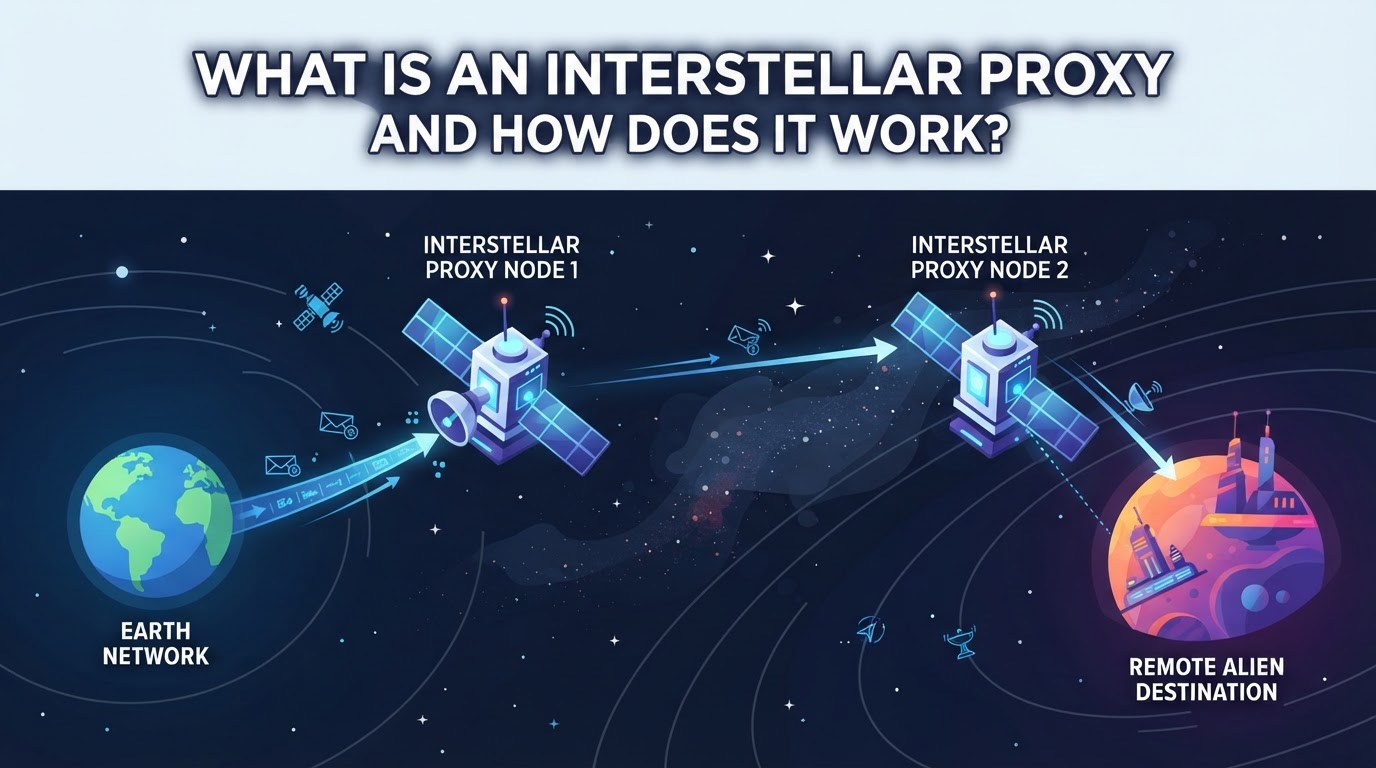
How Does a Web Proxy Like Interstellar Route Traffic?
A browser-based web proxy accepts a destination URL and fetches content through an intermediary. The visitor uses the proxy's web interface; this is different from entering a proxy host and port into another application's network settings. Compatibility depends on how the deployment handles page resources, scripts, and navigation.
What Makes Interstellar a Specific Project?
The official Interstellar repository identifies it as a web proxy project and publishes its application code and deployment instructions. The name does not establish a residential IP pool, a city-targeting service, or a sticky-session guarantee. Check the particular deployment and operator rather than inferring these features from the name.
Where Are Interstellar Proxies Commonly Deployed?
- A third-party instance is operated by someone else; review its operator and privacy information before using it.
- A self-hosted instance gives its operator responsibility for deployment, updates, and access management.
- Neither arrangement automatically makes every target website compatible or every session private.
For confidential work, verify the complete trust and routing model rather than treating a public proxy page as a security guarantee.
When Does an Interstellar Proxy Fit Your Task, and When Not?
Choose based on the task rather than assuming that a named web proxy is an IP supplier.
When a Web Proxy May Fit
A web interface may be enough for a permitted, non-sensitive page check when the specific site renders correctly. Test navigation, scripts, and any media separately; a loaded homepage does not prove the rest of the workflow will work.
When You Need a Configured Proxy Endpoint
A script or application that accepts HTTP(S) or SOCKS5 credentials needs a compatible endpoint. If the task also requires a selected region or documented IP continuity, verify those features with the endpoint provider. They are separate requirements from a web proxy's browser interface.
Risks and Limitations of Third-Party Instances
- The operator's handling of relayed content and logs is a trust consideration.
- Compatibility and capacity depend on the actual deployment.
- A web interface does not automatically route unrelated applications.
The choice you make here sets up the next step: comparing how interstellar proxies stack up against other proxy types for real-world business needs.
How Do Interstellar Proxies Compare to Other Proxy Types?
When you’re deciding between proxy options, the real question is how each handles IP rotation, session control, and location targeting, not just the buzz around “interstellar” features. Here’s how these proxy types stack up where it actually counts.
Key Differences in IP Rotation and Session Behavior
| Proxy Type | IP Rotation | Session Consistency | Typical Use |
|---|---|---|---|
| Interstellar web app | Deployment-dependent | Check the specific instance | Browser-based relayed browsing |
| Rotating Residential | Frequent, by request | Temporary sticky option | Web scraping, testing |
| Static Residential | Fixed for period | High (plan-based) | Long-term access |
| Static Native | Fixed for period | High (plan-based) | Sensitive logins, apps |
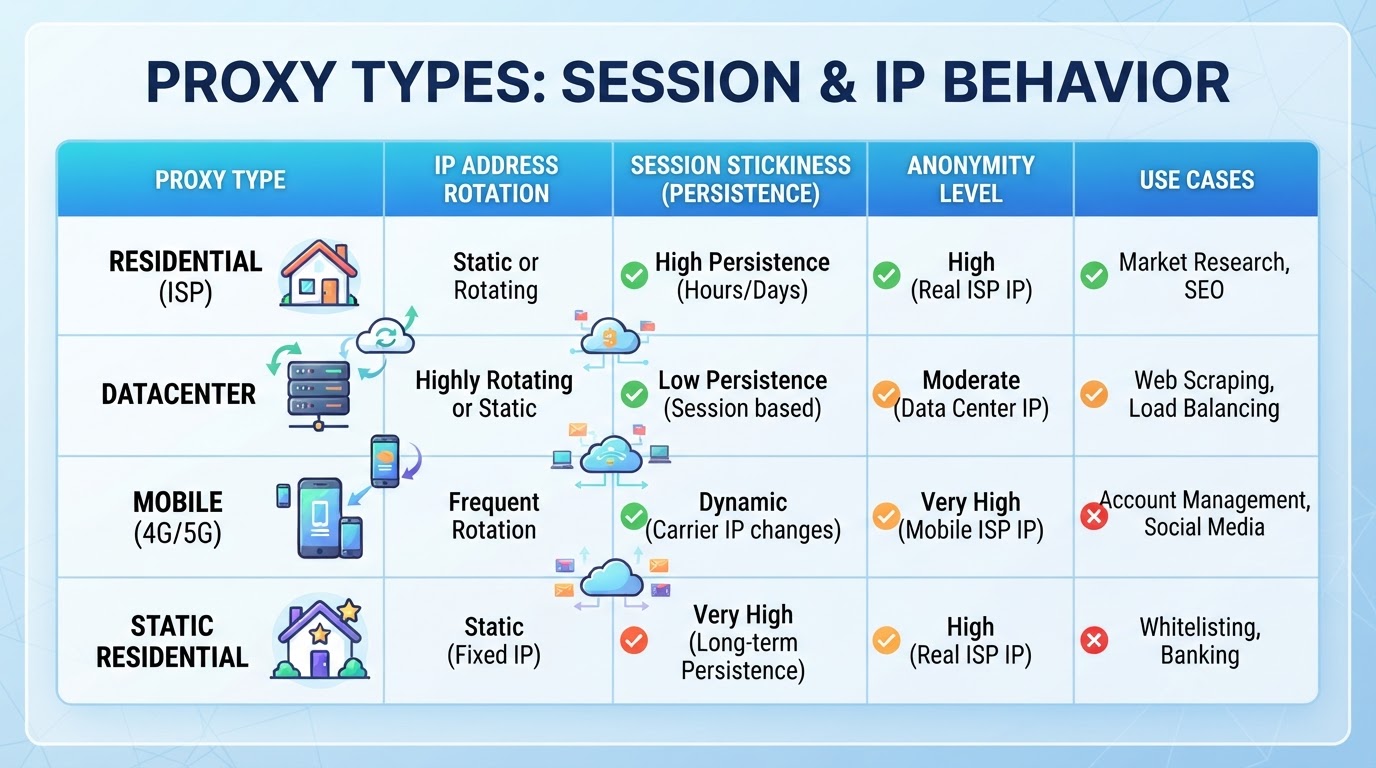
A fixed endpoint can support tasks that need IP continuity; that does not establish a security ranking or guarantee a website will accept the connection.
Protocol and Location Support: What Each Proxy Offers
Check the actual endpoint protocol and the client that uses it. HTTP(S) proxy support, SOCKS5 support, UDP relay, and selectable exit locations are separate capabilities. A feature in the SOCKS5 protocol does not mean every browser or deployment implements it.
When a VPN Is Not a Proxy Replacement
A VPN creates a network tunnel whose coverage depends on its routing configuration. A configured proxy usually handles traffic from the applications that use it, while a web proxy relays content through its own interface. Compare those scopes without assuming that either tool guarantees anonymity.
The next section explains where a managed endpoint service fits when you need documented credentials and session options.
How PuraRoute Addresses Modern Proxy Needs Beyond Interstellar Proxies
For teams that also need configured proxy endpoints, PuraRoute offers a separate resource-management workflow. Operators can choose a supported proxy product, obtain credentials, and review usage or static resources. This is distinct from hosting the Interstellar application and does not establish compatibility with a particular Interstellar deployment.
Managing Proxy Resources and Credentials with PuraRoute
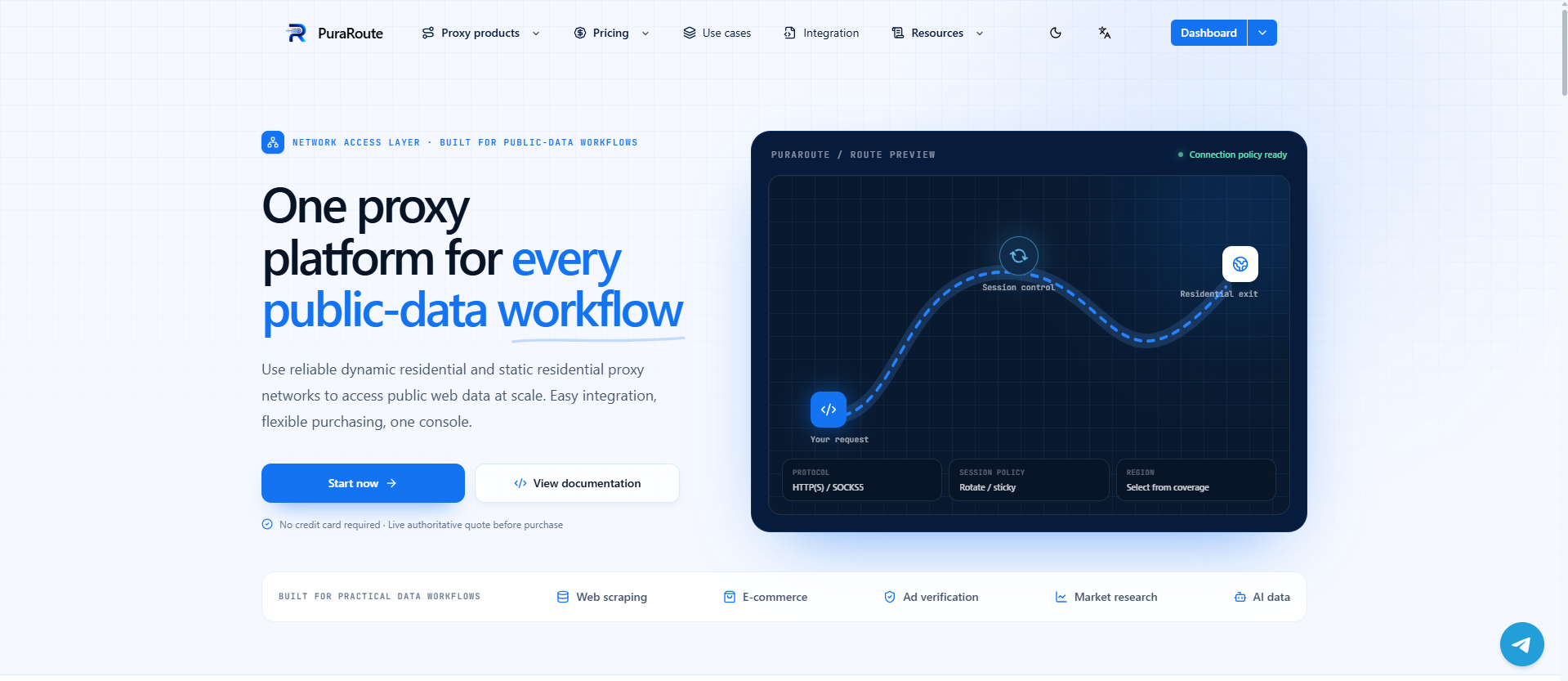
Scaling proxy usage means tracking traffic, managing credentials, and keeping tabs on static IP resources, tasks that become messy fast with generic providers. PuraRoute’s web console and documented Open API let operators purchase traffic, generate credentials, set location targeting, and monitor resource status in one place. The catch: static IP inventory and renewal are only as reliable as current availability, so plan ahead for long-term projects.
Rotating Residential Proxies for High-Volume IP Rotation
If your workflow needs to rotate IPs across cities or countries, think scraping, regional QA, or bulk account creation, PuraRoute’s rotating residential proxies are built for this. The platform advertises a pool of over 100 million residential IPs in 195+ regions, supporting both country and city-level targeting. You buy by GB, set up unlimited concurrent sessions, and choose rotating or sticky modes as needed. What you don’t get is fixed IP behavior; expect changes by design, which means some sites may still push back if they detect frequent rotation.
Sticky Sessions for Temporary Exit-IP Consistency
For a multi-step request sequence, operators can select a sticky session to seek temporary exit-IP consistency. With PuraRoute, retention depends on the current session settings and network conditions; it is not a permanent reservation or a guarantee that the IP cannot change. Use an eligible static resource when the workflow requires a fixed assigned IP for its active term.
Static Residential and Native Proxies for Long-Term Fixed IPs
Automation tools and persistent browser profiles demand stable IPs that won’t change midway through a workflow. PuraRoute’s static residential and static native proxies fit this scenario, operators buy by IP count and duration, not by traffic, and keep the same assigned IP during the active plan. Unlimited traffic is standard, but inventory is tied to real-time availability, so bulk deployments should check pool status before committing.
Getting clear on these operational boundaries means you avoid the most common proxy mistakes, jumping in with the wrong session mode, or expecting fixed IP behavior from a rotating pool. Next up: what you need to check before committing to any proxy service in 2026.
What to Check Before Using Any Proxy Service in 2026
Security and Privacy Considerations
Check how the proxy handles your data and credentials. Public and self-hosted proxies can leak IPs or log your requests, exposing sensitive info. For any “interstellar proxy” or alternative, never trust a service that won’t explain its data handling or audit practices. If you can’t verify where logs go or who controls the exit IPs, that’s a dealbreaker.
Reliability and Performance Factors
- Test connection drops and reconnections under load
- Check if you can select and maintain a stable exit IP
- Run latency and speed tests across real target regions
Legal and Compliance Issues in 2026
Don’t assume a proxy is “safe” just because it’s new or marketed for privacy.
- Review local laws on proxy use and IP masking
- Check target site terms for allowed automated access
- Confirm the proxy provider’s compliance statements and documentation
How to Set Up and Test a Proxy Connection: Step-by-Step
Use the setup path for the tool you actually have. An Interstellar webpage is not a host-and-port credential bundle.
Using an Interstellar Web Interface
- Confirm the instance address and who operates it.
- Enter a permitted destination in its web interface and test basic navigation.
- For a self-hosted deployment, follow the project's current deployment documentation rather than substituting a commercial proxy's credentials.
Configuring a Separate Proxy-Capable Application
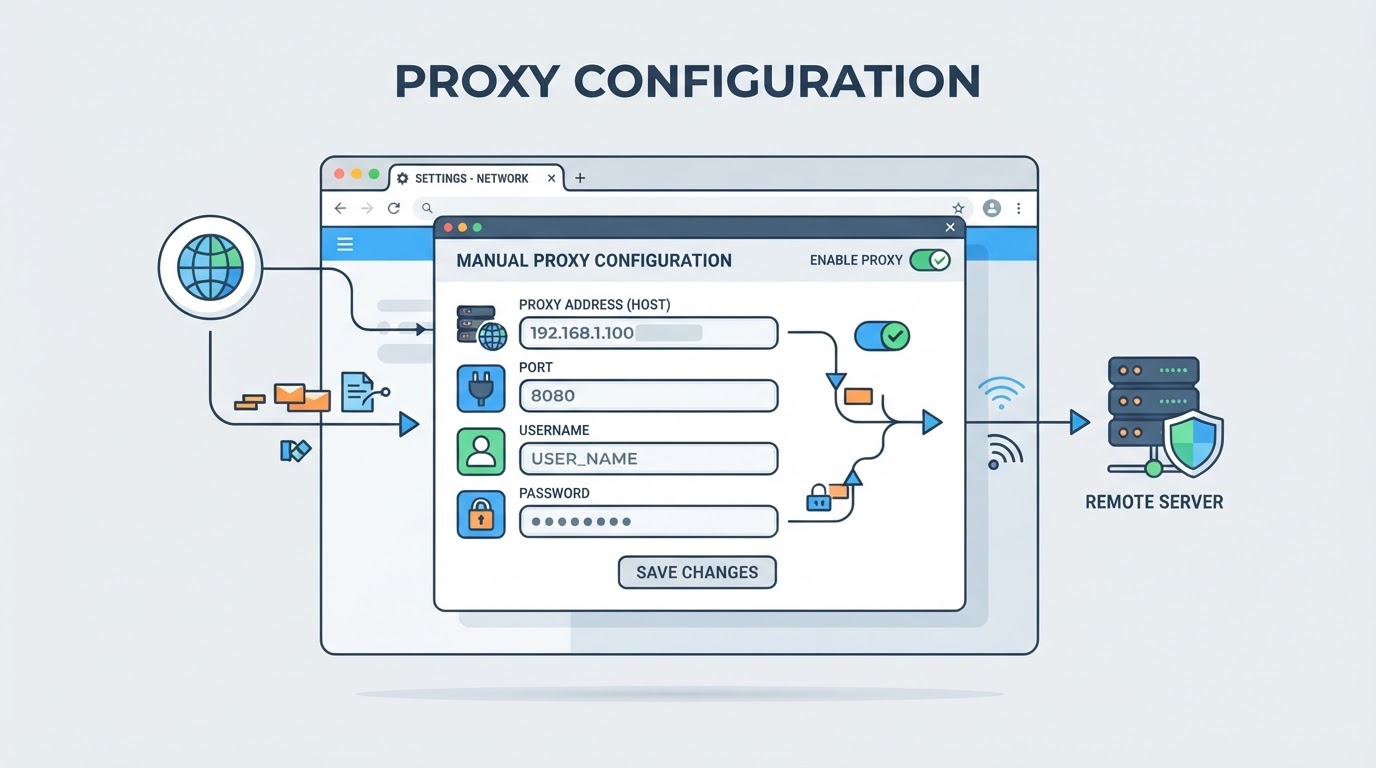
- Obtain the endpoint protocol, host, port, and any required authentication from its provider.
- Check what the application actually supports, including proxy authentication.
- Configure those values in that application. Browser support is not identical across protocols; Chrome's proxy documentation describes its specific behavior.
- Test the application route separately from any web proxy page.
Testing and Troubleshooting the Connection
- Compare the exit IP from the application being tested with a known direct-route baseline.
- Check the expected location using the provider's information and more than one signal if geography matters.
- Separate proxy authentication responses from destination-site responses.
- A refusal or timeout can also involve DNS, a firewall, server availability, or routing. Record the precise error before changing settings.
If you’re unsure after testing, move to troubleshooting, most mistakes come from misentered credentials, protocol confusion, or app compatibility.
Common Mistakes and Misconceptions About Proxies in 2026
People still trip up on basic proxy details, assuming privacy, misunderstanding session limits, or picking the wrong protocol. These errors waste time and can put your operation at risk.
Assuming All Proxies Provide the Same Level of Privacy
Not every proxy gives strong privacy. The proxy type, how it's set up, and who controls it matter. Using a random “interstellar proxy” without checking the operator or IP source can leave your data exposed or even logged for resale.
Confusing Sticky Sessions with Permanent IPs
Sticky sessions only keep the same IP for a limited time, not forever.
- If your workflow expects the IP never to change, a sticky session will eventually rotate and break that assumption.
- The safer move: Use sticky sessions for short, multi-step tasks; for true fixed IP needs, pick a static proxy product.
Overlooking Protocol and Location Compatibility
Check both layers: the proxy scheme your client accepts, and the transports the endpoint can relay. HTTP(S), SOCKS5, and UDP support are not interchangeable labels. A client's SOCKS5 support may still cover TCP requests only.
Frequently Asked Questions About interstellar proxy
Can an interstellar proxy hide my identity like a VPN?
A web proxy relays the content opened through its interface. A VPN routes selected traffic through a tunnel according to its configuration. Neither label guarantees anonymity or protects unrelated account activity; evaluate the operator, route coverage, and encryption boundaries for the actual setup.
What is the difference between a rotating proxy and a static proxy?
A rotating proxy may change its exit IP between requests or connections according to its configuration. A static resource keeps its assigned IP while the resource remains active. Choose based on required IP continuity, and respect the target's request limits; rotation does not remove those limits.
How do I know if a proxy supports the location or protocol I need?
Always check the provider’s documentation and inventory before buying. Not all proxies offer full country or city targeting, and some only support certain protocols like HTTP or SOCKS5. Confirm the exact location and protocol options are available for your task, or you may run into connection issues or regional mismatches.
Is it safe to use a public interstellar proxy for business tasks?
Using a public proxy for business can be risky. Public proxies may log your activity, expose sensitive data, or lack session stability. For business-critical workflows, it’s safer to use a trusted provider with clear privacy policies and control over IPs and credentials. Avoid public resources for anything sensitive or important.
What happens if my proxy session changes IP during a workflow?
If your proxy session changes IP mid-task, your connection may drop, log you out, or trigger security alerts. Some proxies offer sticky sessions to keep the same IP for a short time, but this isn’t guaranteed. Always test your workflow with the session settings and monitor for unexpected IP changes to avoid interruptions.
Whether your next step is testing a proxy connection for a new workflow or comparing session settings to match your operational needs, make sure the platform you choose can handle both location targeting and flexible IP behaviors. If you want to see how these options work in practice, you can try out the available features directly.
