

Searching for Spotify unblocked often starts with a page that will not load or a track that will not play. Those are different problems: network policy, account settings, service availability, browser compatibility, and subscription features each need their own check.
Start with the exact error and compare the web player with the installed app on a permitted connection. Changing an IP address does not change an account's subscription, country settings, or rights to a particular recording. This guide separates connection testing from account and playback troubleshooting.
Why Is Spotify Blocked on Some Networks?
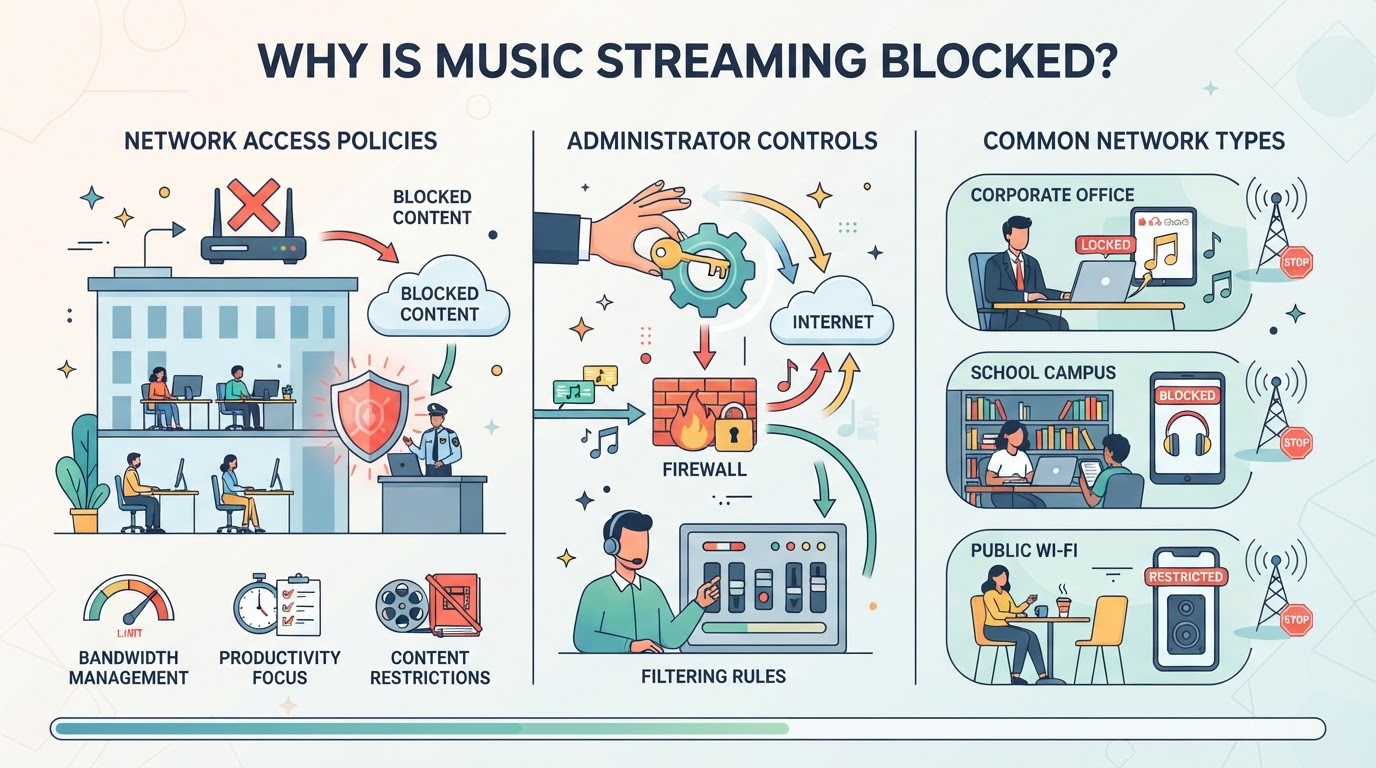
If you can’t get Spotify to load at school, work, or while traveling, it’s usually not a glitch, something on the network or in your location is stopping the connection. The real reasons behind these blocks shape what actually works when you’re trying to get spotify unblocked or keep your account from being flagged.
Network Restrictions at School and Work
Schools and offices put up firewalls and content filters that can spot and block Spotify traffic. Most do this to keep people focused, stop music from eating up bandwidth, or follow content rules set by the organization. If you’re on Wi-Fi managed by IT, don’t be surprised if music and video apps are blocked by default.
Geo-Blocking and Regional Licensing
Spotify availability and catalogs depend on supported markets and licensing. Check the current account country or region guidance and the message shown in your account rather than relying on an old country list.
A different exit IP does not automatically change account-country settings, payment eligibility, or catalog rights. If an error mentions the account's country, follow the account instructions instead of assuming it is a network failure.
Device and Account Restrictions
Not all Spotify blocks come from the network. Before blaming the Wi-Fi, check these basics:
- Is your device running parental control or security software that blocks streaming apps?
- Did you enter the right login info, or is your account flagged for “suspicious activity”?
- Are you using an old app version that no longer connects due to security updates?
Spotting these details early saves you from chasing network fixes when the real problem is closer to home.
The real challenge is figuring out where the block is coming from, network, location, device, or account, before you try to get around it. Next, we’ll cover what to check first when Spotify is blocked, so you don’t waste time on the wrong fix.
What to Try First When Spotify Is Blocked
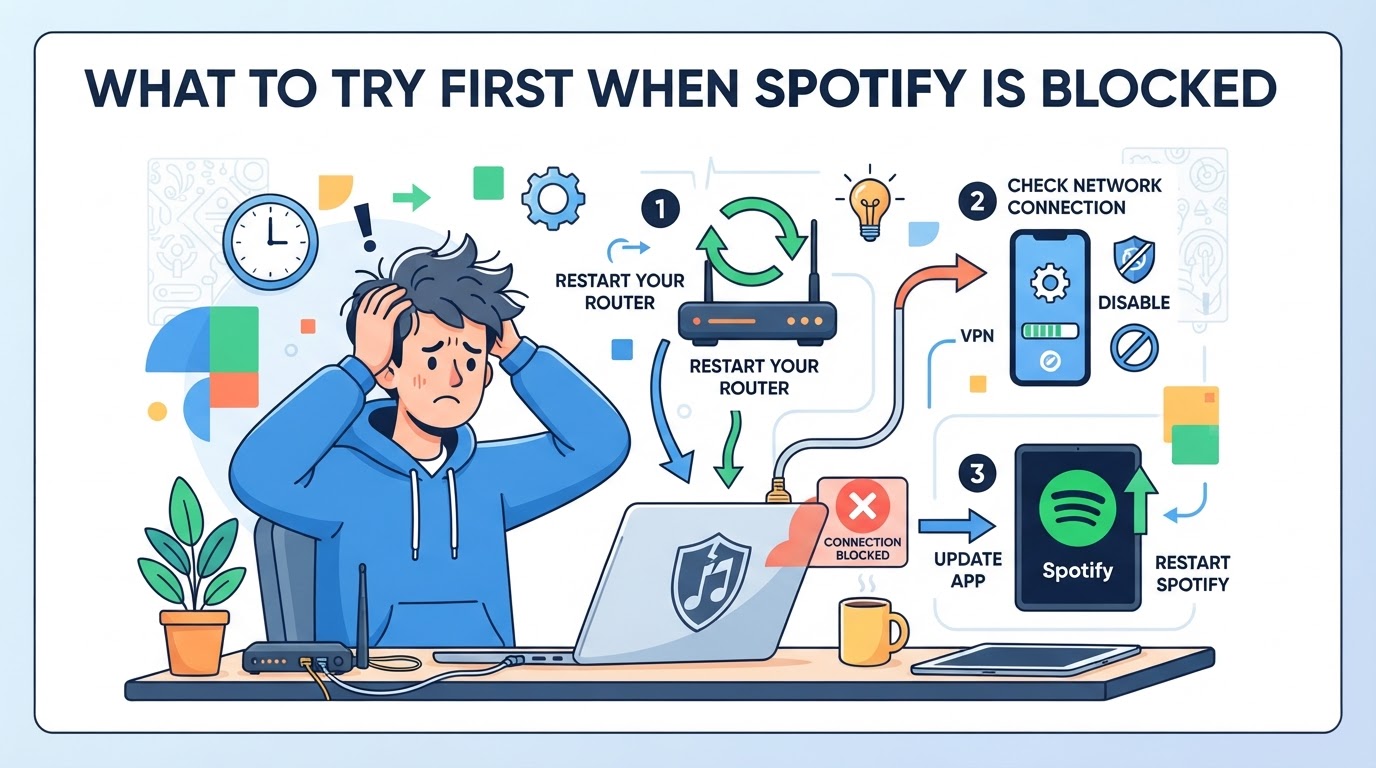
Start with the simplest fixes, before you mess with proxies or VPNs, a few basic checks can save hours and keep your account safe. Trying these steps first often solves Spotify access issues without extra tools or risk.
Test Spotify Web Player vs. App
Test the web player and app separately on an authorized connection. If only one works, inspect that client's version, network configuration, and playback support. Confirm that a track actually plays; a loaded login page alone does not establish playback access.
Restart Devices and Switch Networks
Network glitches and device errors can look like blocks, but are often easy to fix. Try these quick checks:
- Restart your phone, laptop, or tablet, don’t just close the app.
- Switch from Wi-Fi to mobile data, or use a different Wi-Fi network.
- Toggle airplane mode on and off if you’re on mobile.
Sometimes a simple reset gets Spotify working again.
Check for Account or Subscription Issues
Read the precise account message. A lapsed Premium subscription changes available features; it does not, by itself, establish a network block. Investigate login, payment, catalog availability, and connectivity as separate issues.
Look for Local Policy Notices
Check the organization's published streaming policy or ask the administrator whether Spotify is permitted. A network block page or administrator confirmation is more useful than guessing from a generic error. Request an exception where there is an authorized need.
Once you’ve ruled out easy fixes and confirmed the block isn’t just a glitch or policy, you’re ready to compare more advanced unblocking options. Next up: how web players, proxies, and VPNs actually stack up for getting spotify unblocked.
Comparing Unblocking Methods: Web Player, Proxy, and VPN
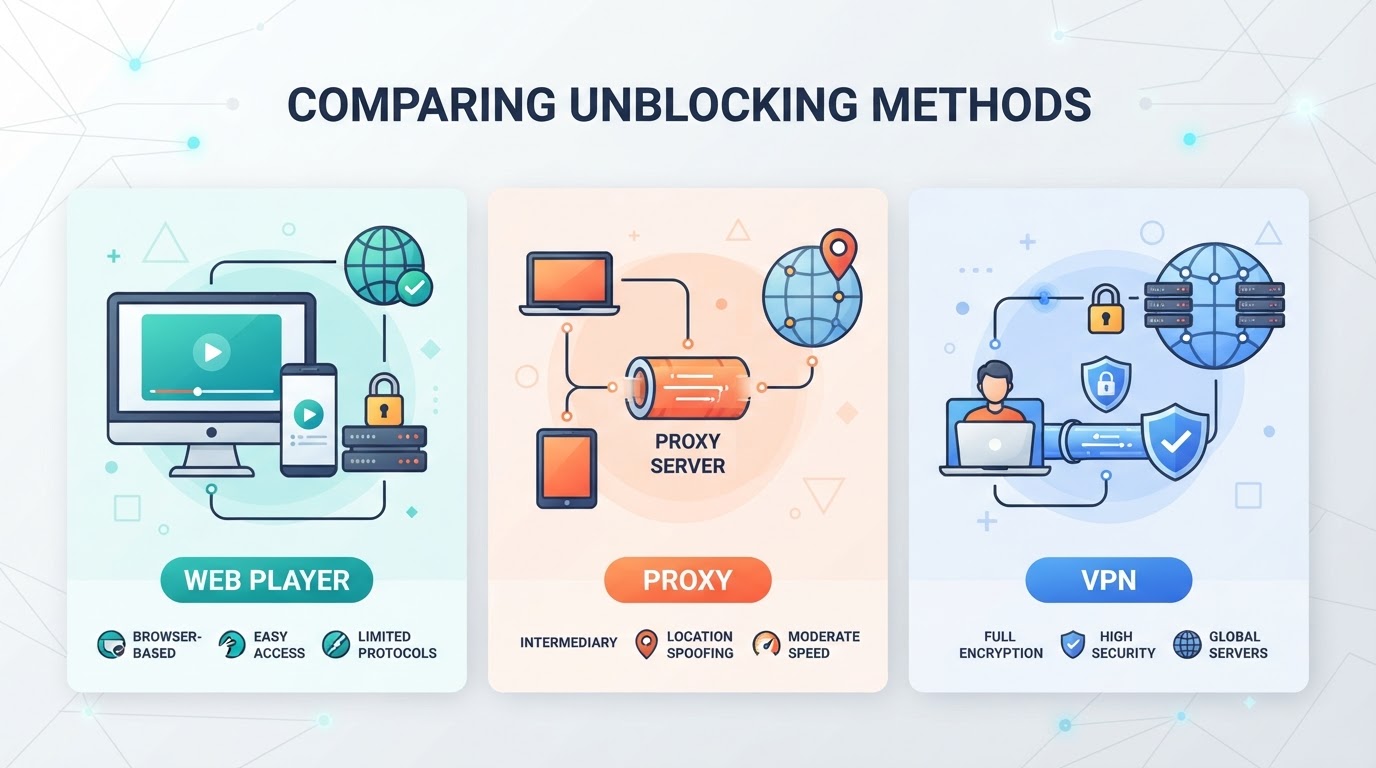
Compare the method's coverage before changing settings. None of these methods establishes account eligibility or guarantees playback.
Spotify Web Player: Check Browser Playback Support
Use a supported, up-to-date browser and check protected-content settings or interfering extensions when the page loads but playback fails. Cached cookies are not a general way around a network block, and a browser difference does not reveal the network's filtering mechanism.
| Method | What to Test | Boundary |
|---|---|---|
| Web player | Browser support, sign-in, actual playback | Browser playback is distinct from app behavior |
| Configured proxy | Endpoint reachability and client support | Only traffic the client sends through it is covered |
| VPN tunnel | Configured route and reachability | Tunnel scope depends on configuration; account rules remain |
Proxy Servers: Application-Specific Routing
A compatible client can send selected requests through a proxy endpoint. Check authentication and protocol support in that client. Loading a browser IP-check page does not prove the installed Spotify app uses the same route.
VPNs: Different Routing Scope, Not Guaranteed Access
A VPN creates a tunnel for traffic selected by its routing configuration. It is not a subscription or account-region change, and its existence does not establish that a managed network permits the service.
Risks and Compliance Considerations
Follow applicable service and network policies. When a service is disallowed on a managed network, request authorized access rather than treating connection changes as permission. A successful technical connection and an authorized account are separate requirements.
Where PuraRoute Fits in Authorized Connection Testing
For an authorized workflow that also needs managed proxy endpoints, PuraRoute provides credentials, session choices, and resource monitoring. These capabilities help an operator configure a compatible test client. They do not alter Spotify account eligibility, payment requirements, catalog rights, or account restrictions.
Protocol and Session Support for Browser and Automation Tools
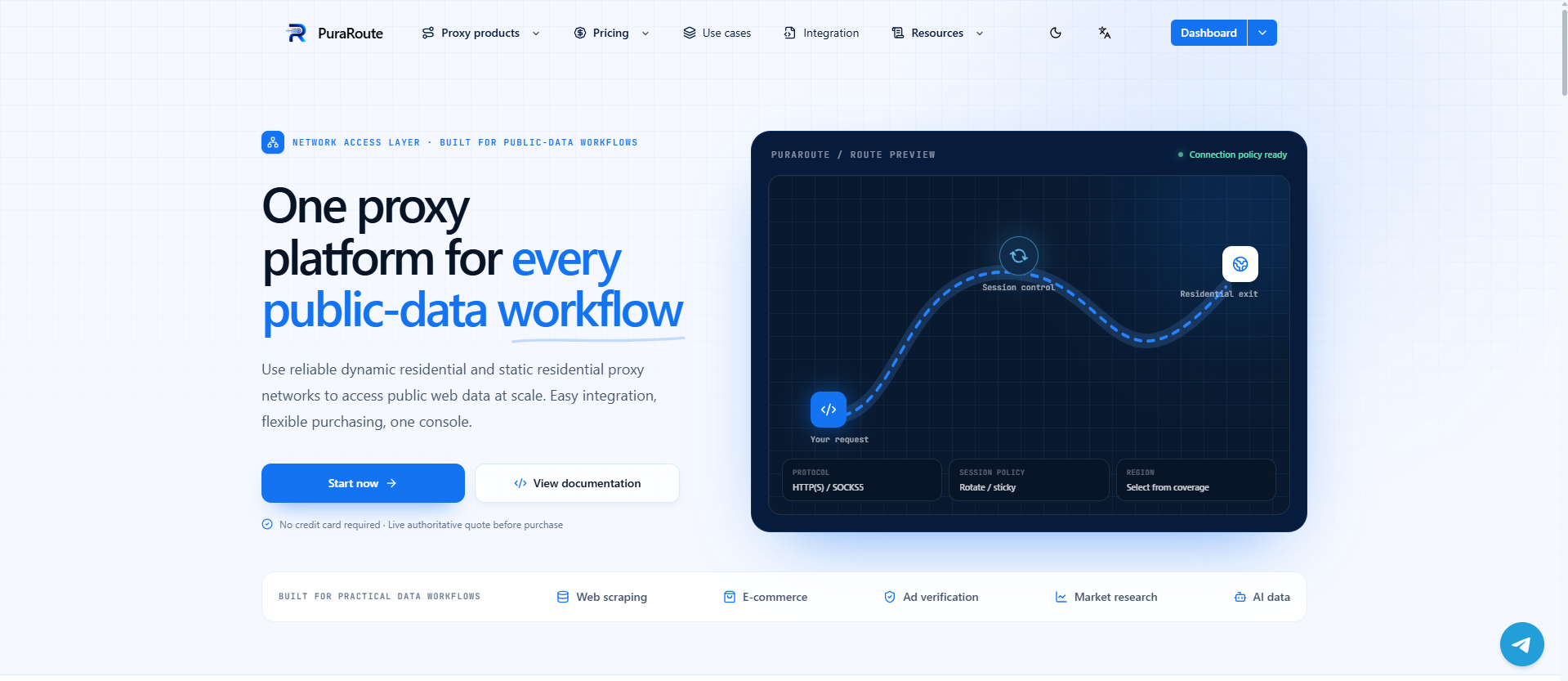
PuraRoute offers HTTP(S) and SOCKS5 endpoints for compatible clients. Choose rotation when changes are required by an authorized task, sticky sessions when temporary IP consistency is useful, or an eligible static resource for a fixed assigned IP during its active term. Sticky behavior depends on settings and network conditions; check the client's protocol and authentication support.
Assigning Stable Proxy Environments to Separate Accounts
Static residential and static native resources provide a fixed assigned IP while the resource is active. An operator can record which permitted test client uses each resource, check current inventory, and track renewal. This is endpoint management, not browser-profile isolation or a guarantee that Spotify will accept the connection.
Rotating Residential Proxies for Research and Supporting Tasks
For tasks like public data collection, market checks, or testing signup flows, rotating residential proxies let you swap IPs and target specific locations. You can pick country, state, or city, and control session length, but these proxies aren’t meant for long-term account logins, use them for supporting workflows, not permanent access.
Compliance Reminder for Multi-Account Use
Apply the service's actual account and automation requirements to the workflow. A managed proxy resource does not itself grant permission to create accounts, access a market, or automate a service.
Step-by-Step: Setting Up a Proxy for Spotify Access
Configure a proxy only where the network policy and service requirements permit it. First confirm that the client supports the endpoint protocol and authentication method.
Verify the Endpoint and Client
- Identify the endpoint operator and review its data handling.
- Check the supported protocol, authentication, current resource status, and usage limits.
- Record the intended application scope. Do not assume browser settings apply to every installed app.
Configure Proxy Settings in Your Browser
- Follow the installed browser or operating system's current proxy-configuration instructions.
- Enter the supported endpoint details without exposing credentials in screenshots or logs.
- Test the browser's route and endpoint authentication.
- Open the Spotify Web Player and test playback separately from routing.
Set Up Proxy in Spotify Desktop or Mobile App
- Inspect the installed client's available settings and current support instructions; desktop and mobile behavior can differ by version and platform.
- Do not assume that an operating-system or Wi-Fi proxy setting covers all app traffic.
- Test that client's actual connection separately from the browser. A timeout, offline message, or login error does not alone identify a DNS or proxy problem.
Test and Troubleshoot Your Connection
- Separate endpoint authentication or reachability failures from Spotify account and playback errors.
- If the account loads but audio does not, check playback support, subscription features, and the exact track error.
- Change one supported setting at a time. Do not cycle through countries on an assumption that some are less detectable.
The next section breaks down the most common ways proxy setups fail and what to try if you’re still locked out.
Common Problems and Risks When Unblocking Spotify
A failed attempt should produce a diagnosis, not a conclusion that the account has been banned. Save the exact message, client version, and affected connection.
Route-Specific Failures
Compare a permitted direct connection with the configured route while keeping the client and destination constant. A different result narrows the network investigation; it does not reveal Spotify's internal filtering rules.
Account and Playback Messages
Follow any explicit account-security or recovery instruction shown by Spotify. Do not infer a lockout, a particular security check, or a payment-region cause from a generic playback error.
Privacy and Data Risks with Free Tools
Evaluate the operator and how content is relayed. A web proxy can process the pages it fetches, while an encrypted tunnel or CONNECT connection has different visibility. Avoid sending sensitive data through an untrusted intermediary; payment alone does not establish trust.
Compliance and Policy Violations
Ignoring local laws or Spotify’s terms can lead to more than just a blocked app. If you violate platform rules, your account might be suspended, and in some regions, using certain tools can mean legal trouble. Always check what’s allowed before switching networks or payment regions.
If you keep running into blocks, it’s time to look at other options that don’t risk your account or privacy.
Alternatives If Spotify Remains Blocked
If you can’t get Spotify unblocked after trying everything, you’re not stuck, there are still ways to listen to music or catch your playlists.
Other Unblocked Music Streaming Sites
If another licensed service meets your needs, check its current availability, account requirements, and actual playback on a permitted connection. A loaded homepage is only a reachability test, not evidence that its music catalog is available.
Offline Listening Options
Use Spotify's supported offline listening feature where your plan and content allow it. Downloads are managed inside the app and remain subject to its account and reconnection requirements; they are not transferable music files or permission to share recordings.
Switching Devices or Networks
Where policy permits, compare playback on mobile data or a home connection to isolate a managed-network problem. Check your data allowance; a different path does not change service eligibility.
When to Wait or Request Access
- Ask your network admin for an exception
- Wait for policy updates
- Check terms before making a request, some sites only unblock for work or accessibility reasons
Frequently Asked Questions About spotify unblocked
Can I use the same proxy settings for Spotify in both my browser and the desktop app?
The same endpoint credentials may be usable in both clients if each supports the protocol and authentication. Configure and test them separately: a browser setting does not establish the desktop app's route.
Does a proxy guarantee that Spotify will always be unblocked?
No. Endpoint connectivity does not override account restrictions, licensing, subscription requirements, or network policy. Investigate the exact failure rather than repeatedly changing IPs.
Is it safe to use free proxy or VPN services to unblock Spotify?
Assess the operator, route coverage, privacy information, and encryption boundaries. A free or paid label alone is not evidence of safety or of Spotify compatibility.
What should I do if Spotify blocks my account after using a proxy?
First, stop using the proxy right away and try logging in from your normal connection. If you’re locked out, follow Spotify’s instructions to reset your password or recover your account. To avoid more problems, always follow Spotify’s rules and don’t use proxies that violate their terms.
How do I check if a proxy supports the protocol and location I need for Spotify?
Check what the particular browser or app supports, then match the endpoint protocol and authentication. Verify any documented location setting separately. Do not assume all Spotify clients accept both HTTP(S) and SOCKS5 or honor system-wide settings.
For an authorized workflow that needs configurable proxy endpoints, compare temporary session consistency with fixed-resource requirements and check current inventory. Keep those connection choices separate from Spotify account and playback eligibility.
Try Puraroute Now
