

You’re not alone if you’ve ever stared at a network dashboard trying to decide whether a sluggish page load is a bandwidth issue or a latency spike. Most teams think more bandwidth always means a faster connection, but that shortcut can lead to wasted spend and persistent slowdowns. The real pain comes when you upgrade your line and nothing changes, or when a high-latency route torpedoes a critical workflow even though your bandwidth meter looks fine.
The real difference between latency and bandwidth isn’t just tech jargon, it directly affects how business tools, browser automation, and proxy connections perform under load. If you’re running high-frequency API calls, scraping, or even basic web browsing at scale, knowing how to compare latency vs bandwidth matters more than picking the highest available spec. Misreading these metrics means you can end up chasing the wrong fix, burning hours on tweaks that don’t move the needle.
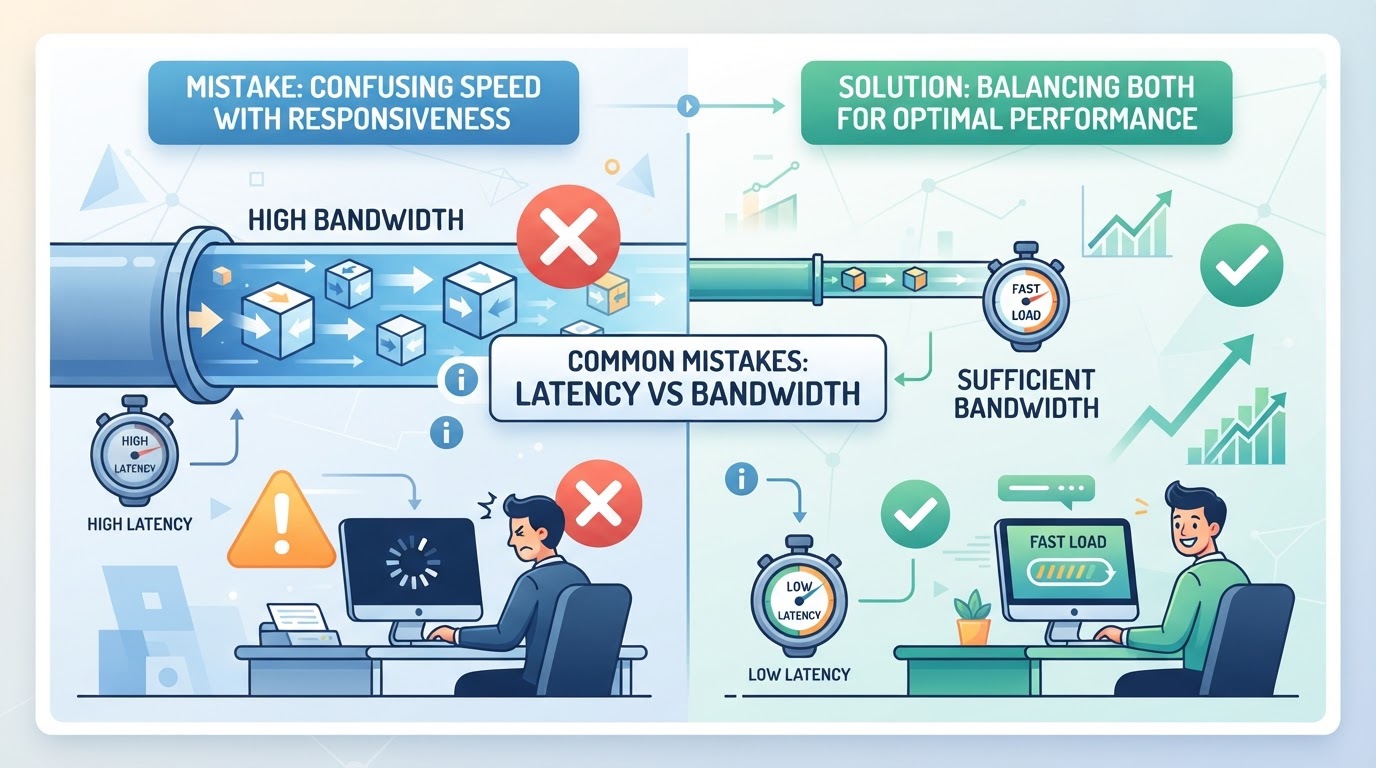
Here’s where most teams get tripped up: bandwidth is about how much data you can move at once, while latency is how long it takes a single packet to get through. They don’t always rise and fall together. That’s why a connection with plenty of bandwidth but high latency can still feel slow, especially for real-time apps or anything that relies on quick back-and-forth traffic.
Understanding what is latency vs bandwidth, and how to measure and choose between them, means you’ll actually solve the right problem. Let’s break down what these terms mean and how the difference plays out in real-world workflows.
What’s the Real Difference Between Latency and Bandwidth?
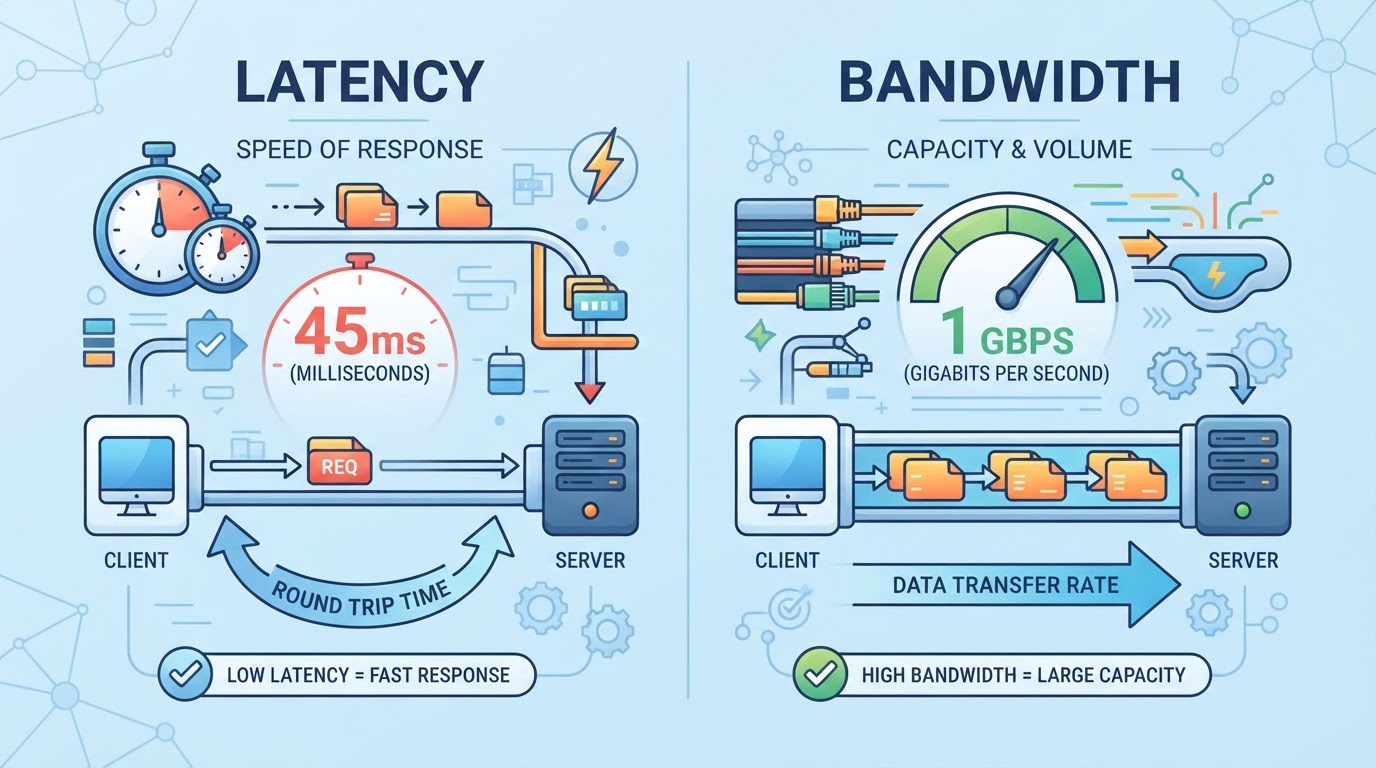
If you’ve ever wondered why your network feels slow even when the speed test numbers look good, you’re asking the right question. Latency and bandwidth measure different things , and knowing the difference is what keeps you from chasing the wrong fix.
How is latency defined and measured?
Latency is a time-delay measurement; specify whether it is one-way delay or round-trip time (RTT). Ping commonly measures an ICMP round trip, while traceroute reports responses to probes at successive hops. Neither automatically measures a proxied application request or server-processing time.
What does bandwidth actually measure?
Bandwidth is the maximum amount of data your network can move at once. Think of it as the width of a highway: a wider road lets more cars pass at the same time, but it doesn’t make individual cars go faster. Measured in megabits per second (Mbps) or gigabits per second (Gbps), bandwidth sets the ceiling for how much you can transfer in bulk. You’ll see bandwidth come up in speed tests and file transfers , when you’re downloading big files, streaming video, or pushing large datasets between servers, bandwidth is what matters most.
A high-capacity link can still have slow request-response exchanges. Large transfers can also be constrained by RTT, packet loss, congestion control, receive windows, or the server. Capacity is a ceiling, not a promise of the throughput one transfer will achieve.
| Metric | What It Measures | Typical Unit | Example Use Case |
|---|---|---|---|
| Latency | Specified one-way delay or RTT | ms | Interactive requests and network measurements |
| Bandwidth | Max data per second | Mbps/Gbps | File transfer, video streaming |
Caption: Latency vs bandwidth meaning for common business tasks
Why are both latency and bandwidth important, but not interchangeable?
- High bandwidth helps bulk transfers but won’t fix slow responses if latency is bad.
- Low latency is key for real-time, interactive tasks , every extra millisecond matters.
- A task can depend on both: a scraper may wait on sequential requests or transfer large payloads, while a stream also has startup and responsiveness requirements.
If you only check bandwidth, you’ll miss why some apps feel laggy. If you only check latency, you’ll wonder why big uploads stall. The difference between latency and bandwidth isn’t just technical , it’s what decides whether your workflow hits the limits or keeps moving. Next, we’ll look at when one matters more than the other, and how to spot which metric is holding you back.
When Does Latency Matter More Than Bandwidth (and Vice Versa)?
If your app feels “slow” but your speed test shows big numbers, you’re probably hitting a latency wall, not a bandwidth cap. The difference between latency and bandwidth isn’t just technical; it shapes which upgrades actually fix your pain points.
Which tasks are most sensitive to latency?
Some workflows fail not because of low bandwidth, but because the network can’t respond fast enough. Anything where response time matters more than how much data moves per second is latency-bound.
| Task | Latency Impact | Bandwidth Impact | Notes |
|---|---|---|---|
| Video Calls | High (voice lag) | Moderate (HD video) | Delay ruins conversation, even at 50Mbps |
| Online Gaming | Extreme (input lag) | Low (few MB/s needed) | Fast reactions trump big downloads |
| Real-Time Trading | High (order speed) | Low (small payloads) | Milliseconds matter, not MB/s |
| Remote Control | High (screen input) | Low (screen updates) | Slow input kills usability |
If you need instant feedback, like in live chat, gaming, or trading, latency is the bottleneck. High bandwidth won’t help if every packet takes too long to reach its destination.
Which workflows depend more on bandwidth?
Bulk transfers need sufficient sustained throughput, but delay and loss can still affect how quickly a transport fills the path and recovers. Measure achieved application throughput rather than equating it with the access plan's nominal bandwidth.
How to Diagnose the Limiting Factor
Measure the actual request path: connection setup, TLS setup, time to first byte, total time, bytes transferred, and concurrency. Compare a direct baseline with the configured route and keep the target and workload constant. A nearby speed-test server or direct ICMP ping is a useful signal, not a measurement of a separate proxy application path.
Most real-world workflows will lean one way or the other, but some, like streaming interactive content, can hit both limits at once. Before you invest in upgrades or switch providers, confirm which metric is causing the pain. That clarity makes measuring, and improving, your connection much easier in the next step.
How Are Latency and Bandwidth Measured, and What Can Skew the Results?
Getting reliable numbers for latency and bandwidth is the only way to know what’s really slowing you down. But the tools and timing you pick can change the story, sometimes by a lot.
What tools and methods are used to measure latency?
Ping measures probe RTT when ICMP is available. Traceroute can help identify a path, but intermediate devices may treat probes differently from forwarded application traffic. Inspect repeated end-to-end measurements and the actual application before assigning a bottleneck to one hop.
How is bandwidth tested in real-world conditions?
- Run a speed test against a known, nearby server, not one across the globe.
- Test at different times of day to spot dips due to congestion.
- Use a tool that matches your actual protocol (FTP, HTTP, etc.) for the most realistic result.
What can distort latency or bandwidth measurements?
A great test can still give you useless data if you miss hidden factors, like a loaded Wi-Fi network or a device throttling its speed.
- Check for background downloads or other traffic that could muddy results.
- Watch out for bufferbloat: heavy queues in your router can make latency spike while bandwidth stays high.
- Repeat tests with the same device and location to rule out random hardware quirks.
Measuring network speed isn’t just about picking a tool. It’s about spotting the sneaky things that can trip you up, so you don’t waste time chasing the wrong fix. This groundwork makes it much easier to judge what will actually help when you’re looking at proxy or network service options in the next step.
Where Proxy Services Like PuraRoute Fit: Managing Latency, Bandwidth, and Network Control
Figuring out whether latency or bandwidth is the real bottleneck only gets you so far, network tools can still introduce their own limits. Proxy services like PuraRoute sit between your users and the target sites, shaping both the path and the behavior of your traffic. The catch: proxies don’t create bandwidth or erase latency, but the right configuration can keep those factors from causing avoidable slowdowns or unexpected failures. Picking the wrong proxy type, in contrast, can add extra hops, session churn, or unpredictable speeds that no amount of raw bandwidth can mask. The real value is in matching your proxy setup, static, rotating, protocol, and session, to the demands of your workflow.
When to use PuraRoute Static Residential Proxies for stable, fixed-IP connections
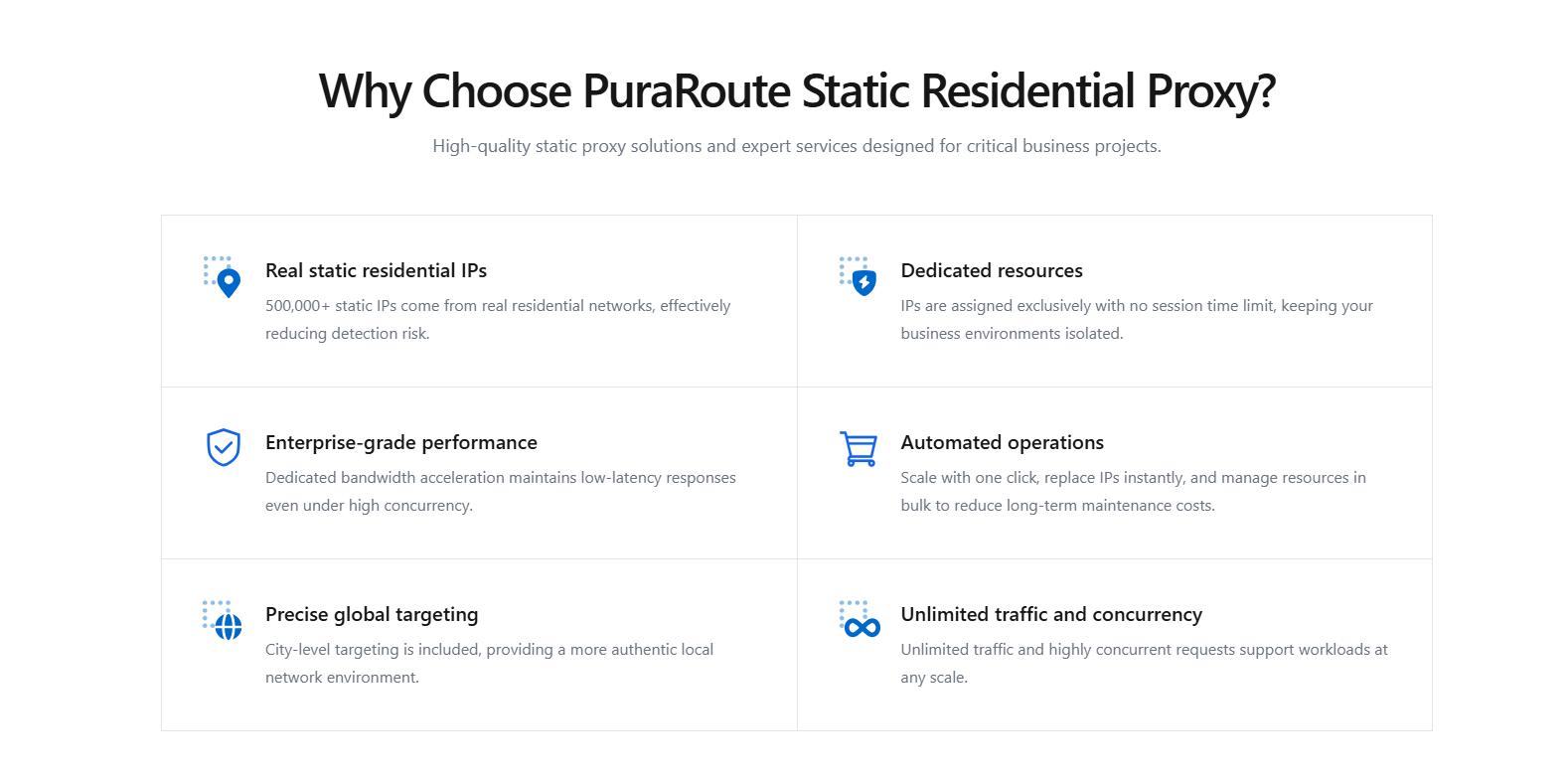
PuraRoute Static Residential resources provide a dedicated, fixed assigned IP during the active term, with traffic terms defined by the product. Choose this for a documented IP-continuity requirement; measure latency and throughput for the intended destination rather than assuming the label guarantees speed. Check live inventory and renewal conditions.
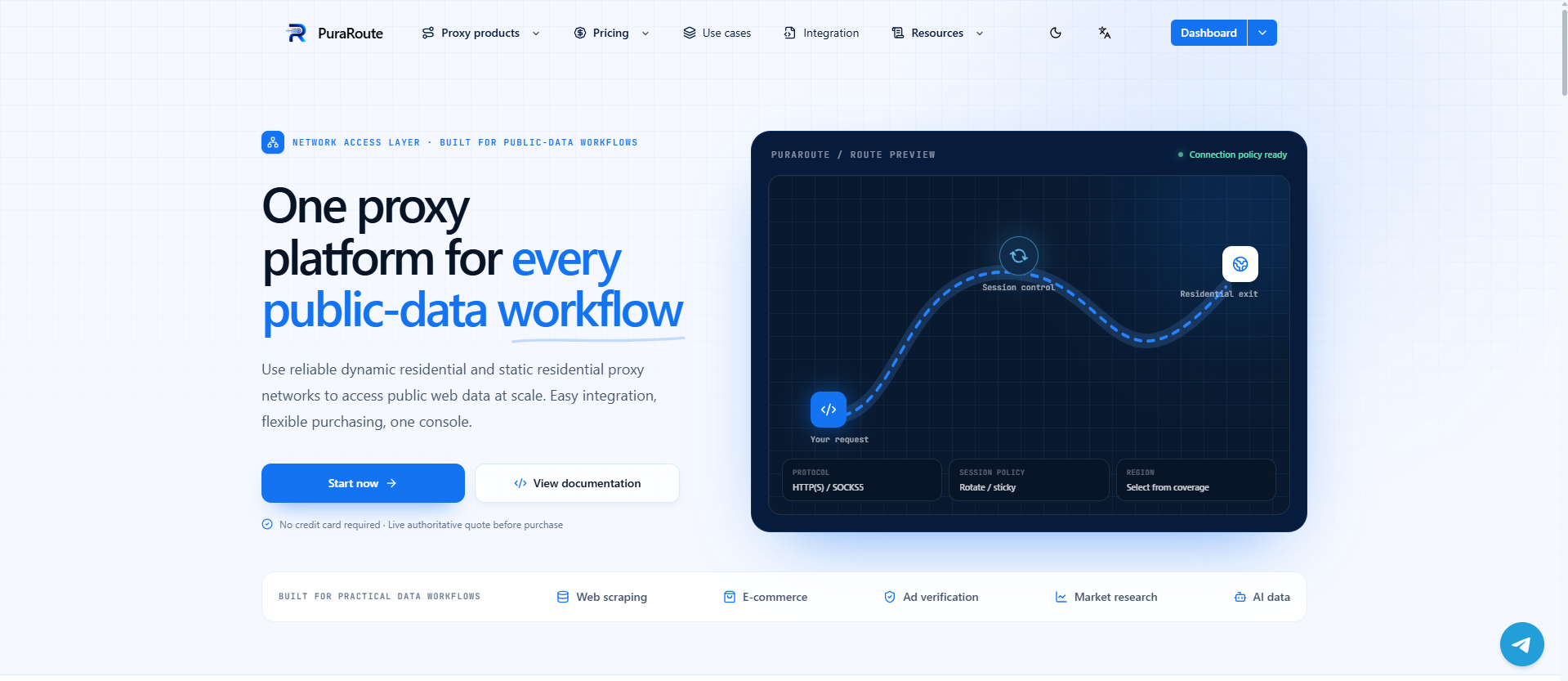
How PuraRoute’s platform helps manage proxy resource selection, session control, and protocol choice
The platform offers product-specific rotation, sticky behavior, static resources, and supported endpoint protocols. Match those to the client and required IP continuity. Sticky consistency depends on settings and network conditions. Protocol names or a large IP pool alone do not establish higher throughput or lower delay; compare measurements for the actual route and workload.
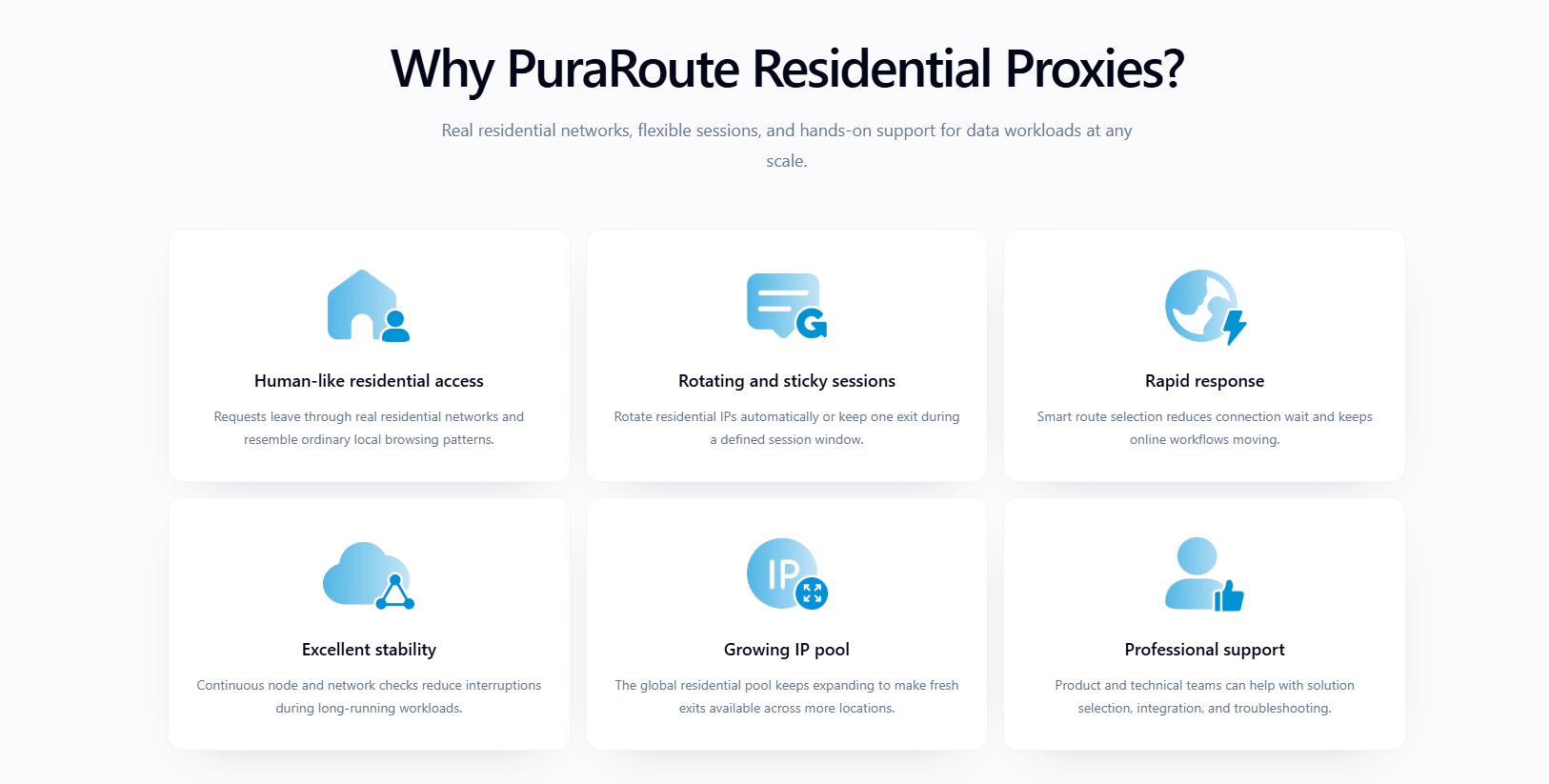
How PuraRoute Rotating Residential Proxies impact latency and bandwidth in high-volume tasks
Rotating Residential resources can support concurrent authorized requests, but concurrency is not unlimited bandwidth or target-side capacity. Purchased traffic, the route, workload, endpoint conditions, and target limits still matter. Measure throughput and error rates as concurrency changes instead of assuming more connections always improve completion time.
How PuraRoute Static Native Proxies support persistent, low-latency business operations
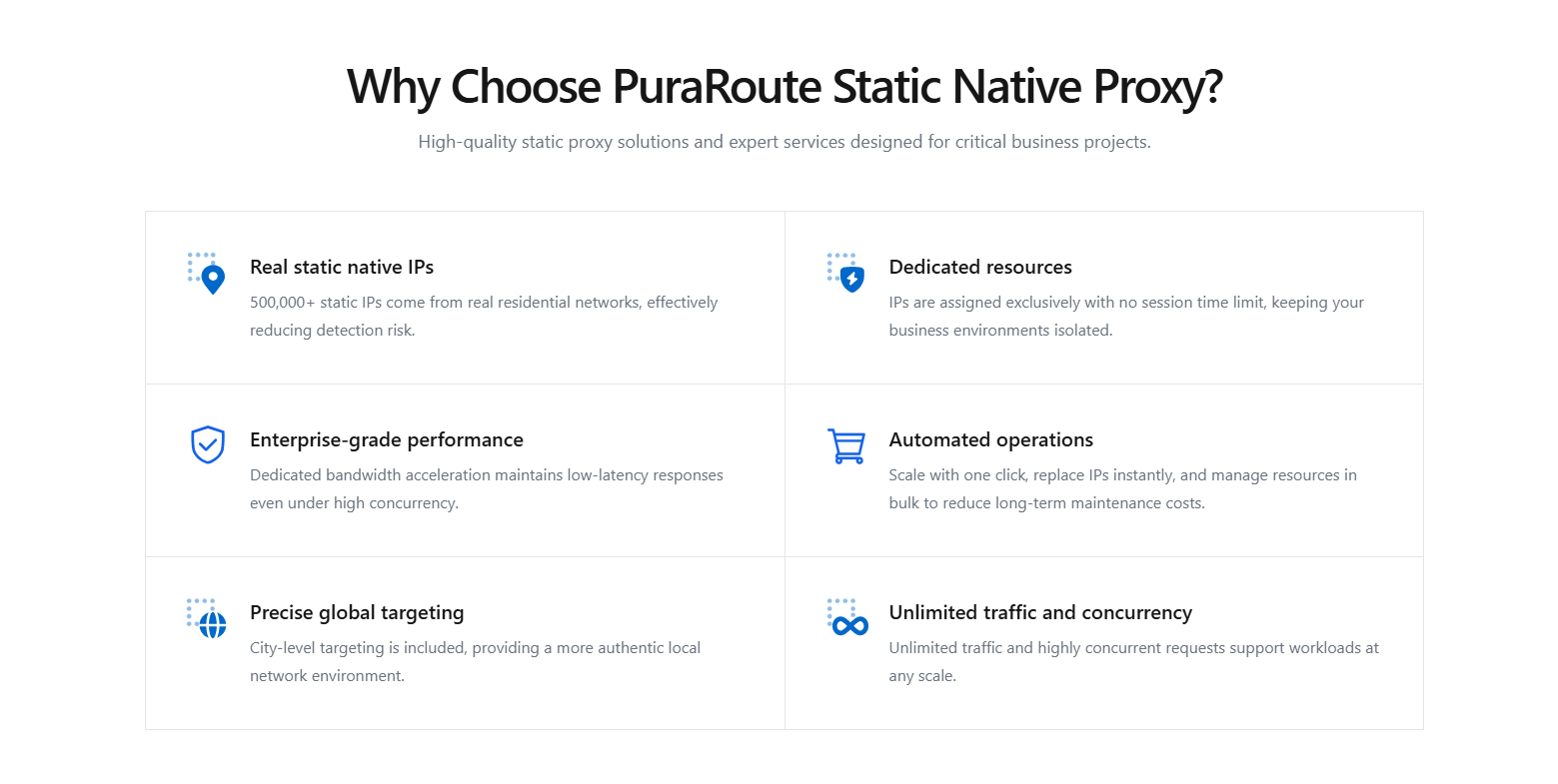
Static Native resources use the ISP_NATIVE category and a fixed assigned IP while active. Check current inventory and the resource terms. Treat latency and throughput as measurements for the intended destination, not guaranteed consequences of the product name.
This groundwork sets up the next step: comparing how proxies, VPNs, and direct connections each handle the realities of latency and bandwidth in real-world use.
How Latency and Bandwidth Affect Different Technologies: VPNs, Proxies, and Direct Connections
The way you connect, direct, through a VPN, or via a proxy, changes both latency and bandwidth. If you want a fast setup for real-time apps or bulk transfers, it’s not just about specs. The technology behind your connection shapes how much delay you see and how much data you can push at once.
Direct connection: baseline for latency and bandwidth
Use a direct connection as a baseline, not an assumed global minimum. A different route can sometimes perform better or worse depending on peering, congestion, and the target.
| Connection | What to Measure | Important Variables |
|---|---|---|
| Direct | Actual request time and throughput | Access link, ISP route, target capacity |
| VPN tunnel | Same workload on the configured tunnel | Route scope, server load, transport and processing |
| Configured proxy | Same workload from the actual client | Endpoint path, session behavior, client and target |
How VPNs Affect the Path
A tunnel can change the route and add processing. The measured effect depends on configuration and network conditions; there is no universal doubling factor.
How Proxies Compare
A proxy adds an intermediary to the traffic that uses it. Static allocation describes IP continuity, not automatically steadier throughput. Evaluate the route and workload rather than ranking modes on an unmeasured speed claim.
If your workflow needs stable speed or low delay, always check how each layer affects both metrics, not just the numbers on the plan. This is where mistakes happen: picking by bandwidth alone rarely solves latency bottlenecks.
Next, see what to check before settling on a network solution for your actual workflow.
What to Check Before Choosing a Network Solution for Your Workflow

Does your workflow need low latency, high bandwidth, or both?
Identify the workload's response-time and throughput requirements. Interactive exchanges are sensitive to round-trip delay; bulk transfers need sustained throughput but can still be affected by RTT and loss. A mixed workload needs both measured under realistic load.
How do location, protocol, and session needs affect your choice?
- Confirm your workflow needs country, city, or region targeting, don’t assume global works for all tasks.
- Check protocol compatibility: HTTP(S) or SOCKS5, whichever your tool supports.
- Validate if you need session persistence or frequent IP rotation, each changes how the proxy or VPN behaves.
What are the risks of over- or under-provisioning?
Paying for more bandwidth than you use wastes budget, but picking too little means constant timeouts and frustrated users. Missing the right balance often leads to avoidable delays and support headaches.
How to test and validate before committing
Start with a pilot, run a real workflow, not a synthetic speed test.
Track actual latency and bandwidth during peak use.
Adjust your plan based on real numbers, not vendor specs.
Common Mistakes When Comparing Latency and Bandwidth (and How to Avoid Them)
Assuming bandwidth upgrades always fix slow performance
Buying more bandwidth won’t solve everything, especially for tasks where speed depends on how fast each individual request gets through. Video calls, gaming, or real-time monitoring often choke because of high latency, not low bandwidth. The real fix is to diagnose whether your workflow is waiting on data to arrive, not just on how much you can push at once.
Ignoring the impact of network routing and distance
- Check the actual route rather than ignoring long detours.
- Compare server location and measured path performance.
- Repeat measurements after a route or network change.
Overlooking protocol and device limitations
Even a fast network hits a wall if your hardware or software can't keep up. Outdated routers, overloaded firewalls, or old browser versions can throttle speed and spike response times, no matter how good your connection spec looks.
Not testing under real-world conditions
The numbers you see in an empty office don't match a busy workday.
- Run tests during actual usage hours.
- Simulate real traffic, not just basic pings.
- Repeat tests after software or network changes.
Frequently Asked Questions About what is latency vs bandwidth
Can I have high bandwidth and low latency at the same time?
Yes, you can have both high bandwidth and low latency, but it depends on the network setup, the equipment in use, and how data is routed. Fast fiber connections often achieve this, but if traffic goes through many hops or old hardware, you might see high bandwidth but still have noticeable delays.
Does using a proxy or VPN always increase latency?
Using a proxy or VPN can add some latency, since your data travels through extra servers and may be processed along the way. How much delay you notice depends on the provider’s infrastructure, the physical distance to their servers, and which protocol you’re using (like HTTP(S) or SOCKS5).
How do I know if my workflow is limited by latency or bandwidth?
Compare application timings and sustained transfer rates under the real workload. A quick direct ping does not rule out target processing, a proxy route, TLS setup, packet loss, or client concurrency as the cause of slow application responses.
Are there business tasks where bandwidth is more important than latency?
Yes. Tasks like cloud backups, video streaming, or big file transfers care more about bandwidth, they need to move a lot of data at once. On the other hand, online meetings, trading, or remote control tools are more sensitive to latency and need quick responses.
How do proxies like PuraRoute help manage network performance?
A proxy service exposes routing and resource choices for a compatible client. Those choices can help meet an IP or location requirement, but their performance must be measured against the target workload. They do not create bandwidth or guarantee reduced latency.
When deciding how to improve your network setup, it makes sense to first clarify whether your workflow is limited by slow response times or by the amount of data you need to handle at once. Once you know which factor matters more for your task, you can start matching proxy types and resources to fit the actual network demands.
Try Puraroute Now
