
How to Purchase and Use PuraRoute Static Native Proxies
Guide for beginners on how to Purchase and Use PuraRoute Static Native Proxies
What is Static Native Proxy?
PuraRoute Static Residential (ISP) Proxies deliver persistent residential IP addresses with stable connections. Each user gets an exclusive, non‑shared fixed IP for the full active term, with dedicated bandwidth and unlimited traffic at no extra hidden cost, billed per IP.
It works with HTTP(S) and SOCKS5 protocols and is compatible with mainstream automation tools such as Selenium and Scrapy.
This proxy type fits long‑term workloads including social media account management, e‑commerce operations and ad verification that require consistent network identity. A visual dashboard supports centralized proxy, subscription and renewal management.
How to Use Static Native Proxy
1. Register and log in to PuraRoute Proxy
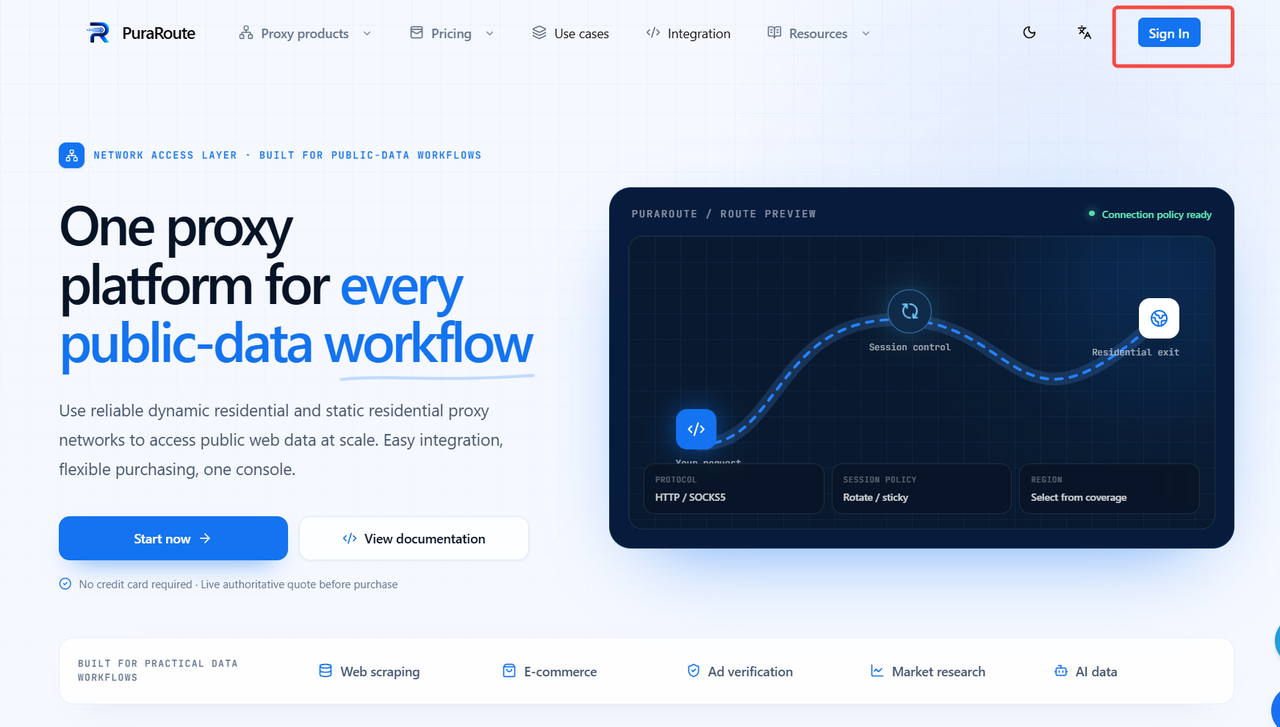
Go to the official PuraRoute website and click [Sign in].
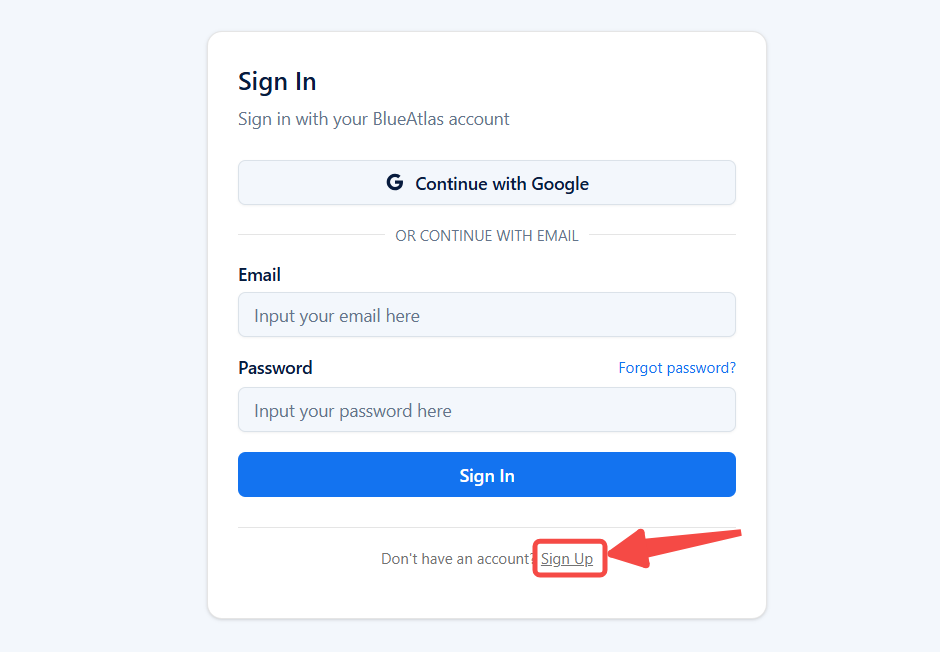
Click Sign up to open the registration page.
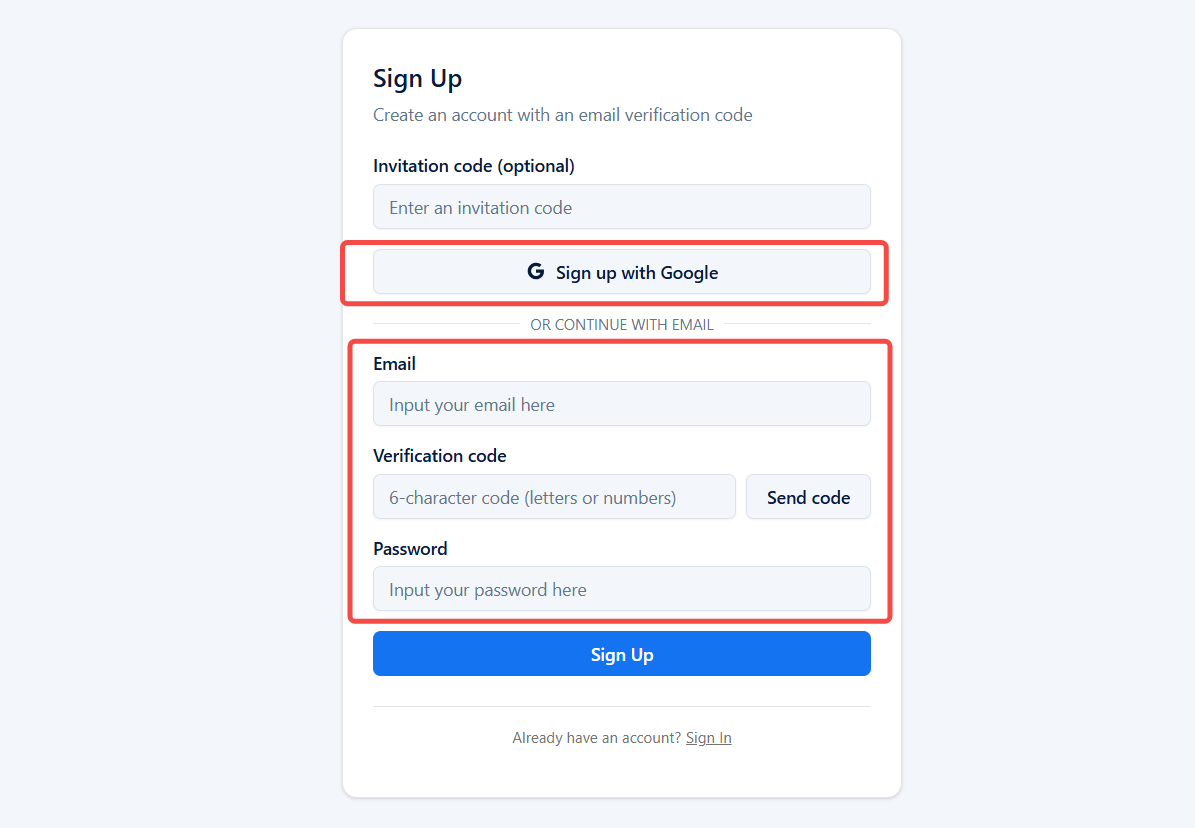
Email registration: Fill in your email address, verification code and password, then click [Sign up] to finish registration.
Quick registration with Google account: Click [ Sign up with Google ] to register.
2. Purchase Static Native Proxy
2.1 Wallet Top‑up
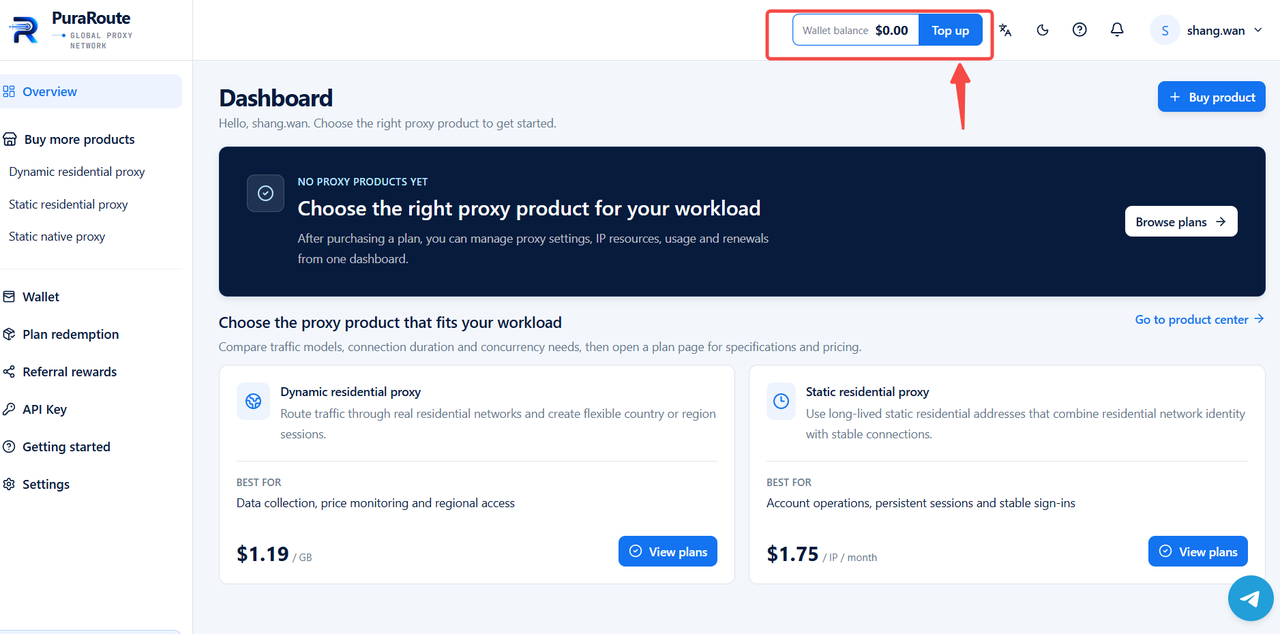
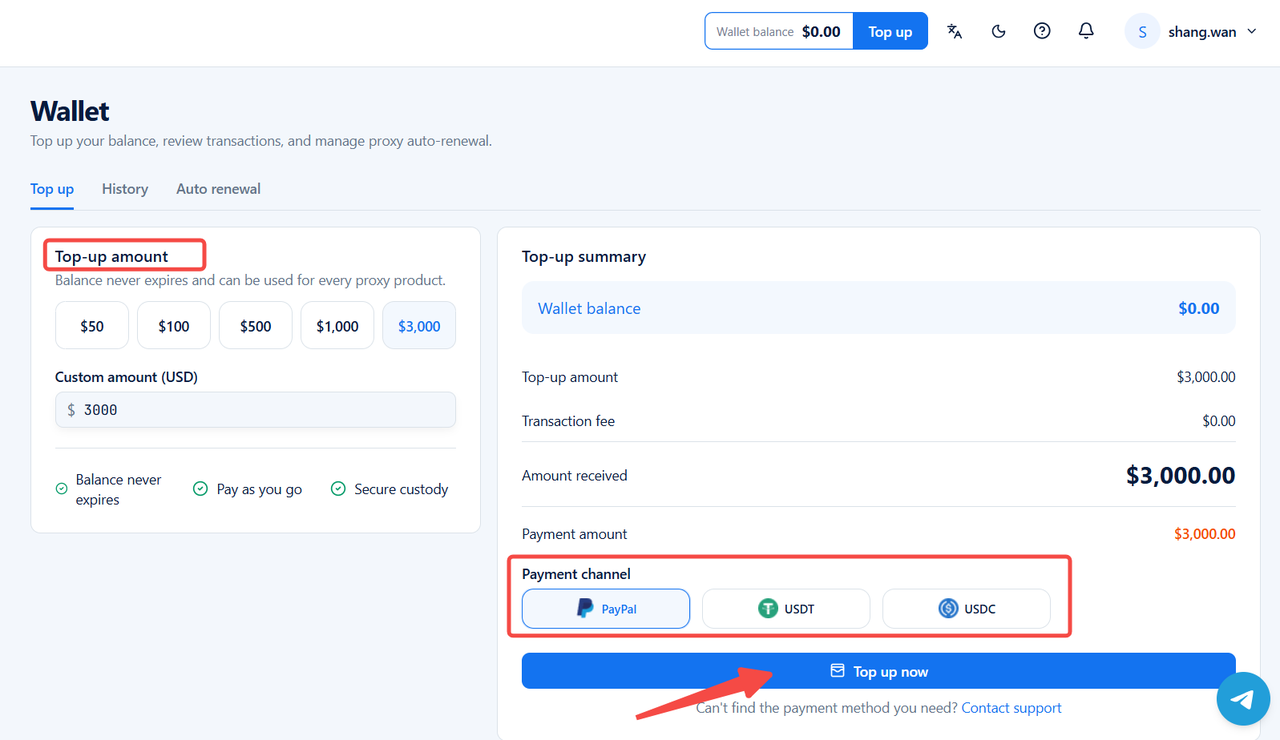
Locate [Top up] in the upper‑right corner of the page to fund your wallet for subsequent proxy purchases.
Select your top‑up amount. After confirmation, view payment details under [Top‑up summary]. Complete payment via PayPal, USDT, USDC, PIX, CARD (VND), CARD (USD) .
2.2 Purchase Static Native Proxy
On the PuraRoute page, locate [Static native proxy] in the left‑hand dashboard.
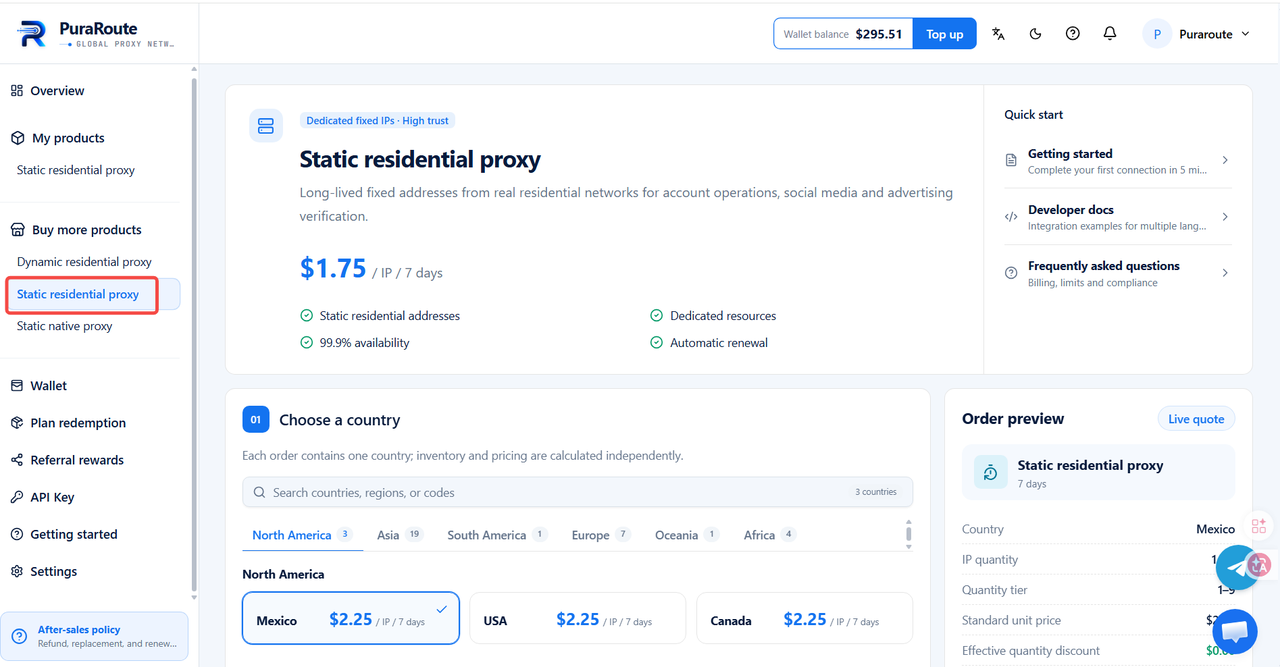
Here you can view relevant static residential proxy information:
- Choose billing cycle: 7‑day, 30‑day and 90-day subscription cycles are supported.
- Choose a regions: Options include North America, Asia, South America, Europe, Oceania and Africa. Each order covers one country; inventory and pricing are calculated independently.
- Review regional price tiers: Only one distinct quantity‑based pricing tiers are available.
- Order preview: Review payment details for your current proxy order. Including regions, IP quantity, Billing cycle, and use of discount codes.
- Order total: Displays the total cost of your proxy purchase.

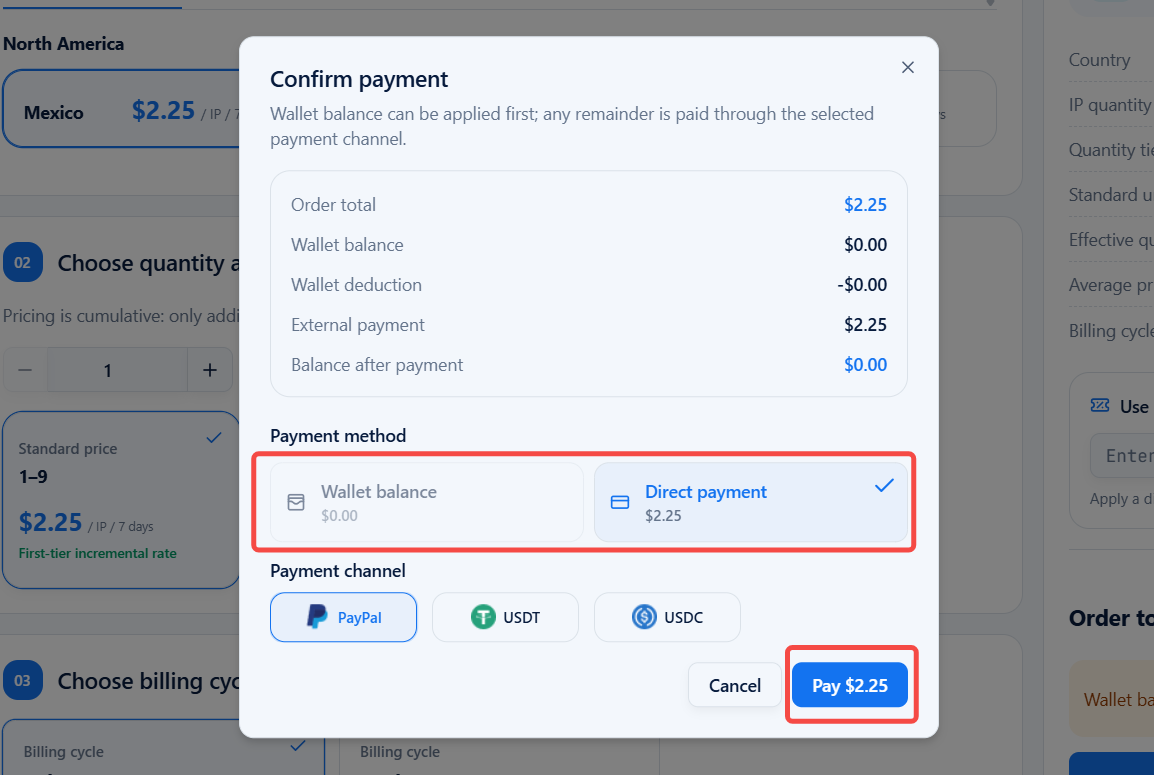
Verify your order details, then click [Comfirm purchase] and pay via Wallet balance or Direct payment.
2.3 View Purchased Static Native Proxy Details
Navigate to [My products] > [Static native proxy] on the left‑side dashboard.
You may access purchased proxy information including IP ID, Proxy host, Port, account, password, Exit IP, Location, Expiry date, Remark, and Actions (Copy, Manual renewal, Manage auto renewal).
