
Customer Support
Customer Support
Support – Contacting Customer Service Support
Inform users how to add customer service contact details to get quick support.
Currently, you can contact our online customer service through the following methods:
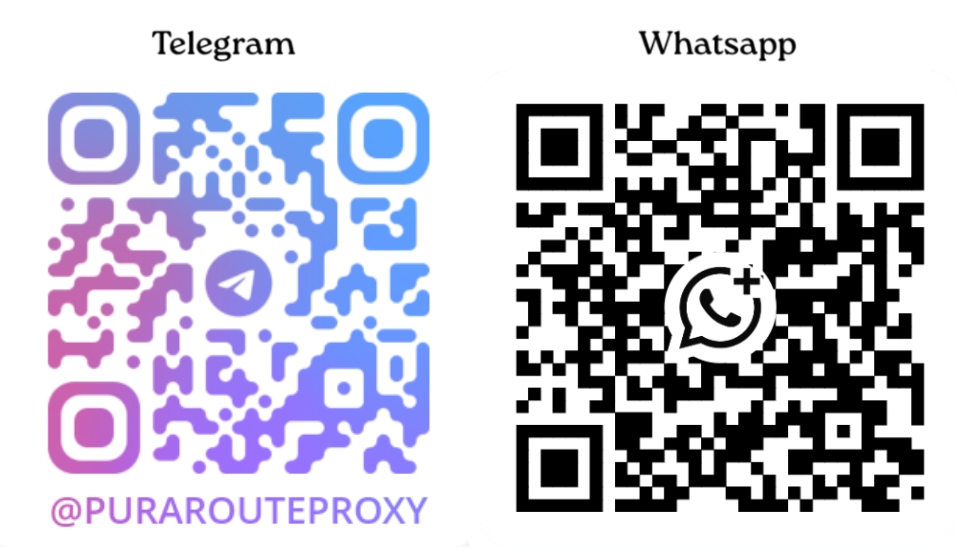
- Telegram/WhatsApp Support: Scan the QR code to add the customer service contact for inquiries.
- Official Website: Click the chat box in the bottom right corner of the website.
-
Customer Service Hours: 11:00 AM – 12:00 PM, 1:30 PM – 9:00 PM (UTC+8:00).
(Please note that during non-business hours and public holidays, responses may be delayed. You can leave your message after adding the customer service contact, and we will get back to you as soon as possible.)
If you have any suggestions for improving our services, feel free to contact us via any of the above channels. Your feedback helps us continue to optimize the service experience!