
Account Managerment
Account Managerment
How to Register and Log In to Your PuraRoute Account
Learn how to sign up for and access PuraRoute account.
I. Register and log in to PuraRoute Proxy
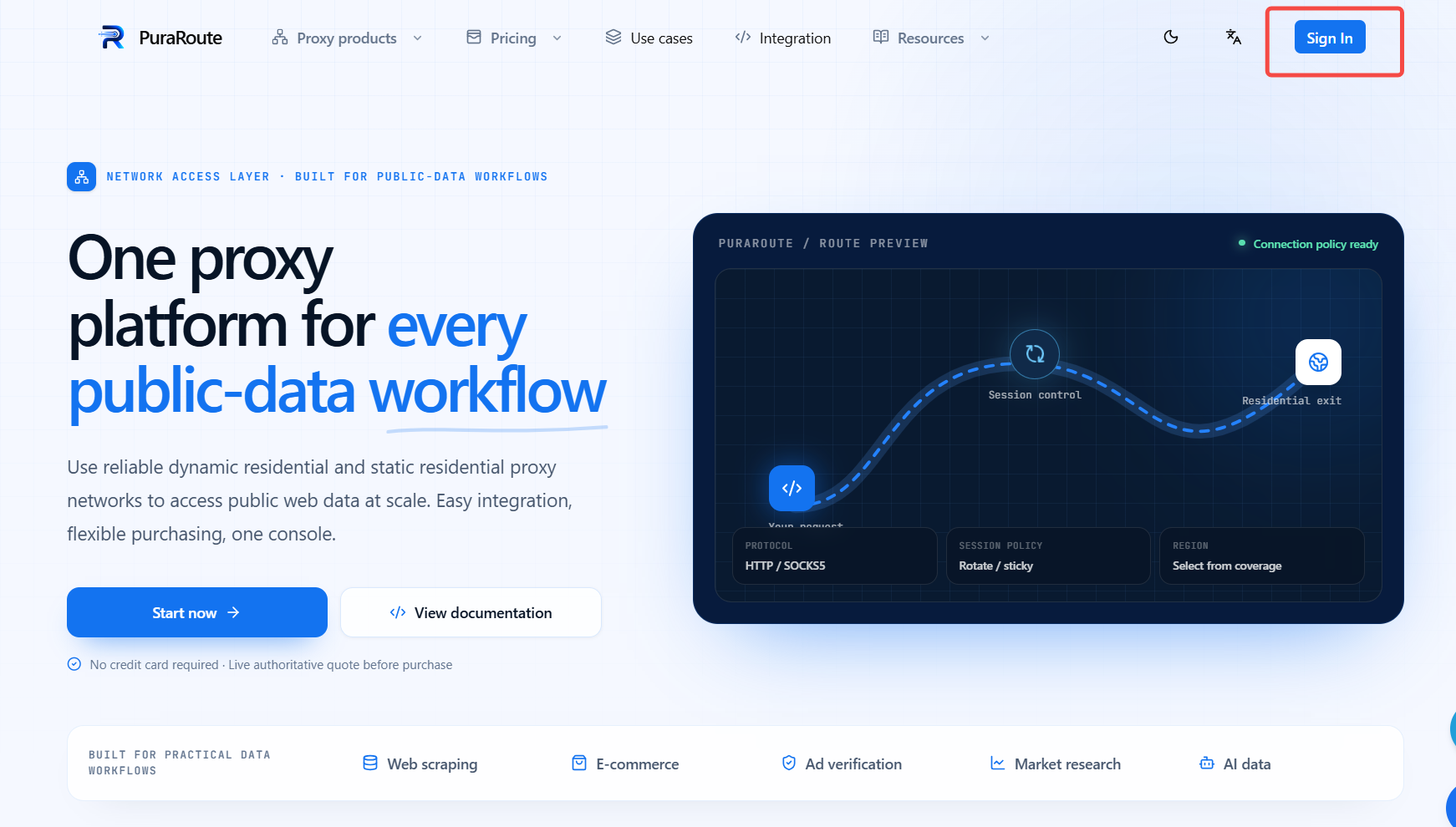
Go to the official PuraRoute website and click [Sign in].
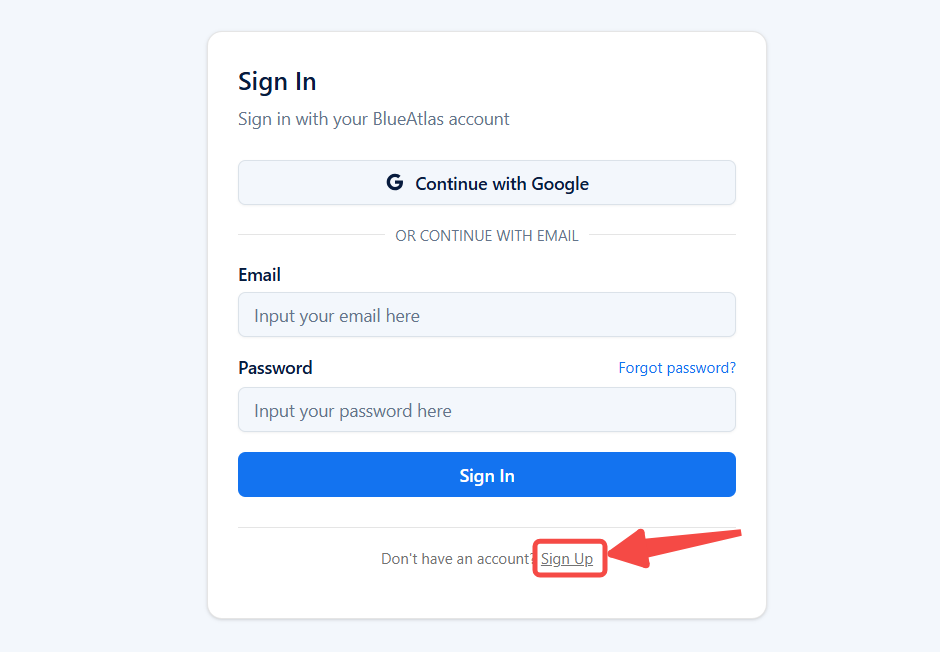
Click [Sign up] to open the registration page.
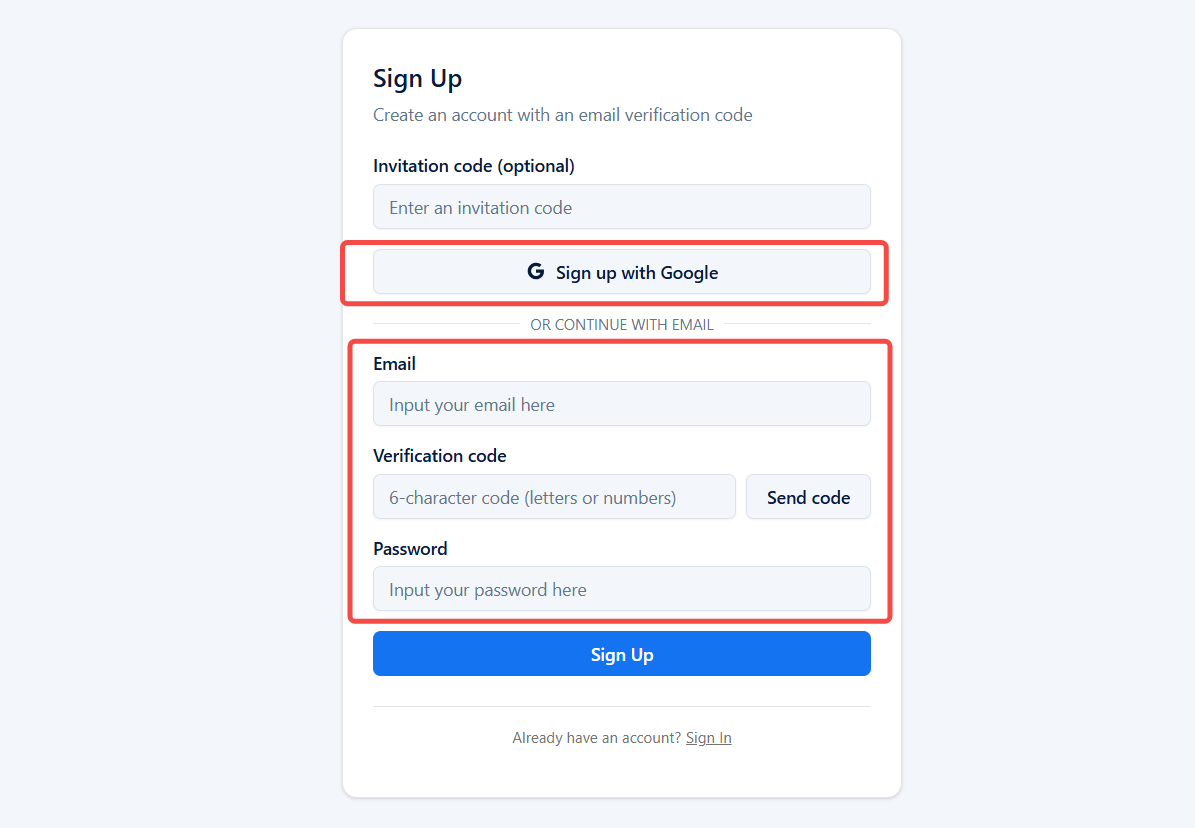
- Email registration: Fill in your email address, verification code and password, then click [Sign up] to finish registration.
- Quick registration with Google account: Click [Sign up with Google] to register.
II. Troubleshooting for Failed to Receive Verification Code
If you are not receiving the verification code, you can follow these steps to troubleshoot:
- Ensure the device has a stable network connection. You can verify this by accessing a webpage in your local browser.
- Verify that the email address you provided is correct. If it’s incorrect, please update it and request the verification code again.
- If the email address is correct, try clicking “Resend Verification Code” and wait for a few minutes (the email may have been delayed).
- Check your spam or promotional email folder, as the verification code email might have been misclassified by the system.
If you still don’t receive the verification code after following these steps, please contact PuraRoute’s official customer service for further assistance.